Photo From Emoji
Upload a photo and turn it into a picture made of emojis. Banana AI preserves the subject and creates clear emoji-tile detail you can see up close.
Image
Click to upload an image
PNG, JPG, JPEG, or WEBP (max 10MB)
Prompt
Aspect Ratio
Your generated images will appear here
More Magic Tools
More AI Image Tools for Your Next Edit
Try another Banana AI Magic Tool when your image needs cleanup, enhancement, style changes, or a different creative direction.
Emoji mosaic generator
Create a Photo Made of Emojis That Still Looks Like the Original
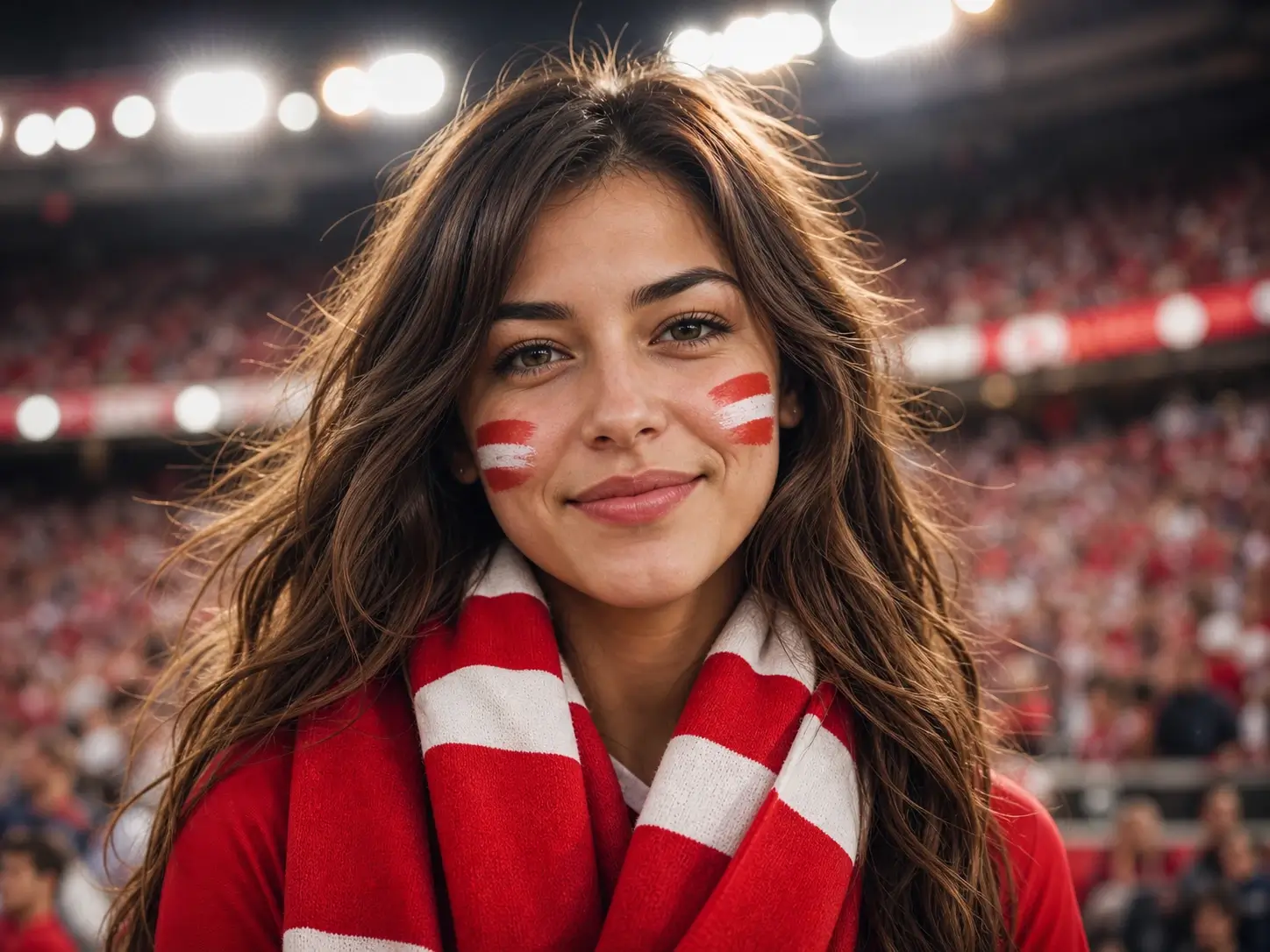
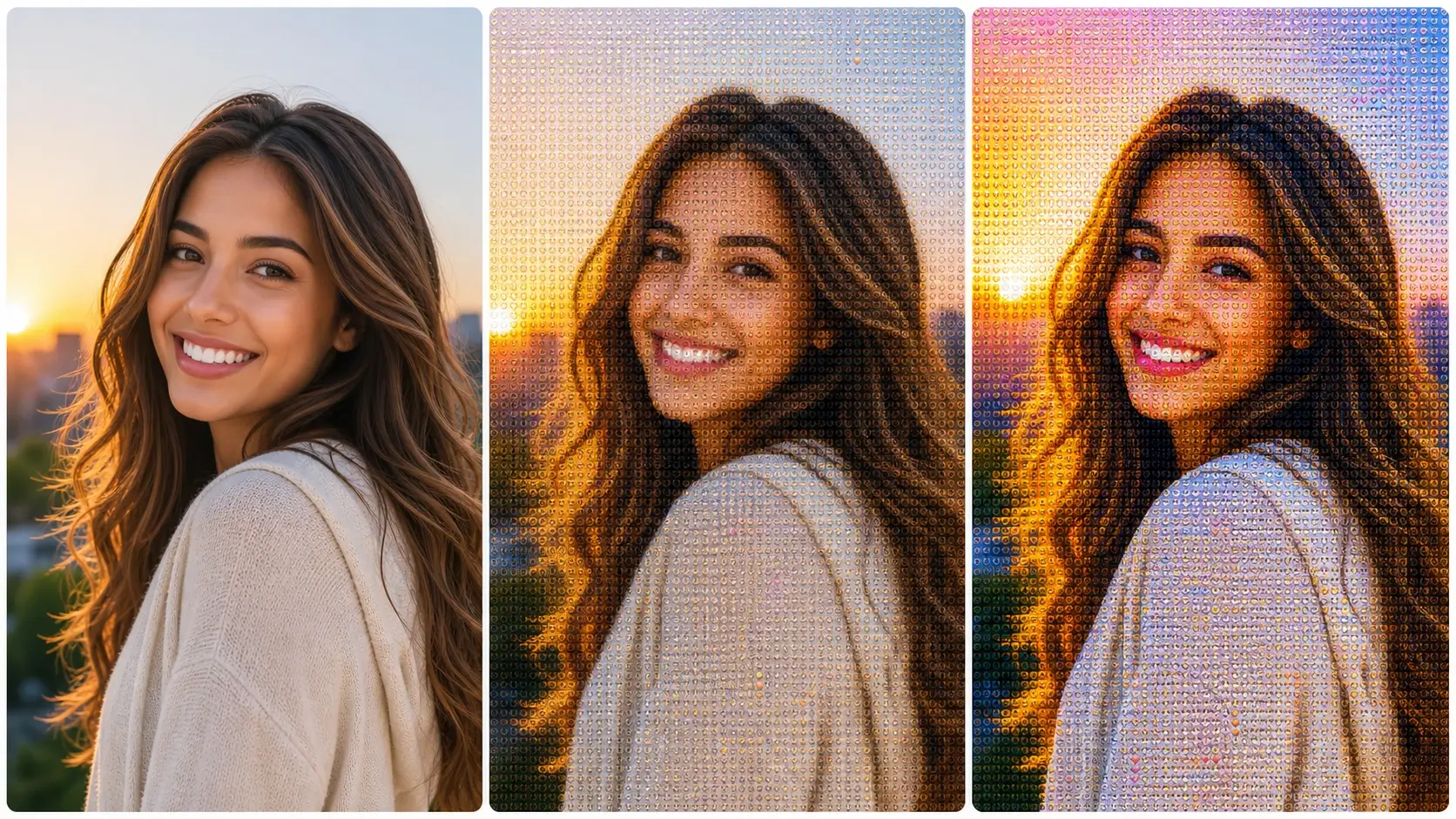
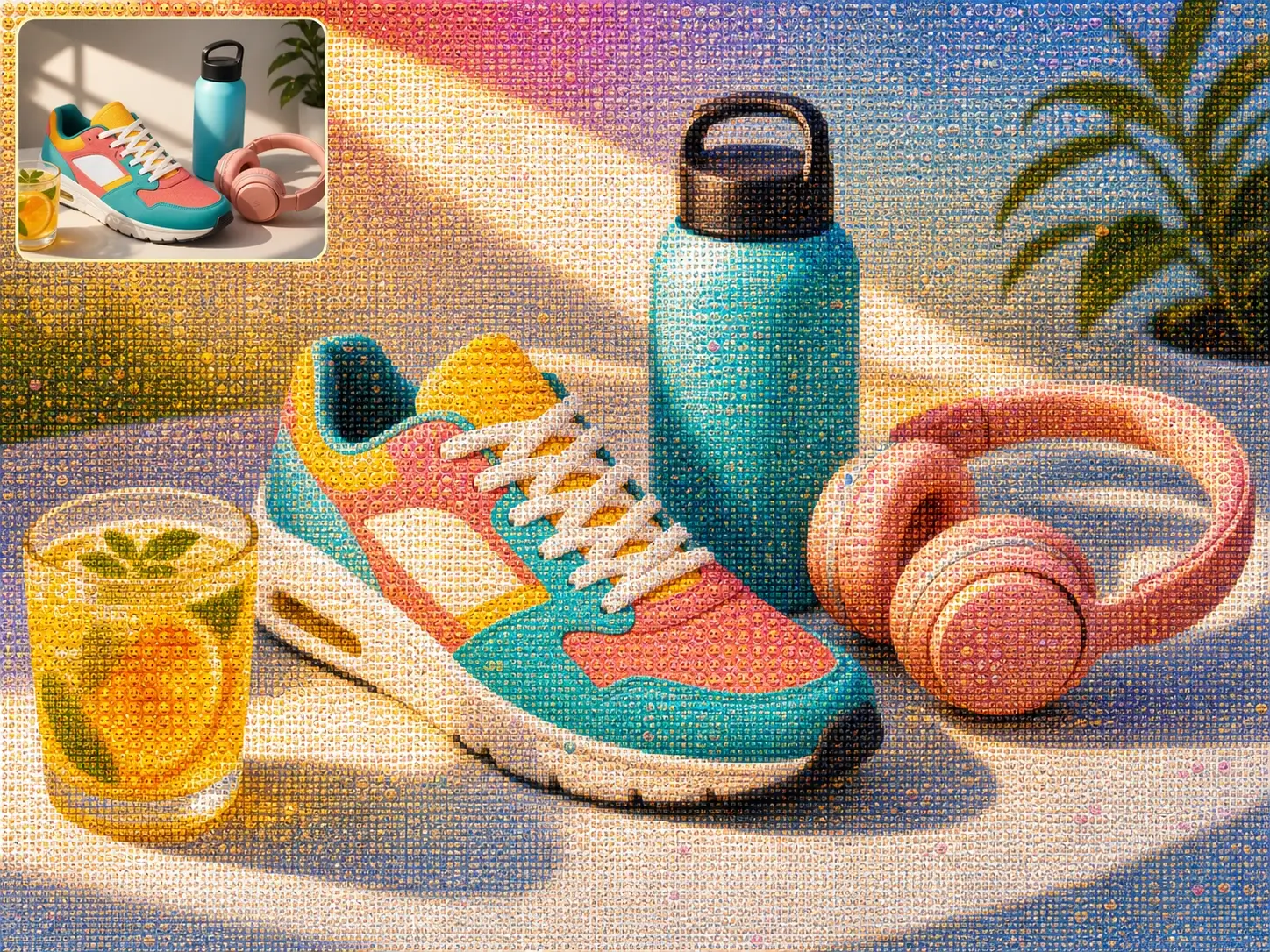
The Photo From Emoji generator maps the structure, color, and contrast of your image into visible emoji tiles. The result looks like the original photo from a distance and reveals playful emoji mosaic detail up close.
Keep the Original Photo Recognizable
Photo From Emoji reads the main subject, silhouette, lighting, and color zones before rebuilding the image with emoji tiles. The final emoji mosaic photo stays clear from a distance while showing playful emoji detail up close.
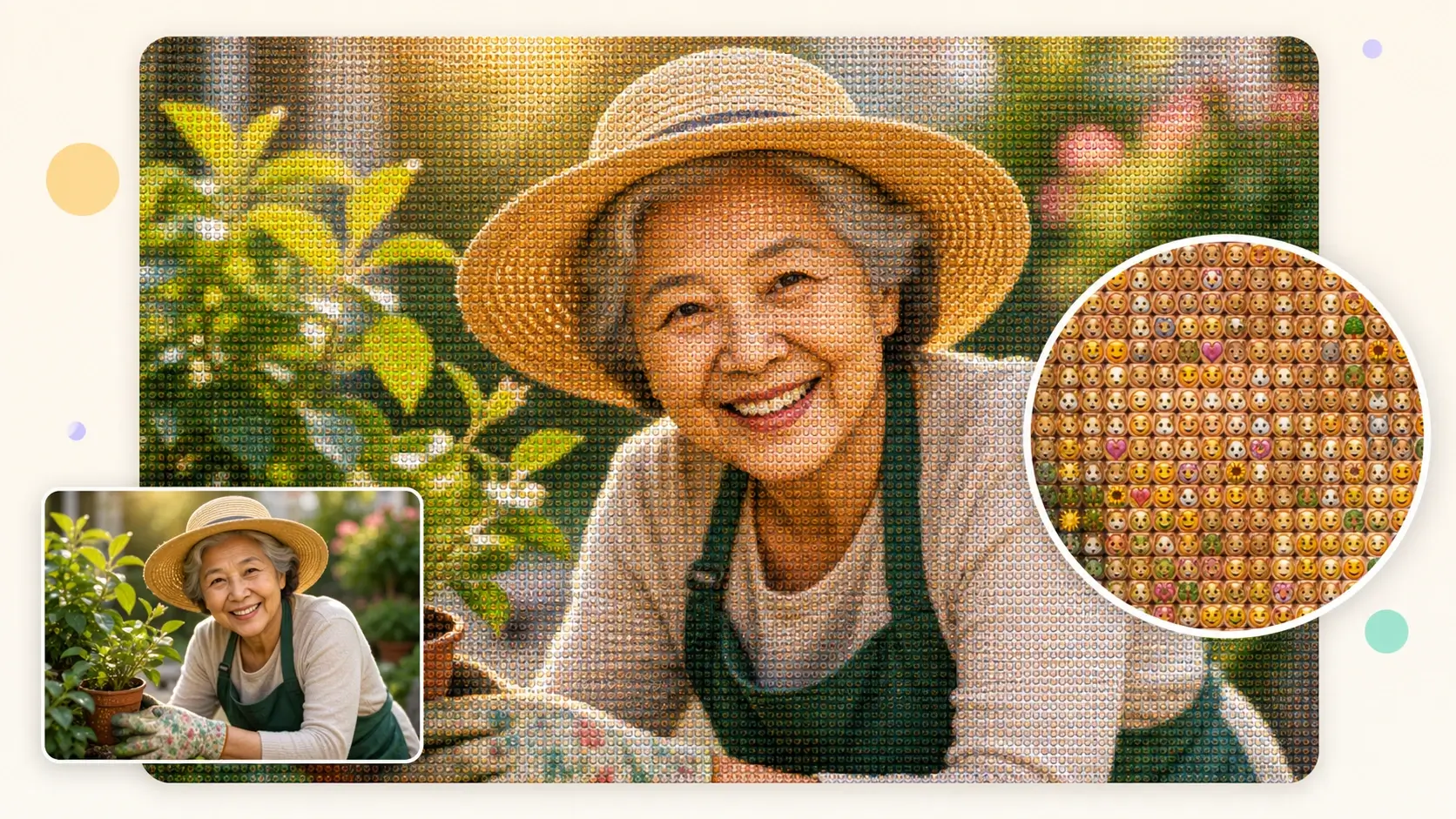
Make a Picture That Looks Built From Emojis
Instead of creating a simple sticker or avatar, Banana AI turns the full image into a photo made of emojis. It creates a stronger visual effect than a basic image to emoji converter.
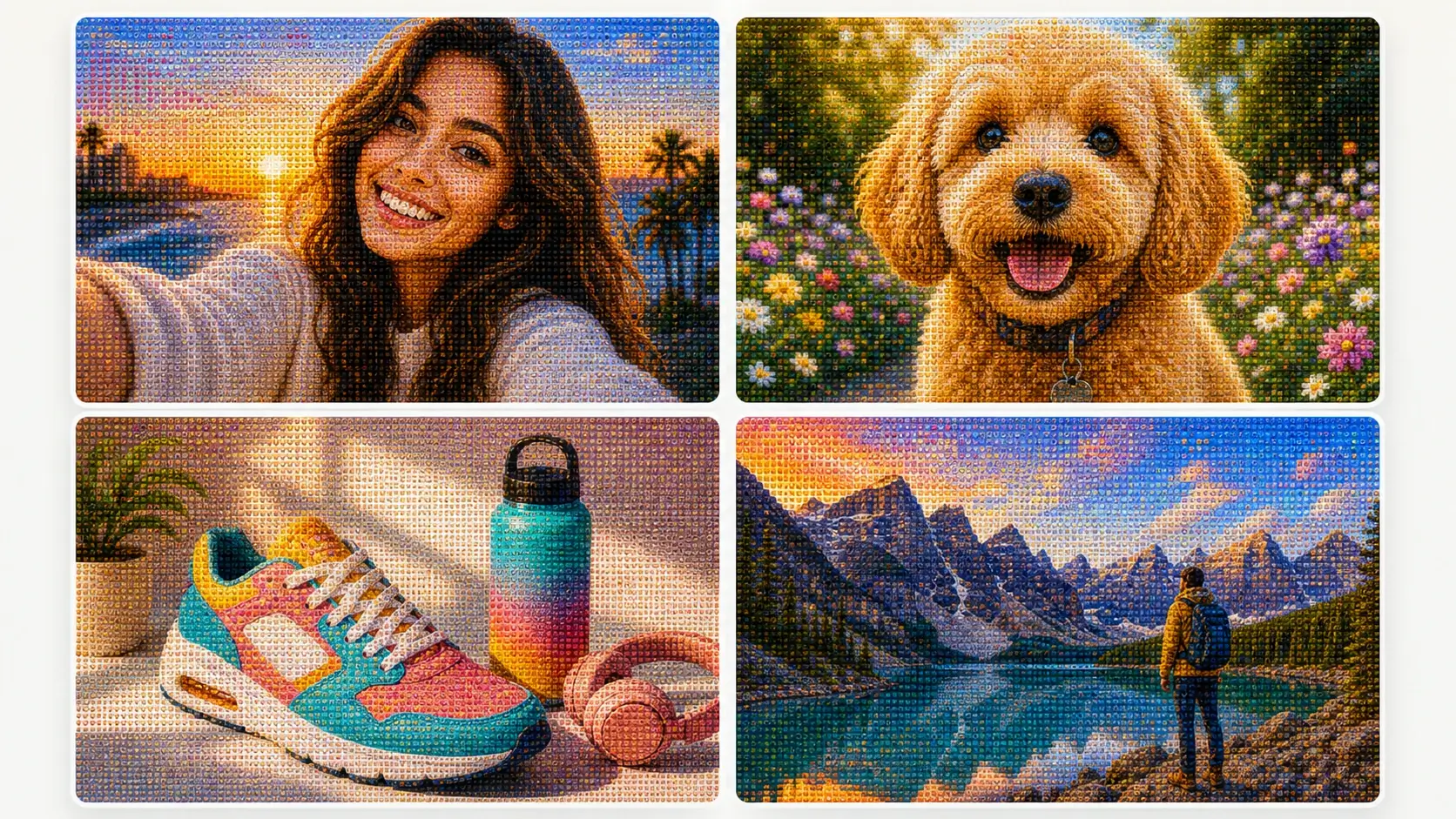
Works for People, Pets, Products, and Scenes
Use selfies, profile photos, pet portraits, product shots, food images, objects, landscapes, and lifestyle scenes. Clear subjects and strong contrast become lively emoji mosaic art for posts, thumbnails, and campaign visuals.
Create Photo-to-Emoji Mosaic Art Without Editing Software
Upload an image, describe the emoji style, and generate the result online. You can convert PNG to emoji mosaic art, make social visuals, or test playful creative ideas without Photoshop or manual emoji placement.
Simple steps
How to Use the Photo From Emoji Generator
Upload a photo, choose an emoji mosaic style, generate the result, and download a photo-to-emoji mosaic for social posts, avatars, thumbnails, or creative projects.
1
Upload Your Photo
Choose a portrait, pet, product, object, or scene with a clear subject. High-quality images give the Photo From Emoji generator more structure to preserve.
2
Describe the Emoji Mosaic Style
Use the default prompt or add a short style direction, such as dense emoji tiles, bright pop art, soft pastel emojis, or a playful social avatar look.
3
Generate a Picture Made of Emojis
Click generate and Banana AI rebuilds your image as emoji mosaic art. The AI preserves the subject and adds visible emoji-tile detail.
4
Download and Share
Preview the finished photo-to-emoji mosaic and download it. Use the result for avatars, posts, thumbnails, digital cards, campaigns, or creative experiments.
Core highlights
Why Create Photo From Emoji Art with Banana AI
Create recognizable emoji mosaic photos for selfies, pets, products, creator posts, thumbnails, event visuals, and personal gifts.
Recognizable Emoji Portraits
Turn selfies and profile photos into emoji mosaic portraits while keeping the face readable. The result feels personal, playful, and clear enough for avatar crops.
Pets, Products, and Objects
Create emoji art from pet photos, product shots, food images, and everyday objects. Strong shapes and clear contrast keep the emoji mosaic recognizable in posts and previews.
Visible Emoji Tile Detail
Make a photo that looks normal from a distance and reveals many small emoji icons up close. This close-up detail gives the image a stronger visual hook than a basic filter.
Social-Ready Emoji Art
Use Photo From Emoji for profile pictures, Instagram posts, TikTok covers, YouTube thumbnails, community updates, and creator announcements that need a playful twist.
Campaign and Event Visuals
Create friendly visuals for launches, seasonal campaigns, school events, online communities, and brand moments. The emoji texture adds energy without requiring a full design workflow.
Personal Gifts and Digital Cards
Turn a familiar photo into a picture made of emojis for birthdays, inside jokes, group chats, digital cards, and small surprise gifts people can save and share.
Loved by creators, pet owners, and social teams
What Users Say About Photo From Emoji
Users create Photo From Emoji images for profile pictures, campaign posts, thumbnails, pet portraits, digital cards, and lighthearted visual experiments.
MT
Mia Turner
Social Media Creator
I wanted a profile picture that felt different without losing my face. Photo From Emoji kept the portrait recognizable, and the emoji mosaic detail made people zoom in to see how it was made.
EP
Ethan Park
Community Manager
We used a team photo for a community announcement, and the result looked playful without feeling messy. The photo still read clearly in the feed, but the emoji tiles gave it a fun visual hook.
LB
Lena Brooks
Pet Shop Owner
The pet emoji mosaic results worked surprisingly well. The dogs still looked like themselves, and the tiny emoji texture made each image feel more shareable for our customer posts.
RM
Ravi Mehta
Thumbnail Designer
I tried Photo From Emoji for a creator thumbnail concept. The subject stayed readable after resizing, and the emoji mosaic effect helped the cover stand out from normal AI image edits.
SC
Sophie Chen
Brand Marketer
We tested product shots as emoji mosaic visuals for a lighthearted campaign. The product shape stayed clear, and the emoji detail added exactly the kind of playful texture we needed.
NR
Noah Rivera
Digital Artist
The prompt control is useful when exploring different looks. I could push the result toward dense emoji tiles, softer colors, or a cleaner photo-to-emoji mosaic style without doing manual edits.
Help and support
Frequently Asked Questions About Photo From Emoji
Get clear answers about Photo From Emoji, including how emoji mosaic photos work, how to convert PNG to emoji art, and what images perform best.
Upload an image and create a shareable photo made of emojis online.