 NEW
NEWAI Hair Color Changer
Change hair color in photos with AI. Preview realistic blonde, brown, red, silver, ombre, balayage, and custom shades while keeping your portrait natural.
Image
Click to upload an image
PNG, JPG, JPEG, or WEBP (max 10MB)
Choose a hair color style
Aspect Ratio
2 credits per generation
Your generated images will appear here
More Magic Tools
More AI Image Tools for Your Next Edit
Try another Banana AI Magic Tool when your image needs cleanup, enhancement, style changes, or a different creative direction.
Core Capabilities
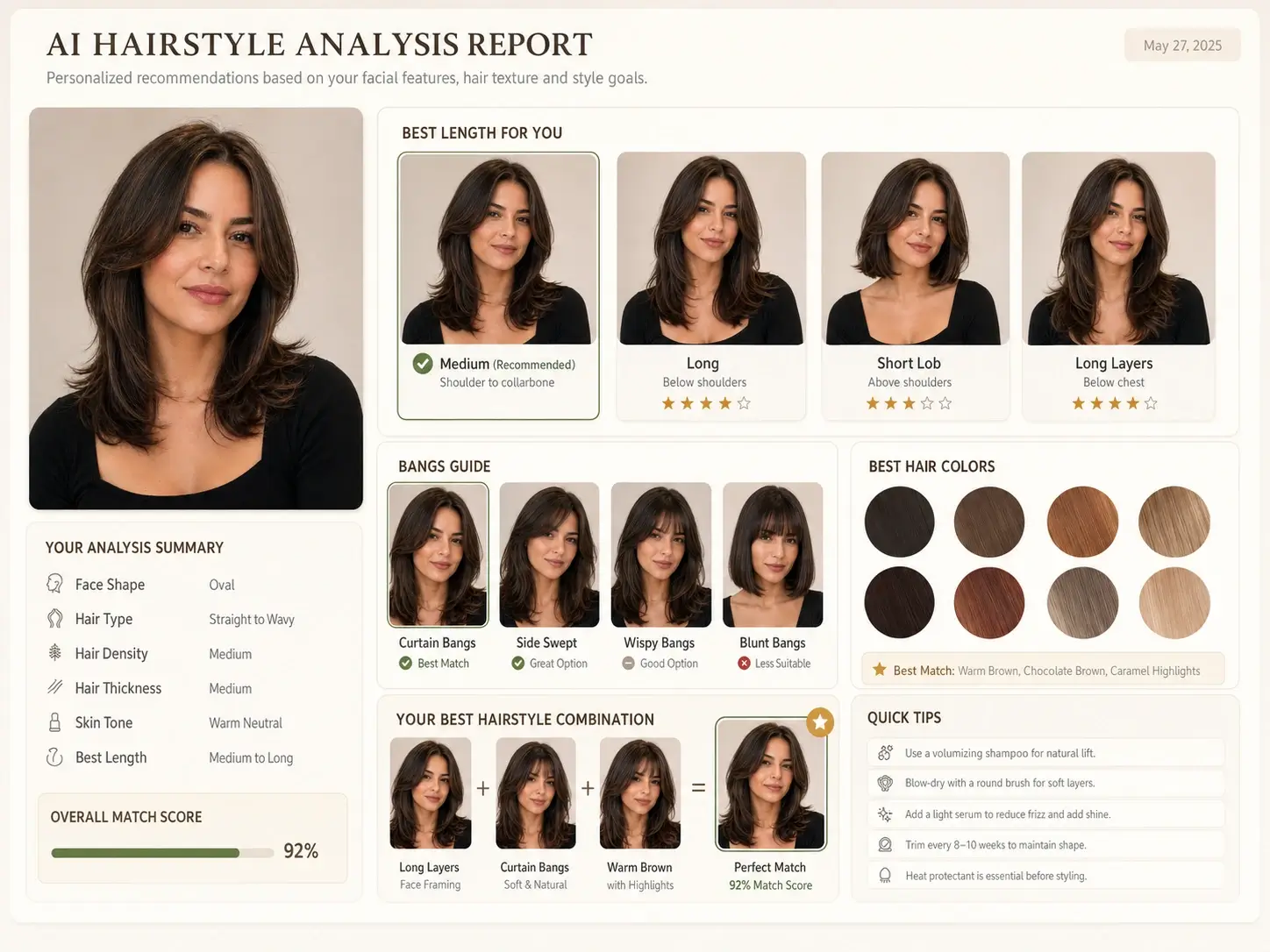
Preview Realistic Hair Colors with AI
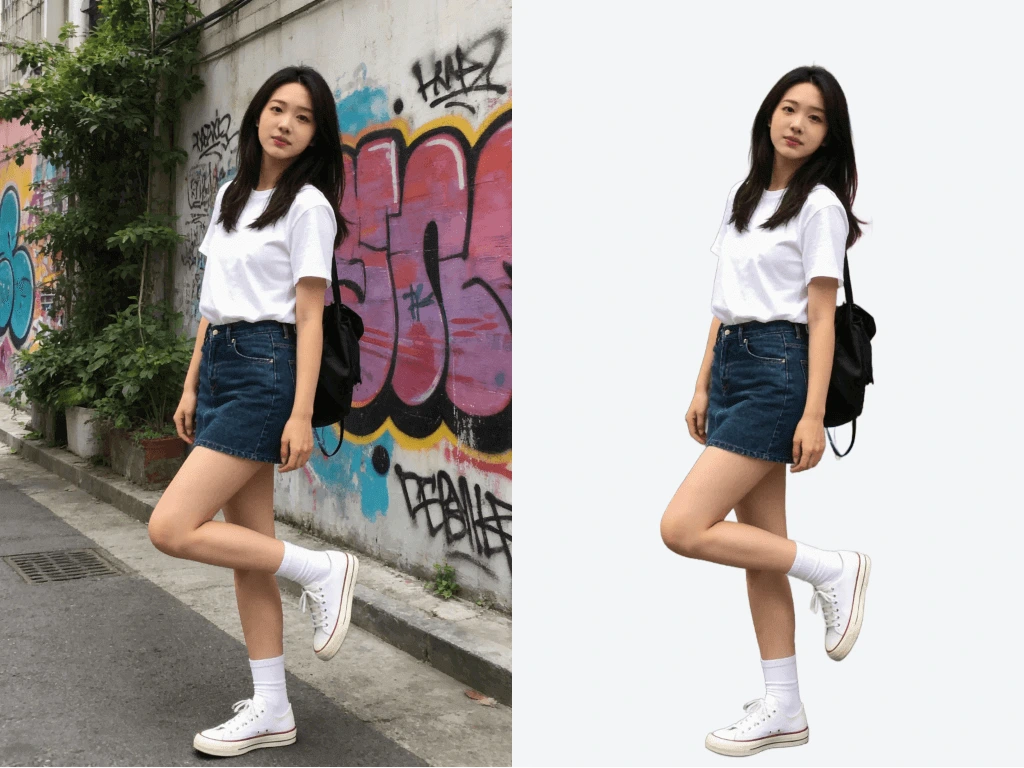
Try natural dye shades, bold fashion colors, highlights, ombre, and balayage effects with natural-looking color blending. The tool preserves the original hairstyle, facial details, lighting, and photo style, so your new hair color looks closer to a real preview than a flat filter.
Change Hair Color in Photos with Natural Blending
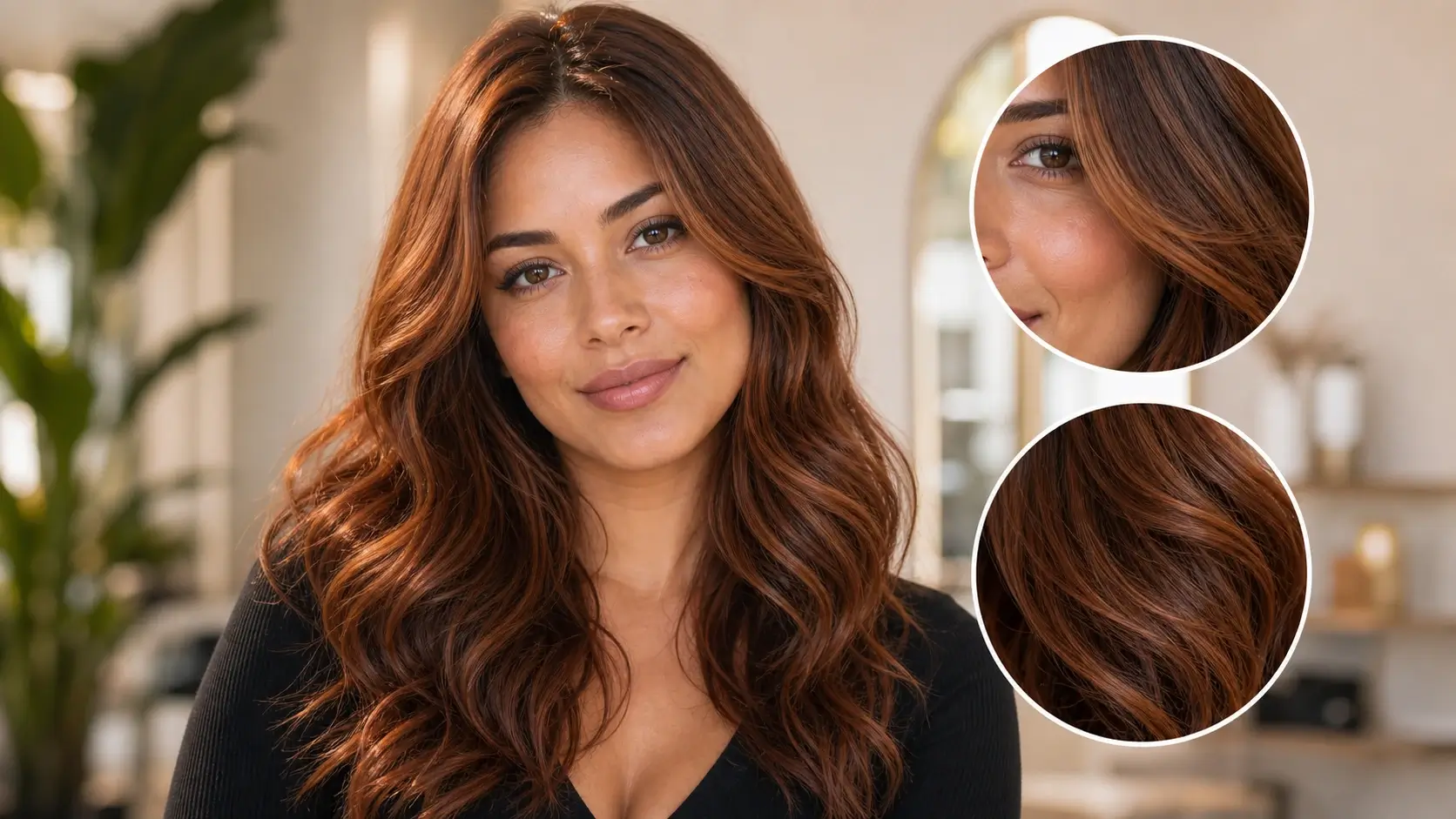
Change hair color in a photo while keeping the original hairstyle shape, face details, and lighting. Instead of covering the hair with a flat color layer, this AI hair color changer blends the new shade with visible strands, highlights, and shadows for a more realistic preview.
Virtual Hair Color Try-On for Popular Dye Shades
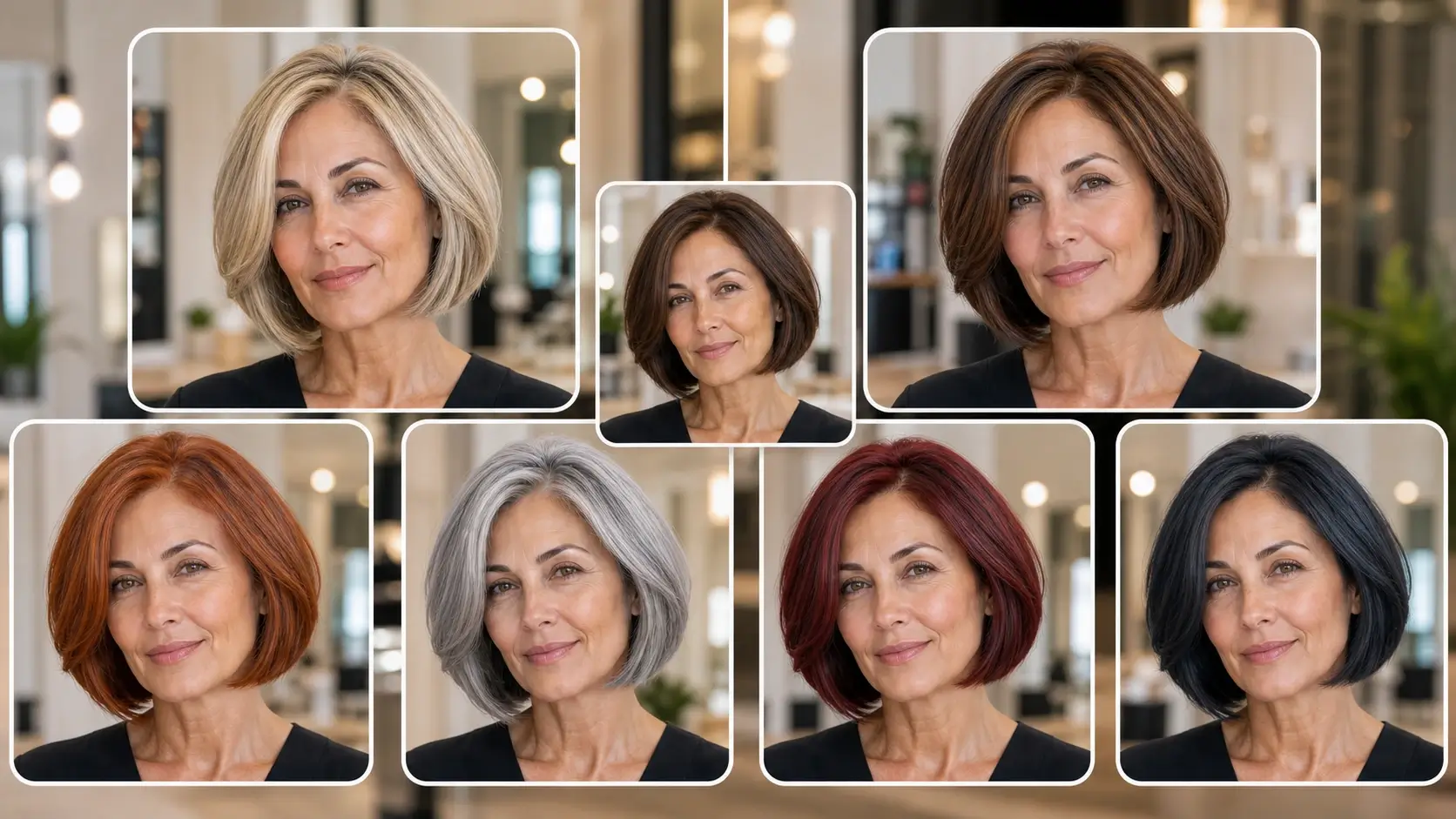
Try blonde, brunette, black, copper red, cherry red, silver gray, blue black, rose gold, and other popular hair colors on your own portrait. This makes it easier to compare warm, cool, natural, and bold shades before choosing a real dye direction.
Create Ombre, Balayage, Highlights, and Custom Looks
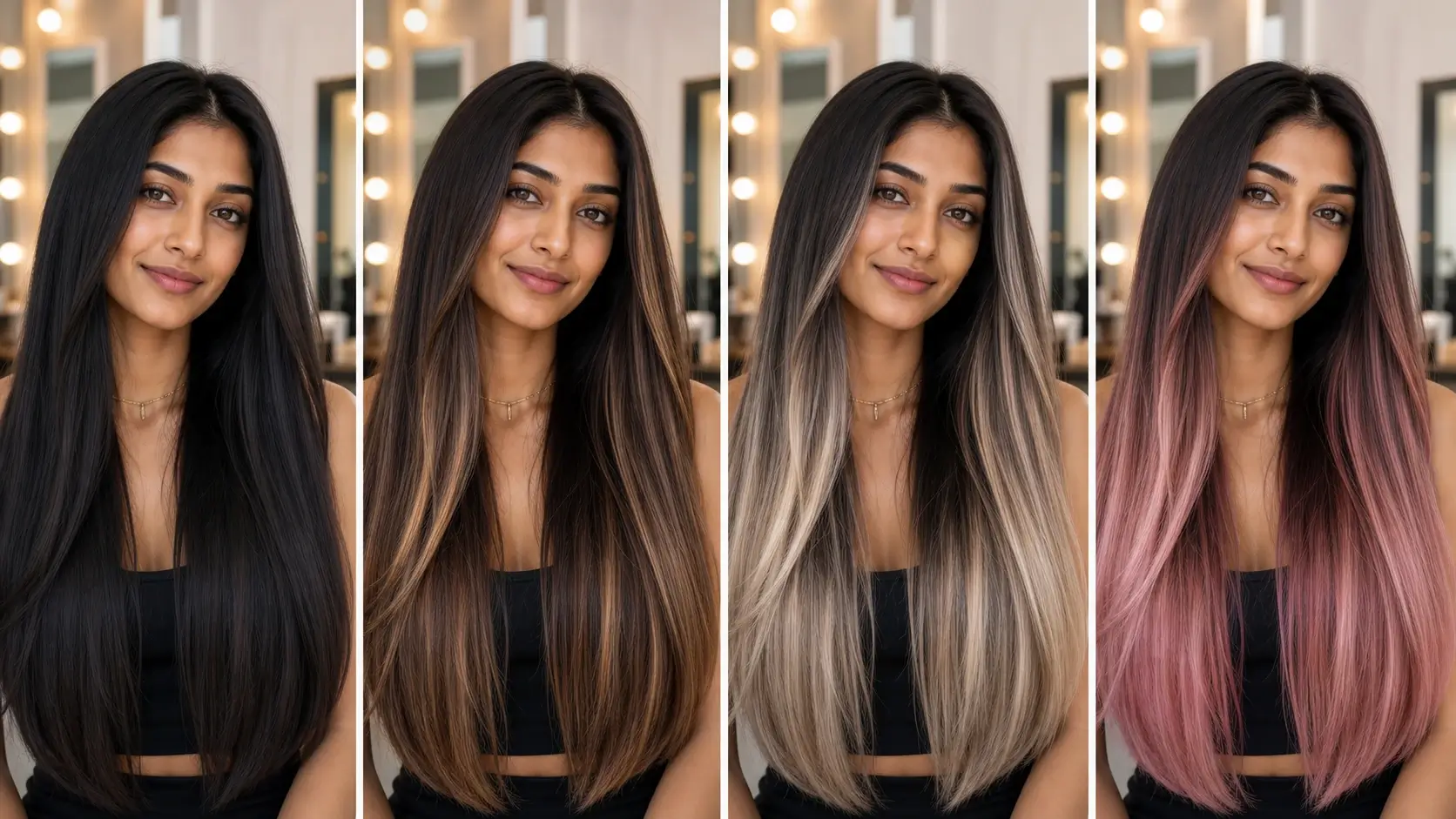
Go beyond single-color edits. Describe soft caramel highlights, ash blonde balayage, dark-to-silver ombre, split-dye hair, pastel pink ends, or any custom color idea. Prompt-based editing gives you more control than a simple hair color filter.
Try Hair Colors Online Without Photoshop
You do not need Photoshop, manual masking, or advanced photo editing skills. Choose a clear selfie or portrait, enter the shade you want, and generate a hair color preview directly in your browser.
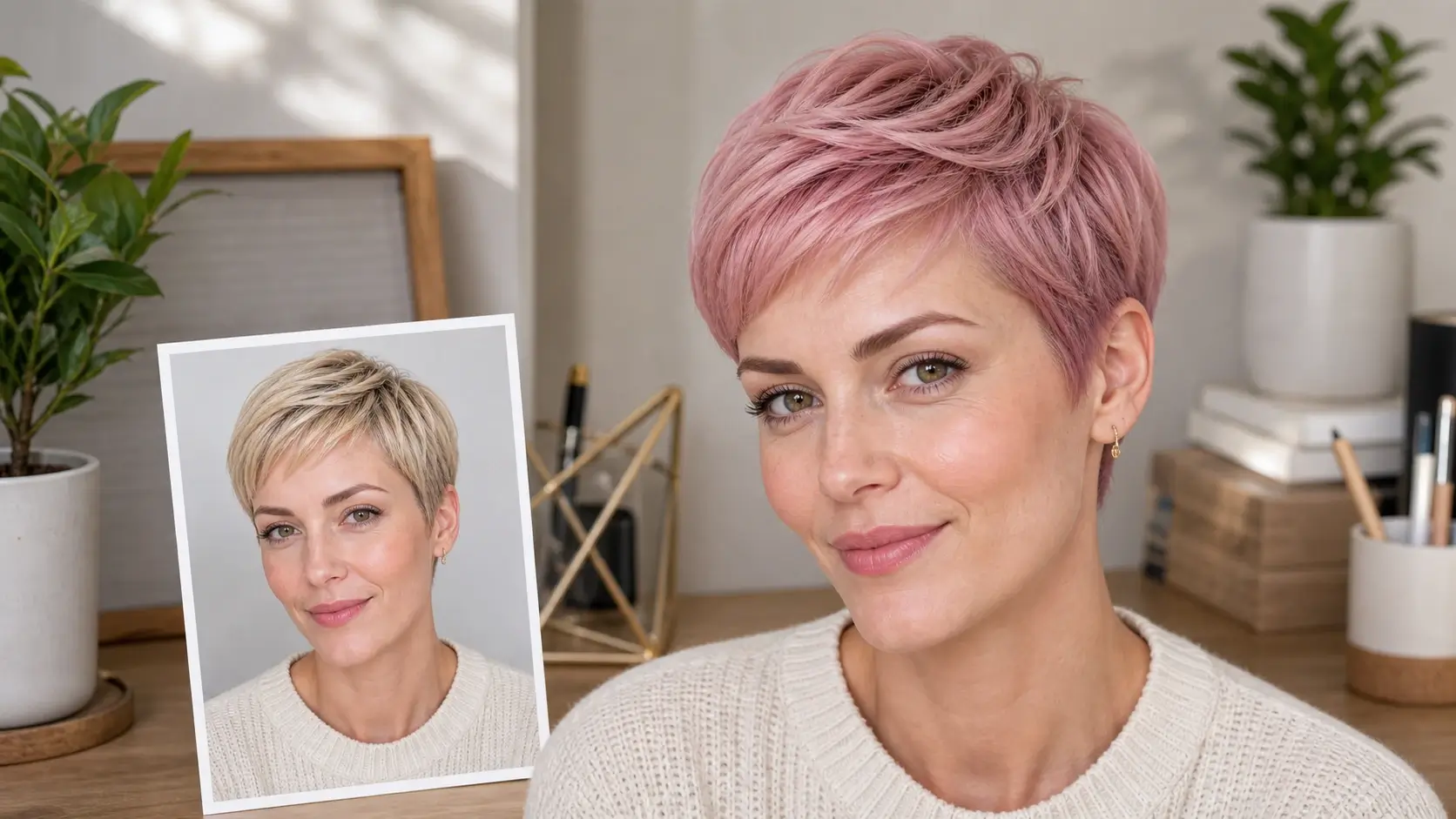
Preview Before Dyeing or Visiting a Salon
Compare several hair dye ideas from one photo and save your favorite versions as salon references. A visual preview can help you communicate the target tone, depth, contrast, and coverage more clearly than text descriptions or color swatches alone.
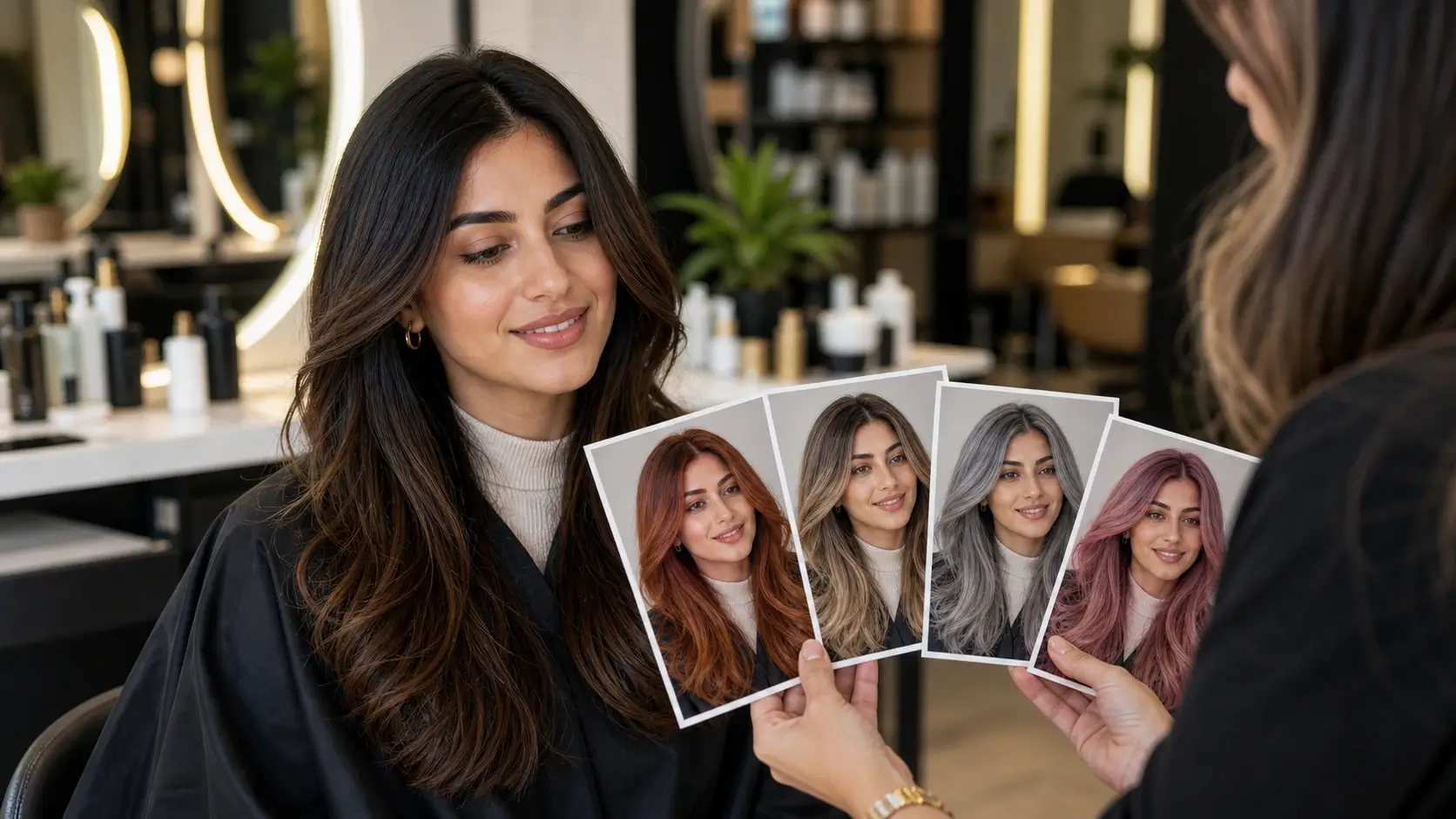
Step-by-Step Guide
How to Change Hair Color in a Photo Online
Choose a portrait, describe the shade you want, generate a preview, and download your new look. No Photoshop, no manual masking, and no app installation required.
1
Choose a Selfie or Portrait
Select a clear photo where your hair is visible. Front-facing or three-quarter portraits with good lighting work best for realistic hair color previews.
2
Describe the Hair Color
Enter a shade such as ash blonde, chocolate brown, copper red, silver gray, pastel pink, or blue black. You can also request ombre, balayage, highlights, split dye, or a custom hair color idea.
3
Generate the Preview
Click generate to create a new version of your photo with the selected hair color. The tool keeps your face, hairstyle, lighting, and background natural.
4
Download and Compare
Save your edited photo and create more versions if needed. Compare different shades before dyeing your hair, sharing a new look, or bringing a reference to your stylist.
Use Cases
Try Hair Colors Before You Dye, Share, or Style
Compare dye ideas, plan a salon visit, create social media looks, test cosplay styles, or explore a personal makeover from one photo.
Try Before You Dye
Preview a new hair color on your own photo before making a real change. Compare blonde, brown, red, black, silver, and vivid shades so the decision feels easier and safer.
Salon Reference Photos
Create visual references for your stylist instead of relying only on color names or swatches. A preview can help explain the tone, brightness, contrast, and coverage you want.
Selfies and Social Posts
Turn one portrait into multiple hair color ideas for profile photos, before-and-after posts, short-form video covers, or social media experiments.
Creative and Cosplay Looks
Test fantasy colors, anime-inspired palettes, split dye, icy blue, lavender, pink, or silver hair before planning wigs, makeup, outfits, or character styling.
Beauty Content Concepts
Explore hair color directions for beauty content, salon promotions, model concepts, and campaign visuals before arranging a full photoshoot.
Personal Makeover Planning
Try subtle highlights, darker tones, gray blending, warm brunette, or bold fashion colors. A quick preview helps you find a look that fits your face, skin tone, and style.
Trusted by creators, style planners, and everyday users
What Users Say About AI Hair Color Changer
See how users compare dye ideas, prepare salon references, create social media looks, and preview realistic hair color changes without manual editing.
MC
Maya Chen
Content Creator
AI Hair Color Changer helped me compare copper, cherry red, and soft brown before filming a makeover video. The previews made it much easier to choose a color direction.
JM
Jordan Miles
Salon Client
I brought two AI hair color previews to my stylist, and the consultation was much clearer. We used the images to choose a warmer brunette instead of guessing from a color swatch.
PR
Priya Raman
Beauty Marketer
Our team used this tool to explore different hair color directions before planning a campaign shoot. It was useful for comparing realistic dye ideas quickly.
AR
Alex Rivera
Cosplay Designer
The tool made fantasy hair color planning much faster. I tested lavender, blue black, and silver gray on the same portrait before choosing the final cosplay look.
NP
Nina Park
Portrait Photographer
I use the hair color changer to create quick concept edits for clients. It gives a more polished preview than a simple color filter and helps clients compare options.
LM
Leo Martin
Social Media Manager
Changing hair color online helped us create several post concepts from one portrait session. The previews were easy to compare and share with the team.
Help & Support
AI Hair Color Changer FAQ
Find answers about changing hair color in photos, trying blonde or red hair online, creating ombre or balayage looks, photo requirements, and how realistic AI hair color previews can be.