SL
Sarah L.
Travel Blogger
AI Object Remover made editing my travel photos so much easier. I removed strangers from crowded landmark shots, and the background rebuilt itself perfectly. No more spending hours in Photoshop.
Image
Click to upload an image
PNG, JPG, JPEG, or WEBP (max 10MB)
Prompt
Your generated images will appear here
AI Object Remover uses advanced AI to detect and remove objects while rebuilding the background with natural detail and color accuracy.
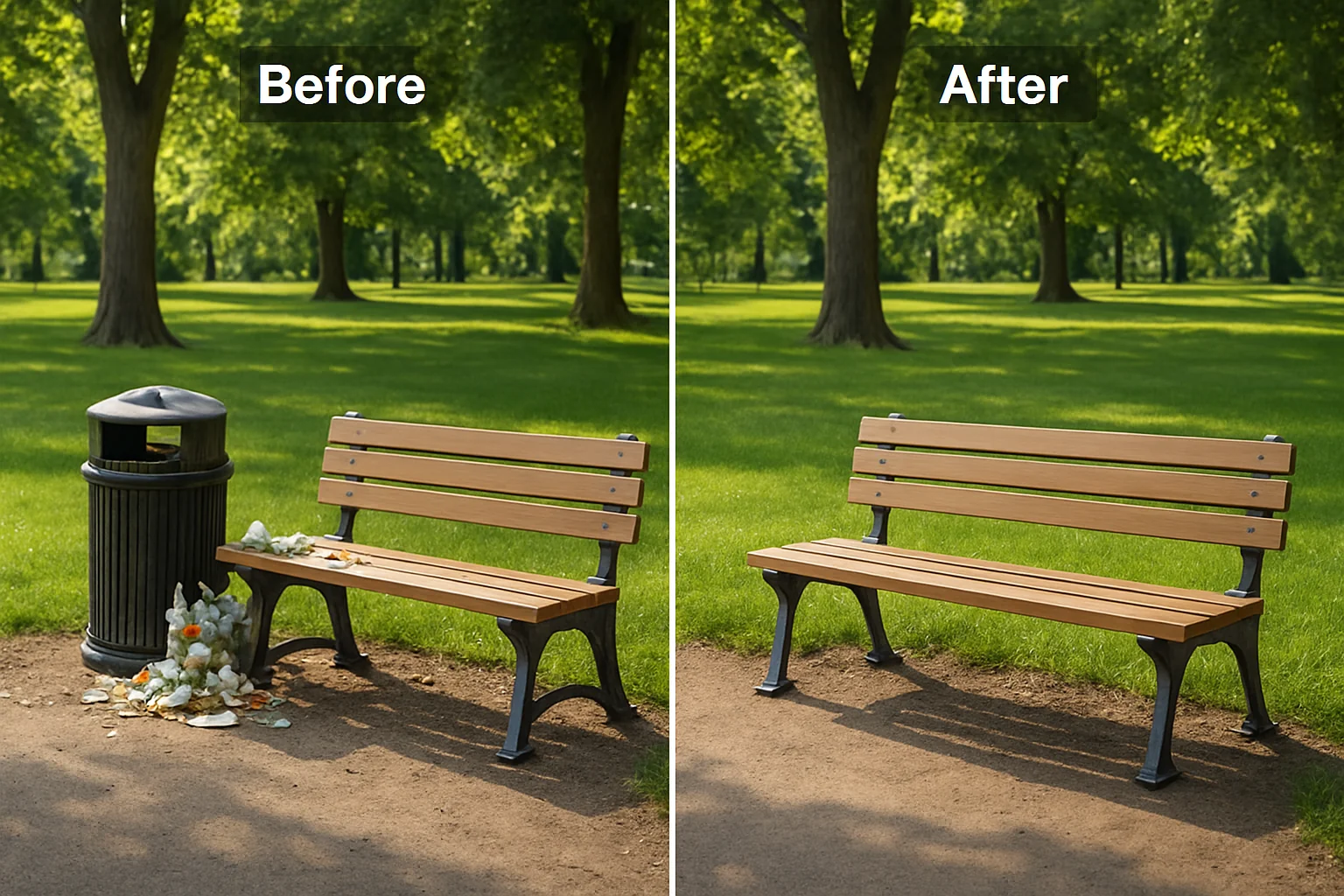
AI Object Remover detects and erases unwanted objects from any photo automatically. The AI analyzes surrounding pixels and reconstructs the area with matching colors, lighting, and textures, so the result looks completely natural.
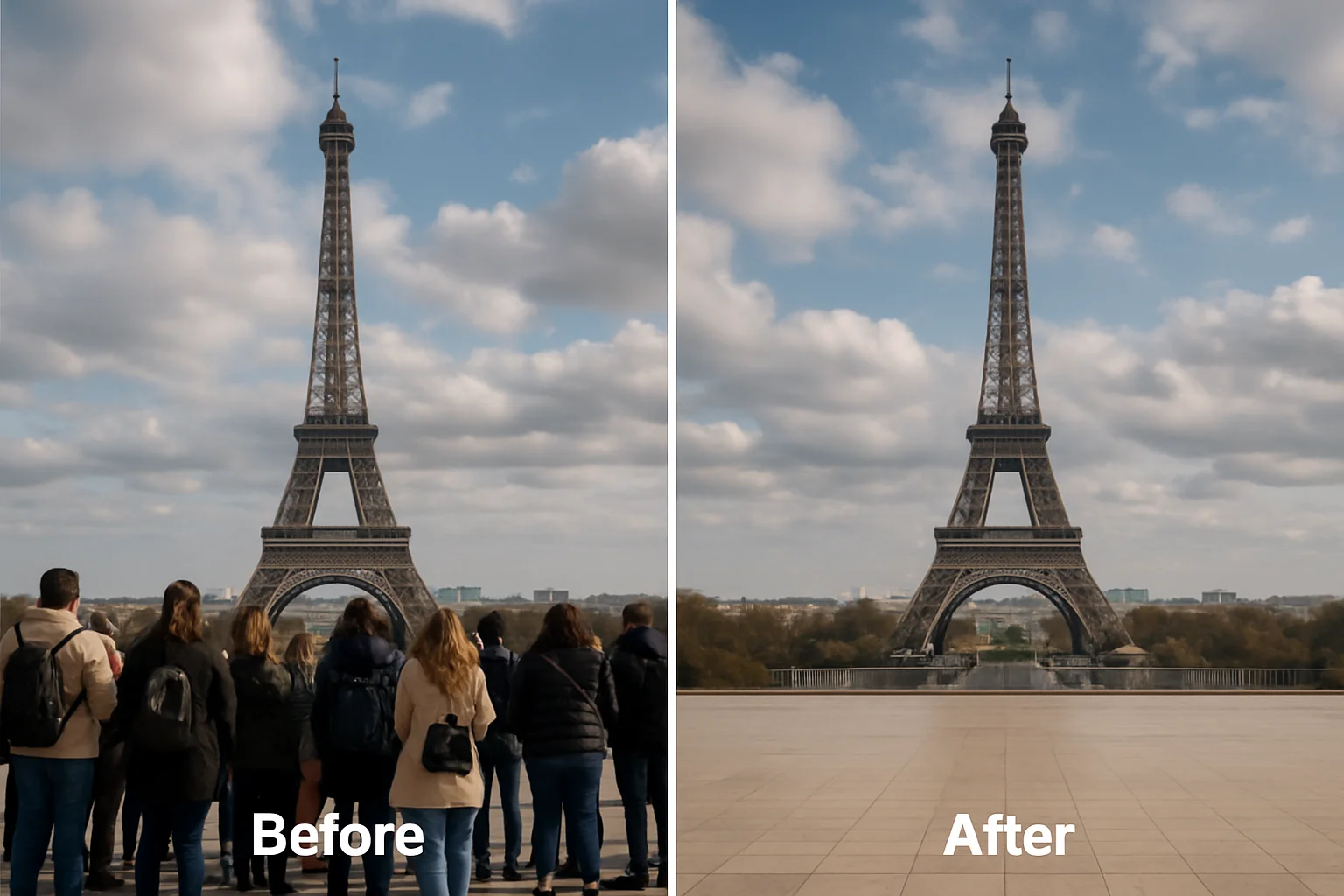
Need to erase strangers or photobombers from your images? AI Object Remover identifies people in the frame and removes them seamlessly. The background behind each person is rebuilt naturally, preserving depth and perspective.
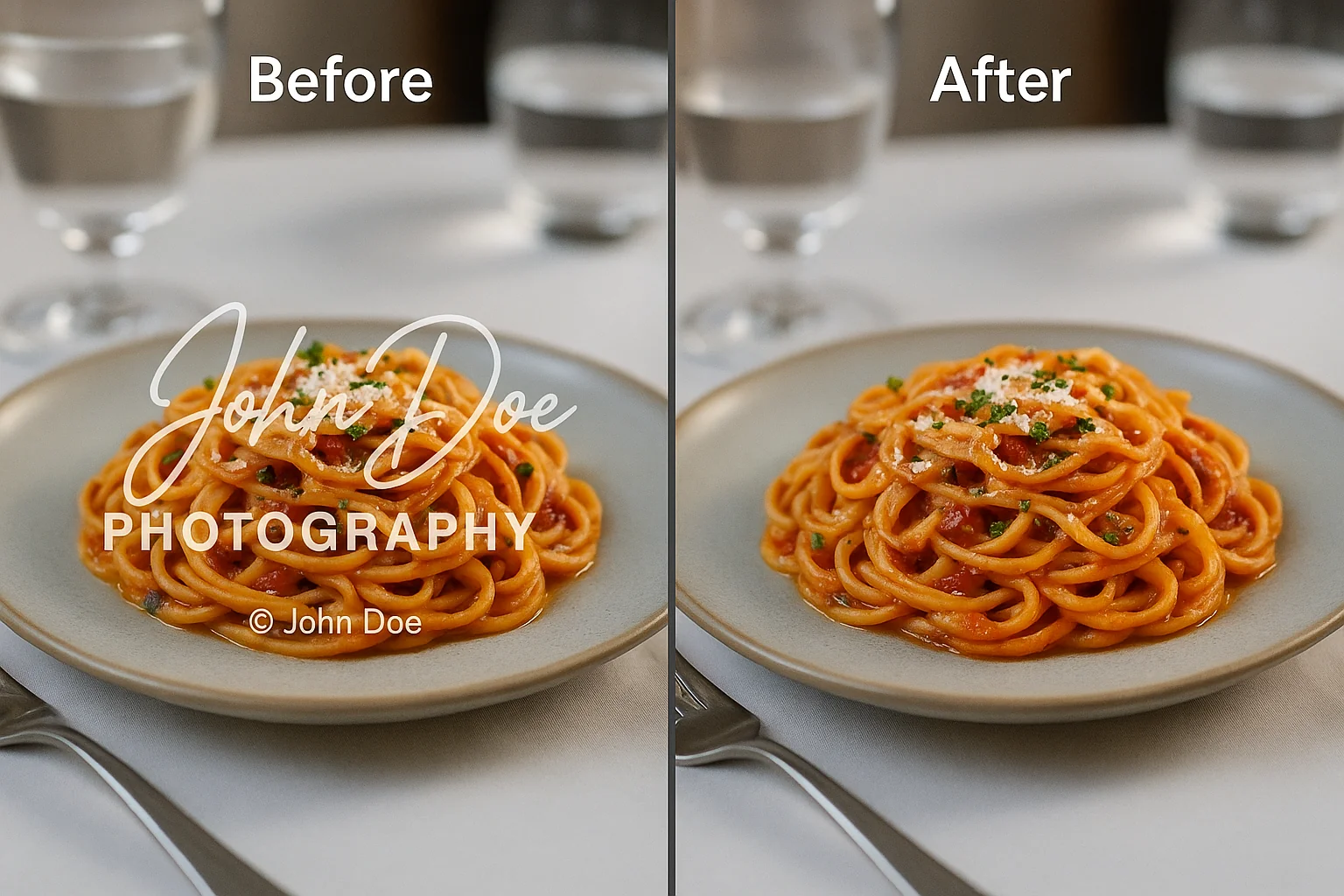
AI Object Remover cleanly erases text overlays, watermarks, logos, and date stamps from photos. The AI fills the removed area with content that matches the surrounding image, leaving no visible traces or artifacts.
AI Object Remover works entirely in your browser with no downloads, installations, or Photoshop skills needed. Upload your photo, select what to remove, and download the clean result in seconds.
After removing an object, AI Object Remover rebuilds the missing area using context from the surrounding image. Lighting, shadows, and textures are all matched automatically, producing a result that looks like the object was never there.
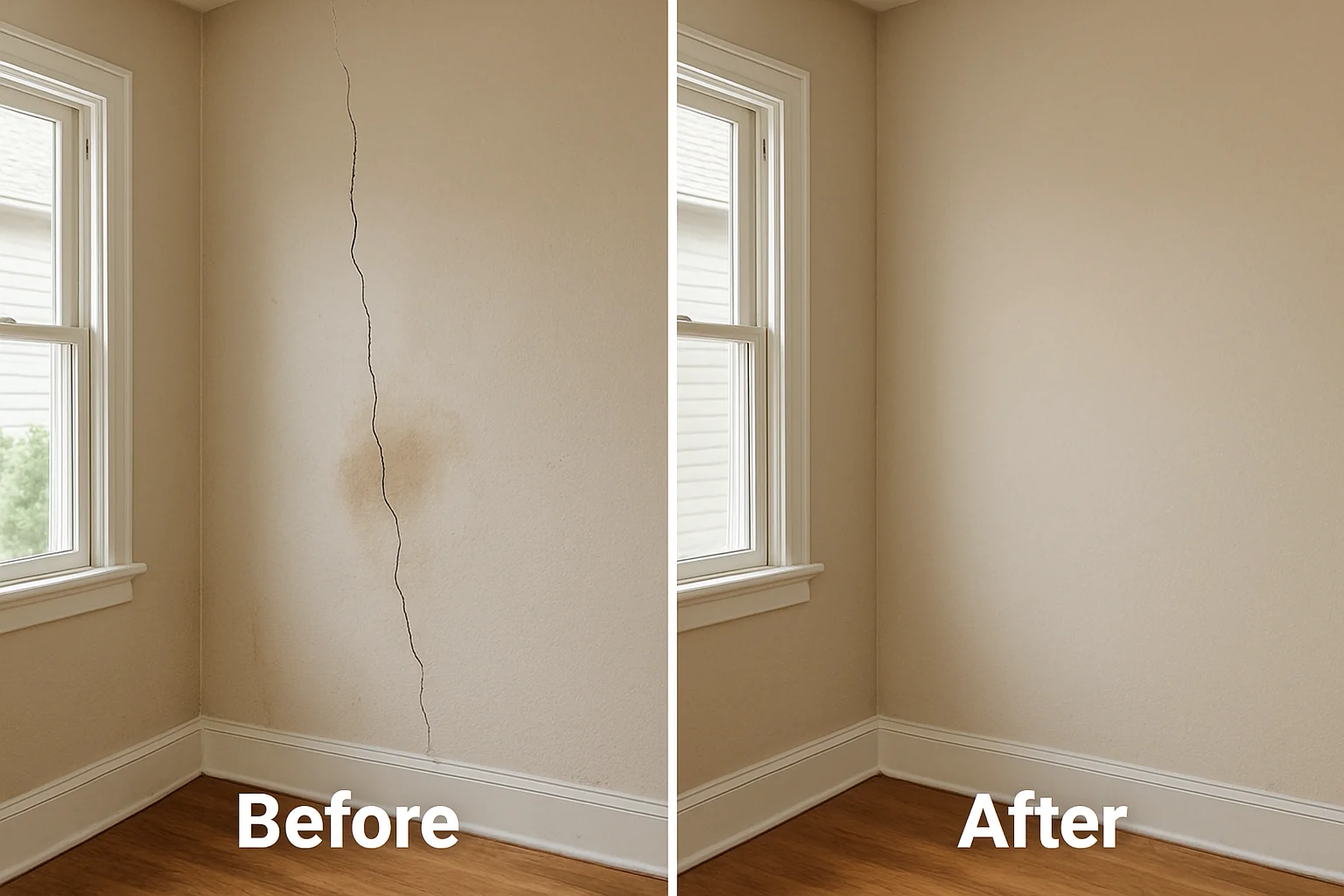
AI Object Remover makes it simple to erase objects from any photo. Follow four easy steps to get clean, professional results in seconds.
Upload the photo that contains unwanted objects you want to remove. AI Object Remover supports common image formats like JPG, PNG, and WebP.
Use the brush tool to highlight the unwanted object, or type a short prompt describing what to erase. The AI uses your input to identify the exact area to clean up.
Click the remove button and let AI Object Remover erase the selected items. The AI fills the missing area with natural background detail in seconds.
Preview the result and download your cleaned image instantly. Use it for social media, e-commerce listings, or any creative project.
Discover how AI Object Remover helps you clean up photos for travel, e-commerce, social media, and professional projects.
Remove strangers, cars, and distracting items from travel photos. AI Object Remover erases unwanted elements while keeping landmarks and scenery intact, giving your vacation shots a polished look.
Clear clutter and background distractions from product images. AI Object Remover helps e-commerce sellers create clean, professional listings that attract buyers and improve conversion rates.
Quickly erase unwanted objects from images for Instagram, YouTube thumbnails, and social posts. AI Object Remover delivers visually clean content that grabs attention and drives engagement.
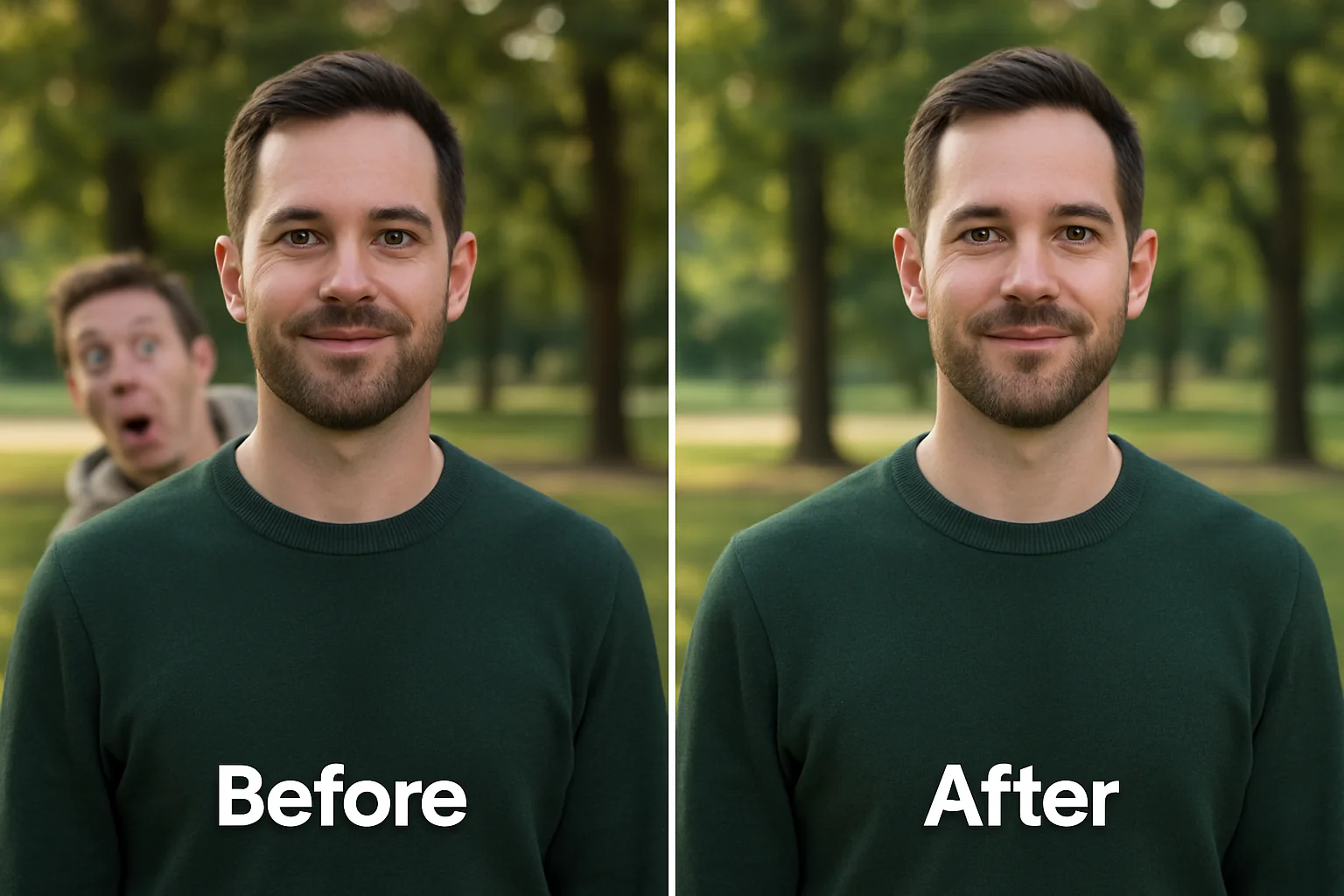
Remove photobombers, stray objects, or background distractions from group photos and portraits. AI Object Remover preserves the subjects and fills the removed area naturally.
Erase clutter, personal items, and distractions from property photos. AI Object Remover helps real estate agents showcase spaces in their best light with clean, appealing images.
Remove unwanted elements from images used in business slides, proposals, and marketing materials. AI Object Remover ensures your visuals meet professional standards without extra editing tools.
See how AI Object Remover helps users erase unwanted objects from photos with clean, natural results in less time.
AI Object Remover made editing my travel photos so much easier. I removed strangers from crowded landmark shots, and the background rebuilt itself perfectly. No more spending hours in Photoshop.
I use AI Object Remover daily for my product listings. It clears background clutter in seconds, making my images look professional and clean. My click-through rates improved noticeably after switching to cleaner product photos.
The AI Object Remover is my go-to for preparing social media posts. I can quickly erase distracting objects and get clean images ready to post. The results always look smooth and natural.
As a professional photographer, I rely on AI Object Remover for quick touch-ups. It handles stray objects and background distractions reliably. The output quality is consistent and saves me significant post-processing time.
AI Object Remover is perfect for preparing campaign visuals. I clear unwanted elements from photos quickly and the AI reconstructs the background realistically. It has become an essential part of my workflow.
I use AI Object Remover to clean up property photos before listing them. It removes clutter and personal items from rooms in seconds, making each space look its best. A real time-saver for my business.
Get clear answers about AI Object Remover, including how to remove objects from photos and what results to expect.