3D Camera Control
3D Camera Control changes the camera angle of an uploaded image while keeping the subject identity, style, lighting, and key details consistent. Generate front, side, back, top-down, low-angle, and cinematic views from one reference image in seconds.
Image
Click to upload an image
PNG, JPG, JPEG, or WEBP (max 10MB)
type
Aspect Ratio
2 credits per generation
Your generated images will appear here
More Magic Tools
More AI Image Tools for Your Next Edit
Try another Banana AI Magic Tool when your image needs cleanup, enhancement, style changes, or a different creative direction.

Core Capabilities
How 3D Camera Control Creates Consistent Multi-Angle Images
3D Camera Control uses AI to understand the subject, estimate spatial structure, and render new camera perspectives from a single image. Explore how it supports character turnarounds, product galleries, scene planning, and AI video reference frames.
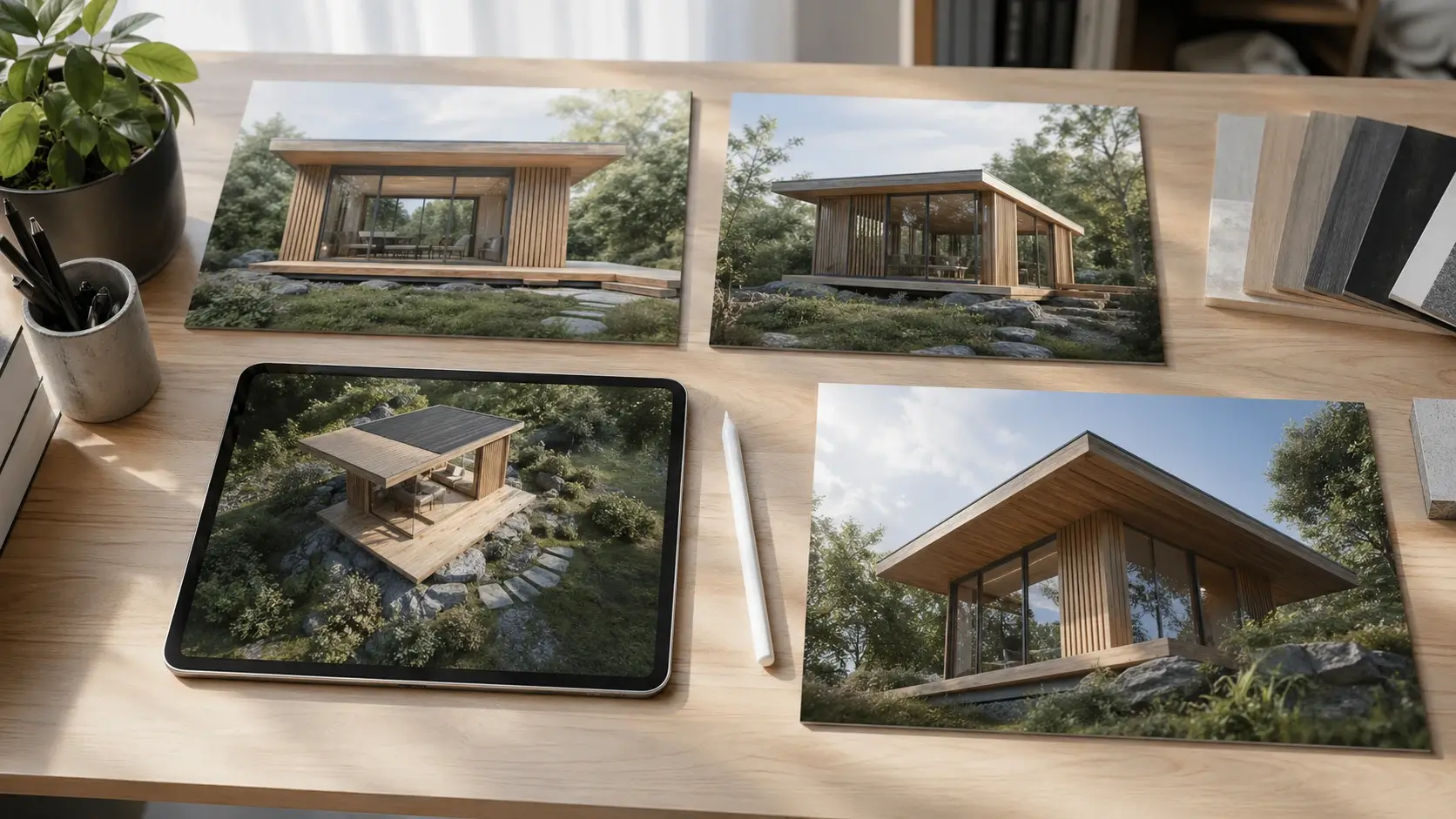
Single Image to Multiple Angles with 3D Camera Control
3D Camera Control turns one uploaded image into new camera views without requiring a full 3D model. The AI studies the visible subject, scene style, and lighting, then generates alternate perspectives such as side view, rear view, and three-quarter view. This helps creators build multi-angle references from a single starting image.
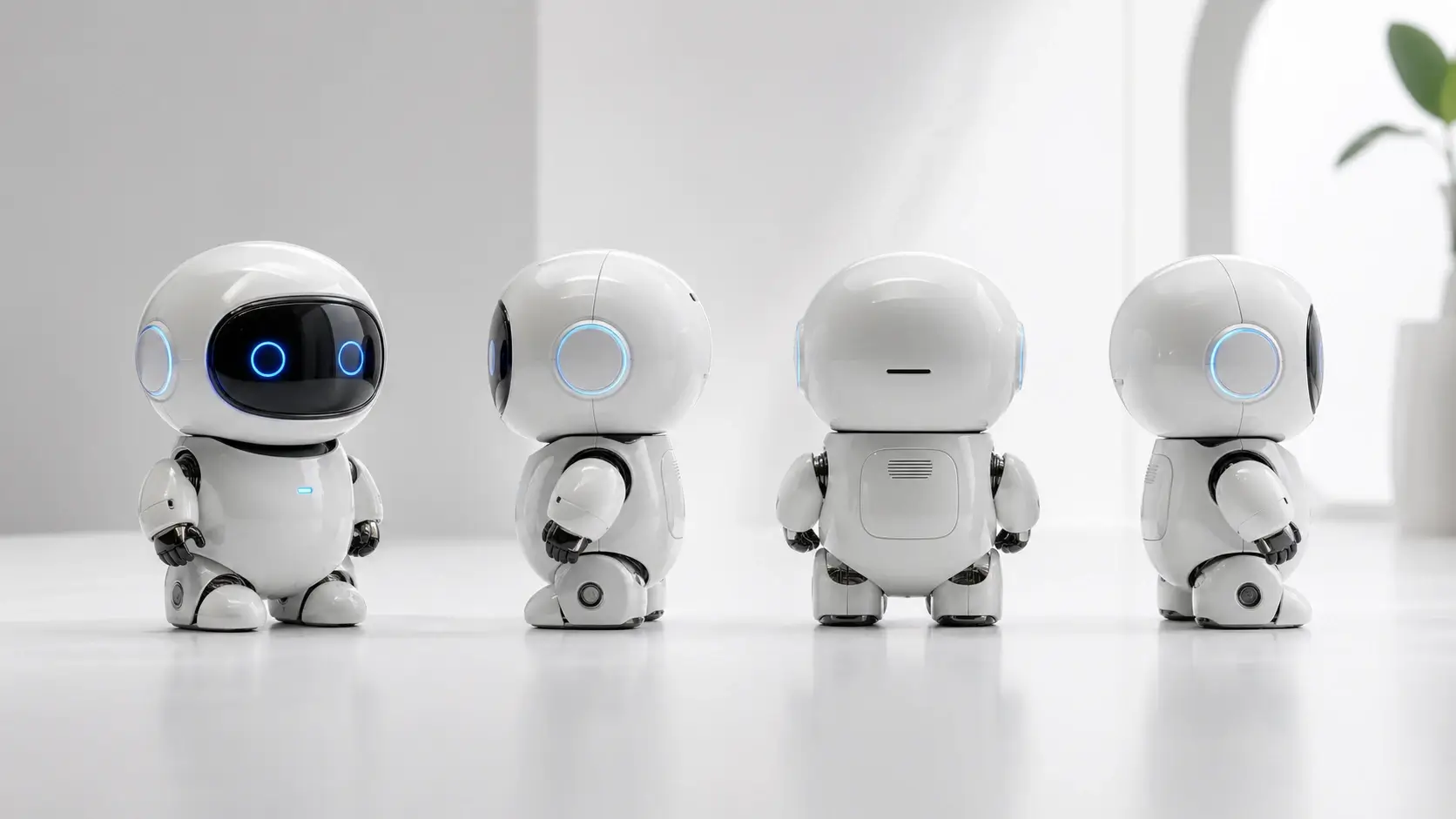
Front, Side, and Back View Generator for Characters
Create character turnaround views for concept art, game design, storyboarding, and AI video planning. 3D Camera Control helps preserve clothing, hair, color palette, and recognizable identity while changing the camera direction. Use it to explore front, side, back, and three-quarter views from one reference.
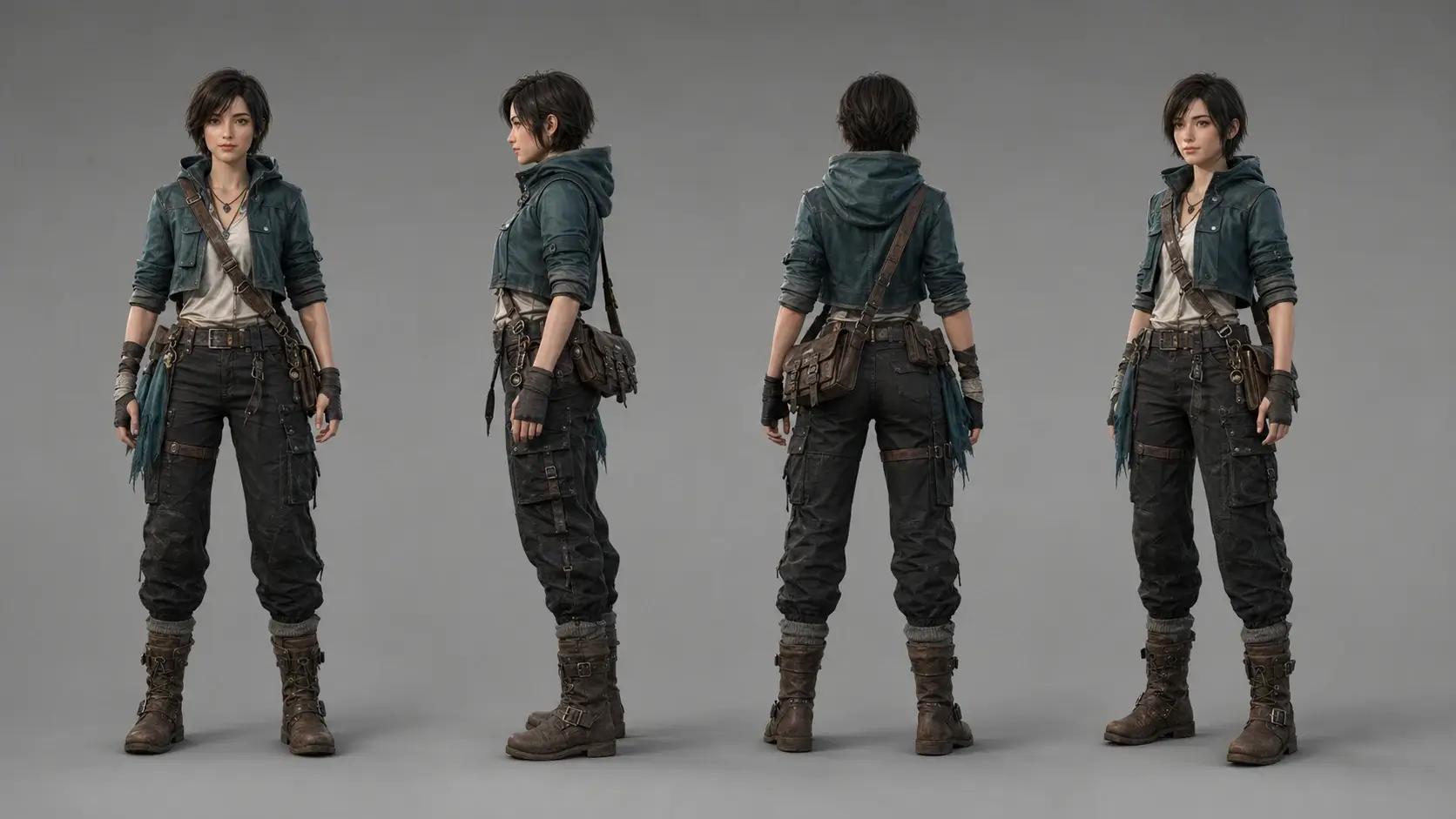
Product Multi-Angle Image Generator for Online Stores
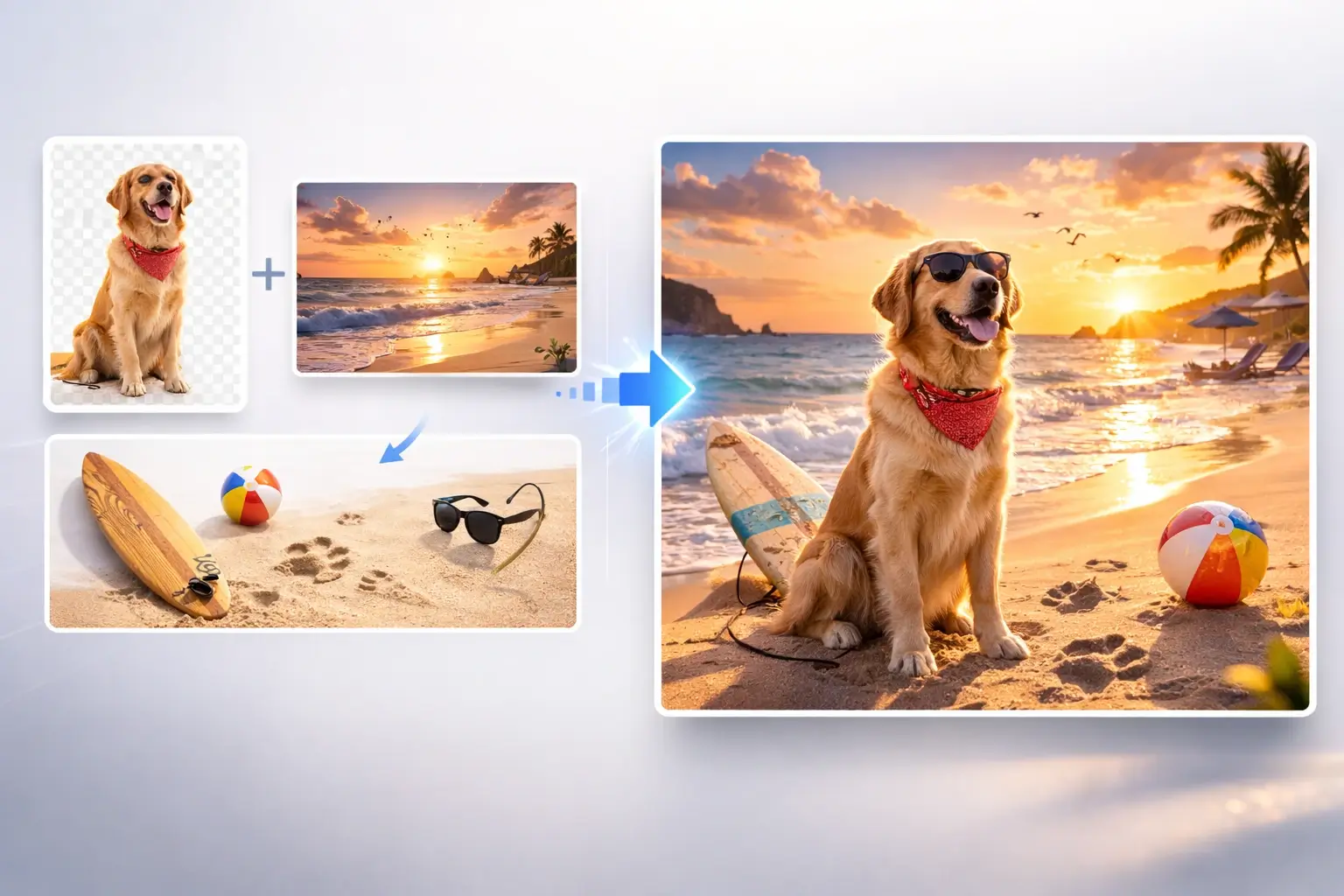
Show products from more than one camera angle without scheduling another photo shoot. 3D Camera Control can generate alternate views that keep the material, color, and design language close to the original image. It is useful for concept previews, product galleries, ads, and e-commerce planning.
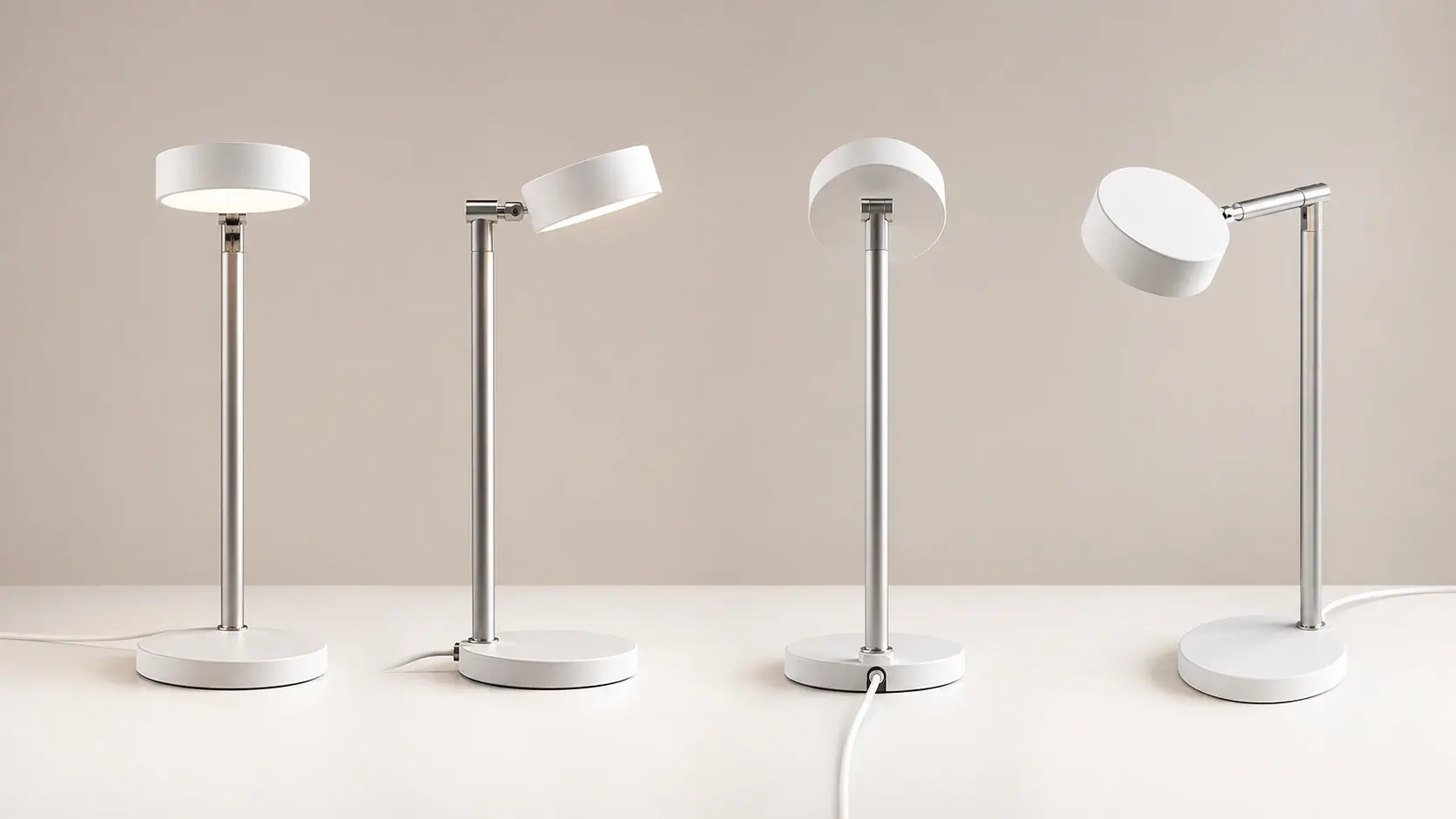
AI Video Reference Frames from Controlled Camera Angles
Consistent camera views can make AI video prompts easier to plan and reuse. Generate a low-angle shot, overhead shot, wide shot, or close-up from the same source image before building motion. 3D Camera Control gives video creators a faster way to prepare visual continuity across scenes.
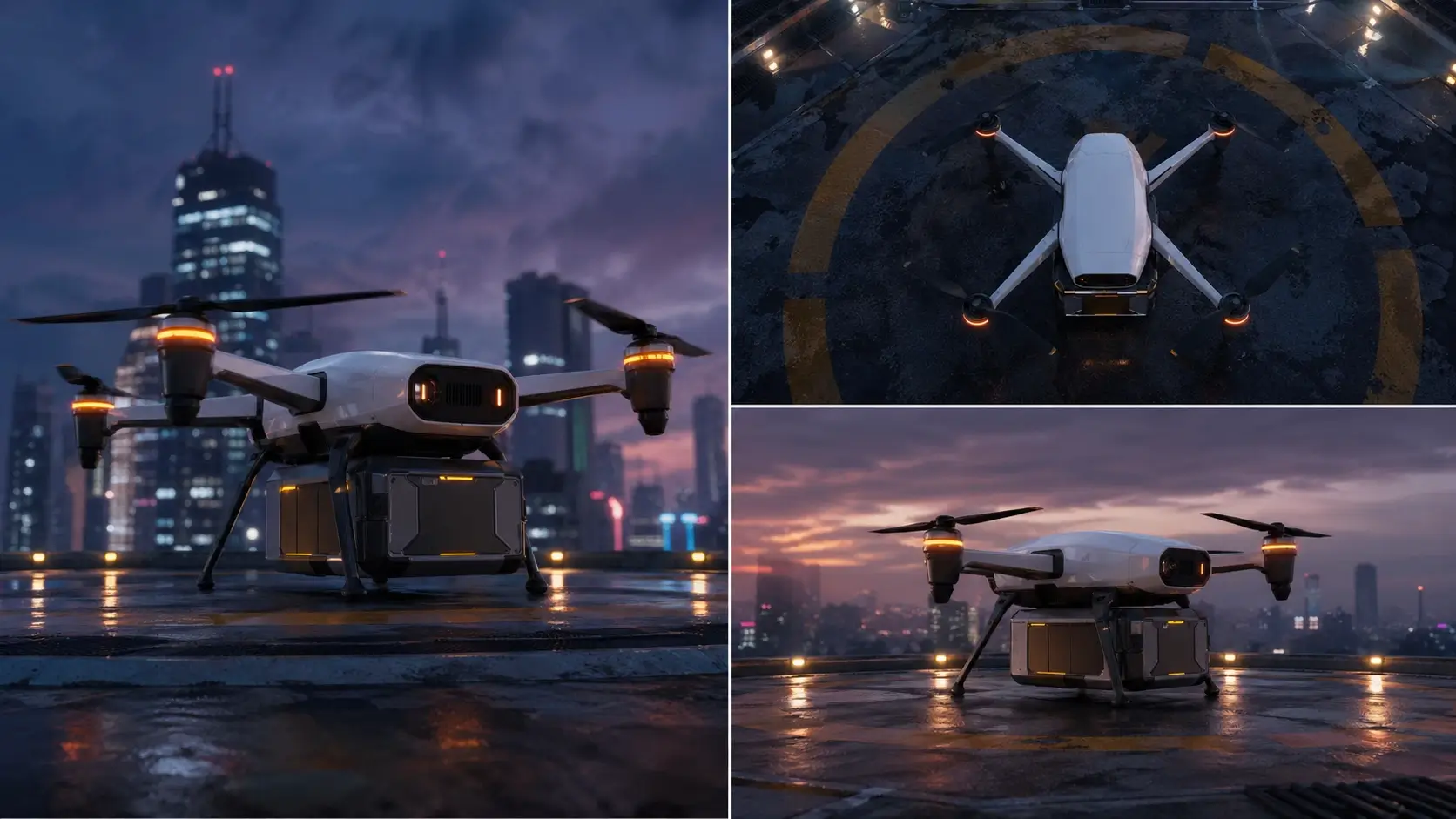
Control Camera Angles Online Without 3D Software
3D Camera Control runs in the browser, so you can change image perspectives without Blender, Cinema 4D, or manual modeling. Upload a reference image, describe the angle, and generate a new view in one workflow. It is designed for fast creative testing when you need multiple perspectives quickly.
Step-by-Step Guide
How to Control Camera Angles with 3D Camera Control
3D Camera Control turns camera-angle editing into a simple upload and prompt workflow. Upload one image, describe the view you need, generate, and download the new perspective.
1
Upload Your Reference Image
Upload a clear image of the character, product, object, or scene you want to view from another angle. 3D Camera Control reads the subject details and prepares them for camera-angle generation.
2
Describe the Camera Angle
Enter the view you need, such as side view, back view, top-down view, or low-angle cinematic shot. Add notes about keeping the same lighting, background, materials, and style.
3
Generate the New View
Click generate and let 3D Camera Control create a new perspective from your uploaded image. The AI builds a consistent multi-angle result while preserving the main subject identity.
4
Download and Reuse
Preview the generated camera angle and download the image you like best. Use it for character sheets, product galleries, storyboards, AI video prompts, or design references.
Use Cases
Who Uses 3D Camera Control
Artists, product teams, designers, and video creators use 3D Camera Control to generate consistent views without rebuilding a full 3D scene.
Character Turnaround Sheets
Use 3D Camera Control to create front, side, back, and three-quarter character views from one image. Artists can explore costume details, silhouettes, and pose references without redrawing every angle manually.
Product Multi-Angle Galleries
Generate product views from new camera angles for e-commerce previews, concept pitches, and marketing layouts. 3D Camera Control helps show shape, materials, and design details from more than one perspective.
AI Video Reference Frames
Prepare consistent image references before making AI video or animation shots. New angles from 3D Camera Control can guide scene direction, motion planning, camera movement, and visual continuity.
Concept Art Exploration
Turn one concept image into alternate views for vehicles, props, interiors, and stylized scenes. Designers can test camera composition and spatial ideas before committing to a full render workflow.
Cinematic Shot Planning
Use low-angle, high-angle, wide, and close-up views to plan stronger visual storytelling. 3D Camera Control gives creators fast angle options for thumbnails, storyboards, posters, and social visuals.
Trusted by creators and visual teams
What Users Say About 3D Camera Control
See how designers, artists, marketers, and video creators use 3D Camera Control to create multi-angle image references faster.
MR
Maya R.
Character Artist
3D Camera Control helped me turn one character portrait into front, side, and back references for a pitch deck. The outfit colors stayed consistent, and I saved hours of redraw time.
DK
Daniel K.
Product Designer
I used 3D Camera Control to create extra product angles from a single hero image. It gave our team quick visual options before we committed to another studio shoot.
SL
Sofia L.
AI Video Creator
The hardest part of my AI video workflow is keeping references consistent. 3D Camera Control gives me controlled camera angles that make storyboards much easier to plan.
EW
Ethan W.
Game Concept Designer
I needed quick prop views for a game prototype. With 3D Camera Control, I generated top, side, and three-quarter angles without opening any 3D software.
NC
Nora C.
E-commerce Marketer
3D Camera Control is useful when we need more product image ideas for ads. It helps us preview how an item might look from another angle before asking for final photography.
LP
Leo P.
Storyboard Artist
I use 3D Camera Control to explore low-angle and overhead compositions from the same scene image. It gives me practical camera references for thumbnails and shot planning.
Help & Support
3D Camera Control FAQ
Learn how 3D Camera Control works, which camera angles it can generate, and how to get cleaner multi-angle image results.
Start Creating Views