MC
Mia Chen
Brand Designer
HiDream O1 Image feels different from a generic image generator. The pixel-native detail is useful when I test campaign visuals with small textures, product edges, and clean lighting that still need to survive cropping.
Model
Image (Optional)
Click to upload an image
PNG, JPG, JPEG, or WEBP (max 10MB)
Prompt
AI Function
Aspect Ratio
Resolution
Experience the power of AI image generation
Explore the model-specific strengths of HiDream O1 Image, including pixel-native generation, UiT architecture, raw pixel reasoning, VAE-free image processing, subject preservation, long-text rendering, storyboard generation, and native 2048 by 2048 output.
HiDream O1 Image works directly with pixel-level image information instead of depending on a separate VAE compression pipeline. This pixel-native design helps preserve fine details, crisp edges, material texture, and high-frequency visual information in portraits, product scenes, and concept images.
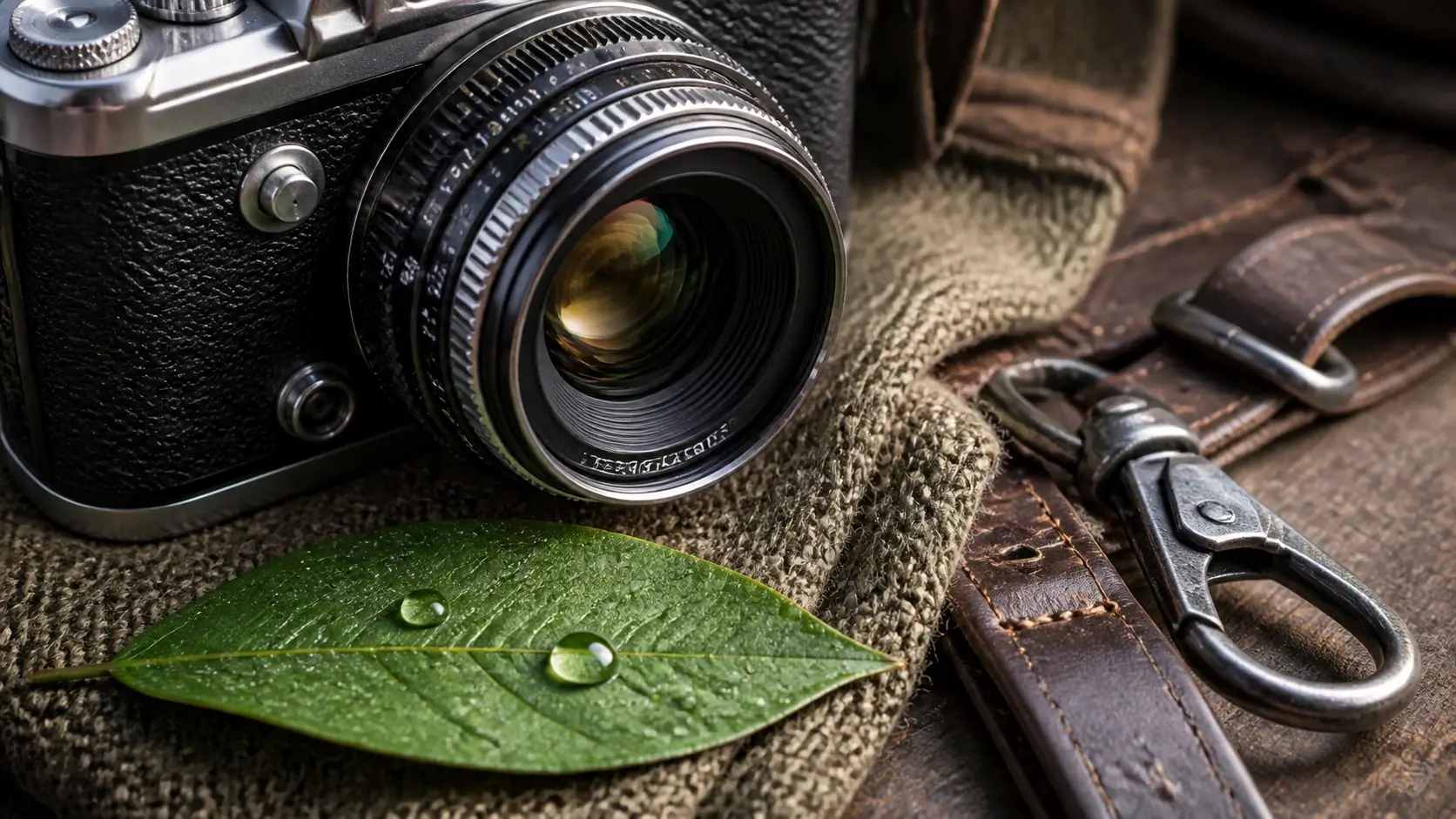
HiDream O1 Image is built around a Pixel-Level Unified Transformer, or UiT. It brings raw pixels, text prompts, and task-specific conditions into one shared image workflow, making the model suitable for generation, editing, and personalization instead of only simple text-to-image output.
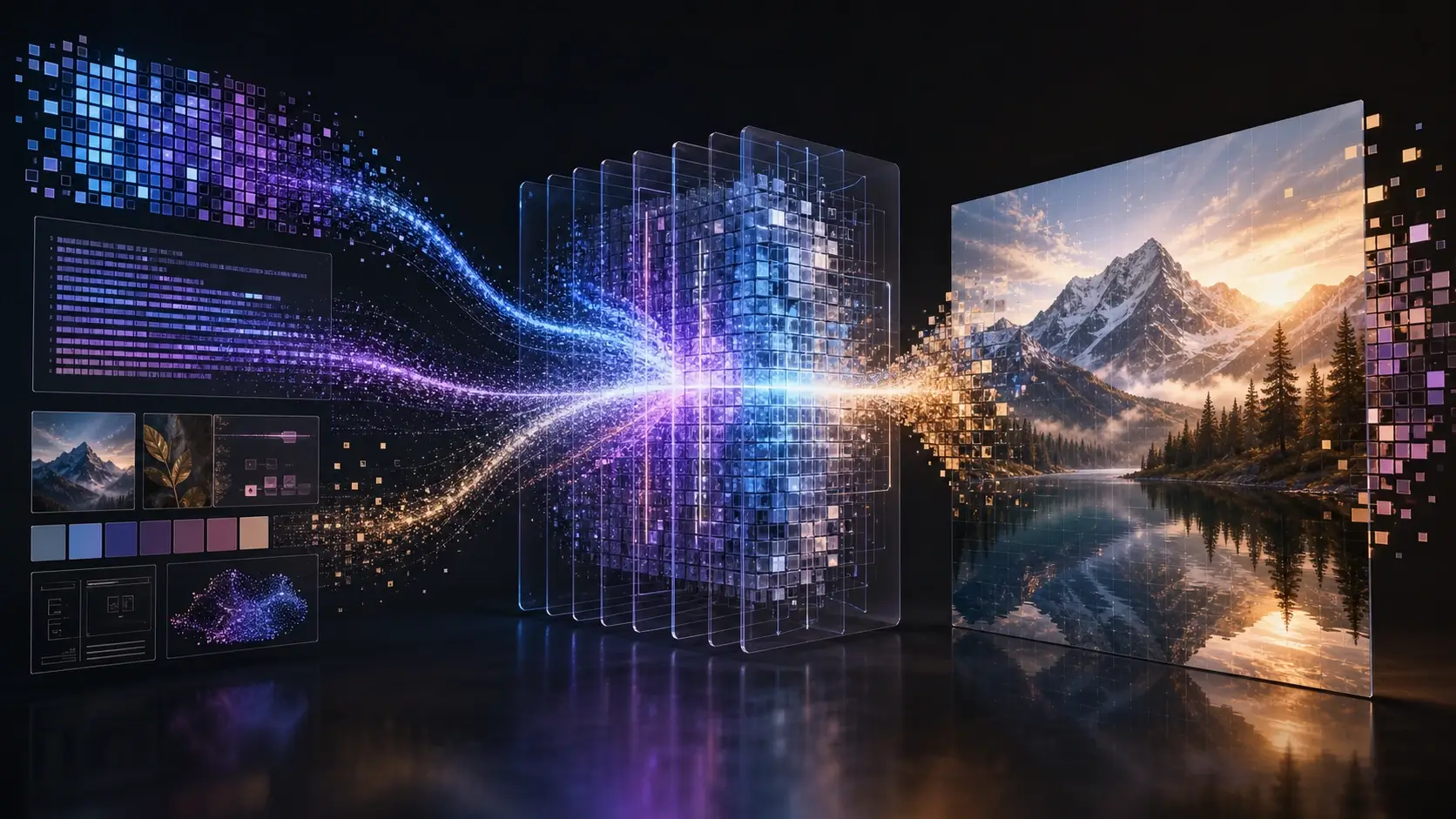
Use HiDream O1 Image for text-to-image creation, instruction-based editing, subject-driven personalization, and style transfer within one model-centered workflow. This makes it useful when you need both new image generation and controlled edits from reference images.
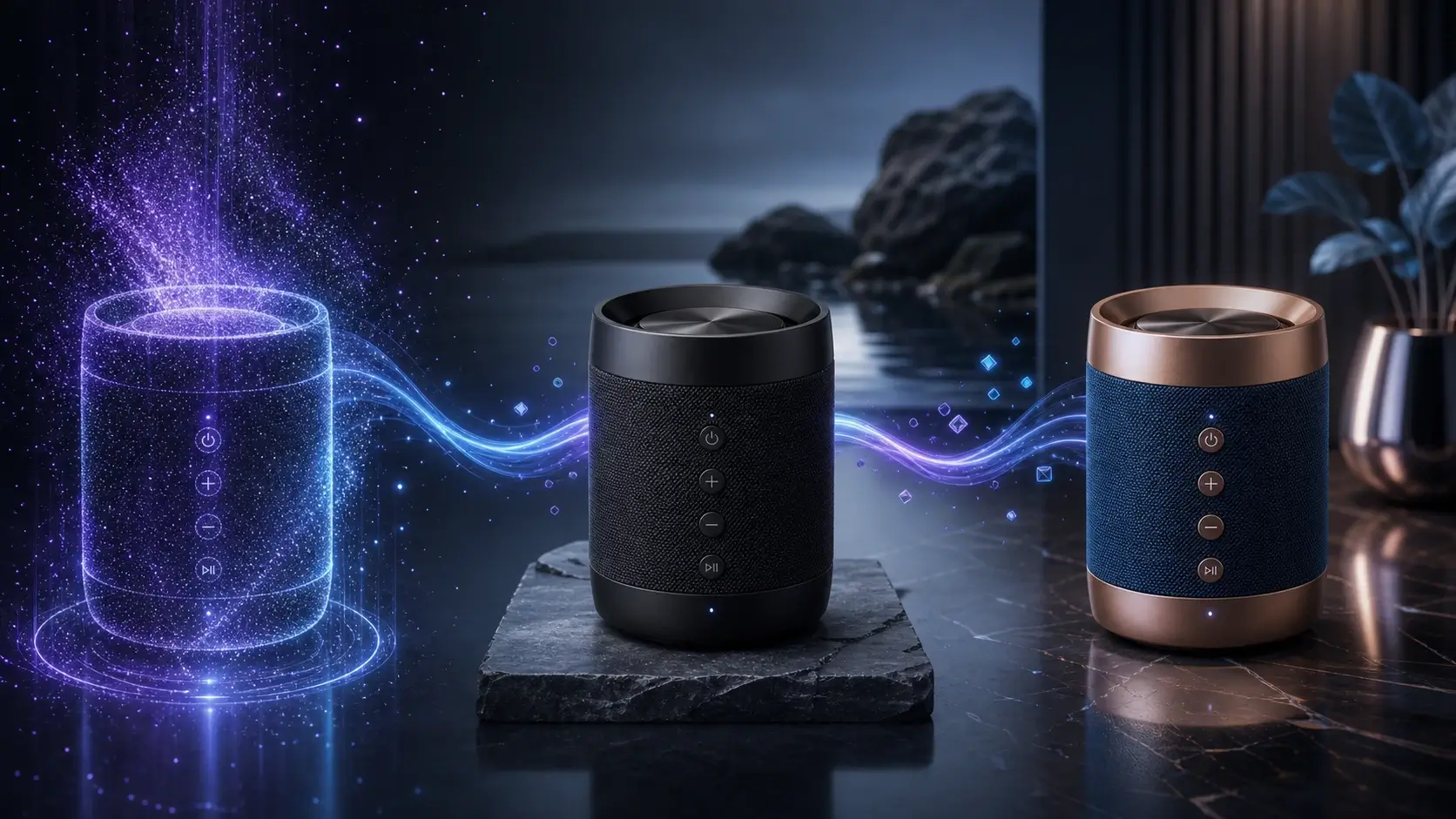
HiDream O1 Image is designed for subject-aware generation, helping the same face, product, outfit, object, or brand element remain recognizable across variations. This is especially useful for e-commerce visuals, avatar concepts, product mockups, and personalized creative workflows.

Generate native 2K images for posters, product concepts, social crops, presentation visuals, and high-resolution creative drafts. Higher native resolution gives teams more room to crop, resize, compare variations, and refine final assets.
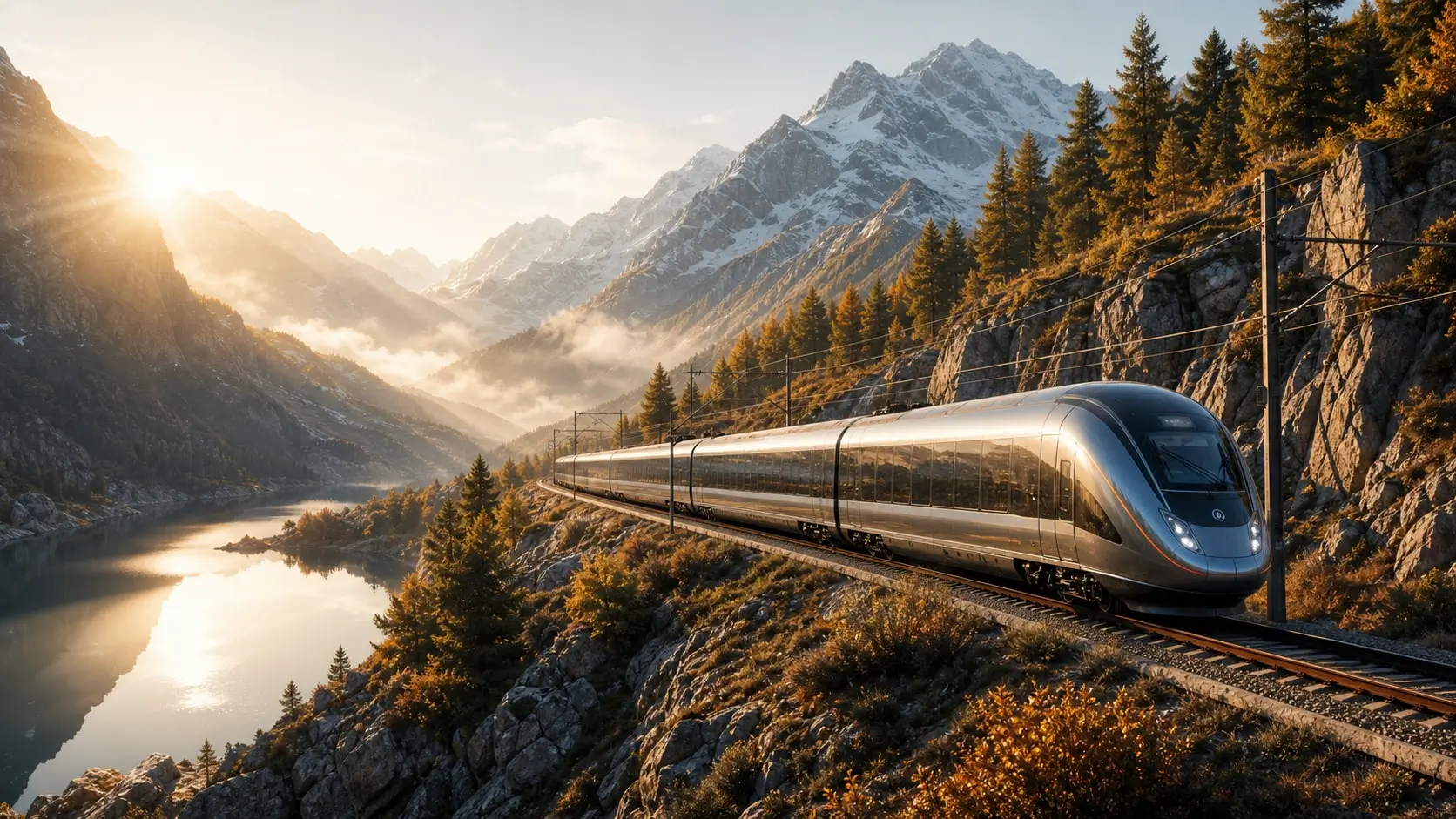
HiDream O1 Image supports structured visual tasks such as text-rich image layouts and storyboard-style scene sequences. Use it when you need coherent multi-line text, panel order, subject continuity, and visual planning in one generated image set.
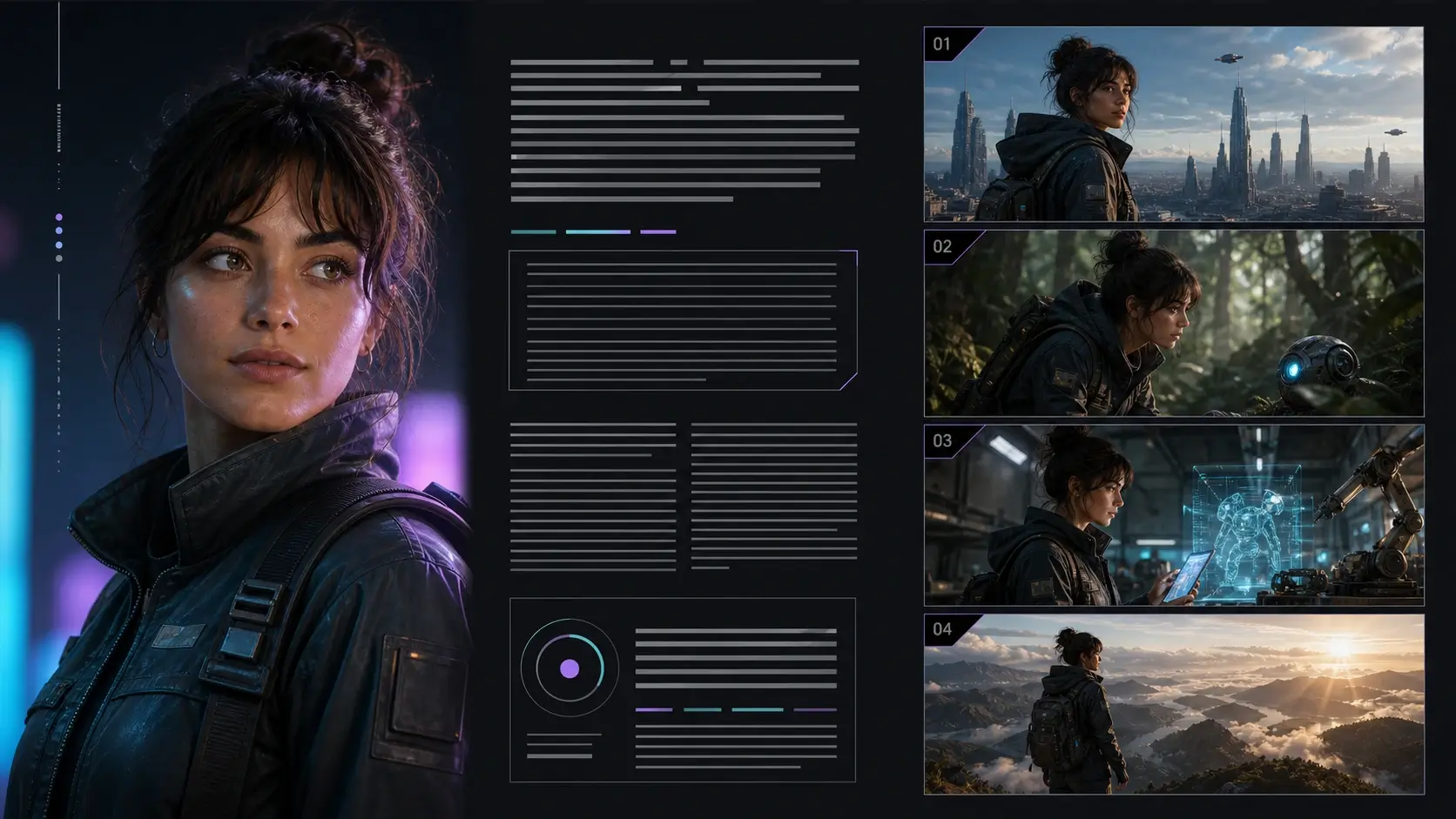
Start with a text prompt or reference image and use HiDream O1 Image for unified generation, editing, and personalization. The online workflow lets you test the pixel-native model without local setup.
Use a text prompt for HiDream O1 Image text-to-image generation, or upload reference images when you want editing, subject preservation, style transfer, or personalization.
Describe the subject, scene, lighting, composition, style, task type, and anything that should stay consistent. For long-text rendering or storyboards, include the exact text, panel structure, and visual order.
Click generate and let HiDream O1 Image process the prompt, reference image, and task conditions through its pixel-native unified image workflow for generation, editing, or subject-driven personalization.
Preview the result, compare image details, subject consistency, text layout, and 2K output quality, then download your favorite version or refine the prompt for another generation.
Use HiDream O1 Image for pixel-native text-to-image generation, reference-based editing, subject-consistent product visuals, long-text image layouts, storyboards, and open-weight model exploration.
Use HiDream O1 Image when concept visuals need clear edges, detailed textures, and stronger pixel-level structure. Its pixel-native generation approach is useful for campaign directions, cinematic scenes, moodboards, and visual experiments where small details matter.
Create product scenes, packaging concepts, and listing visuals while preserving the recognizable shape and identity of the product. Reference-based editing helps teams test backgrounds, angles, lighting, and styling without losing the core subject.
Turn detailed prompts into ad concepts, launch banners, and social visuals with stronger control over scene type, layout, product placement, lighting, mood, and visual direction. This makes HiDream O1 Image useful for early marketing exploration.
Use the same HiDream O1 Image workflow for generation, instruction editing, subject-driven personalization, and style transfer. This is useful when you need to keep a person, object, outfit, or branded element consistent across multiple versions.
Developers, AI builders, and researchers can explore HiDream O1 Image as an open-weight image model focused on Pixel-Level Unified Transformer architecture, raw pixel generation, VAE-free workflows, editing behavior, and subject consistency.
Create high-resolution drafts, text-rich images, storyboard panels, presentation visuals, and creator thumbnails. Native 2K output gives more room for cropping, resizing, comparing variations, and refining final creative assets.
See how users apply HiDream O1 Image for pixel-native detail, stronger subject preservation, reference-based edits, high-resolution creative drafts, and open-weight model testing.
HiDream O1 Image feels different from a generic image generator. The pixel-native detail is useful when I test campaign visuals with small textures, product edges, and clean lighting that still need to survive cropping.
The subject preservation is the most useful part for product visuals. I can use a reference image and let HiDream O1 Image change the background or styling while keeping the product shape recognizable.
I use HiDream O1 Image for thumbnail ideas, cinematic posts, and text-rich layouts. The native 2K-style output gives me enough detail to crop the result into different social formats.
For ad testing, HiDream O1 Image helps us compare prompt-faithful concepts quickly. It follows scene type, product placement, lighting, and layout instructions well enough for early creative direction.
The open-weight and pixel-native direction is important for model evaluation. HiDream O1 Image gives us a practical way to test raw pixel generation, editing behavior, and subject consistency online.
HiDream O1 Image works well for storyboard-style exploration. When we give it a clear sequence, consistent subject, and visual mood, it can produce useful panels for creative planning.
Learn what HiDream O1 Image is, how its pixel-native UiT architecture works, how it differs from diffusion models, and how to use it for generation, editing, personalization, and 2K output.