 HOT
HOTAI Body Swap
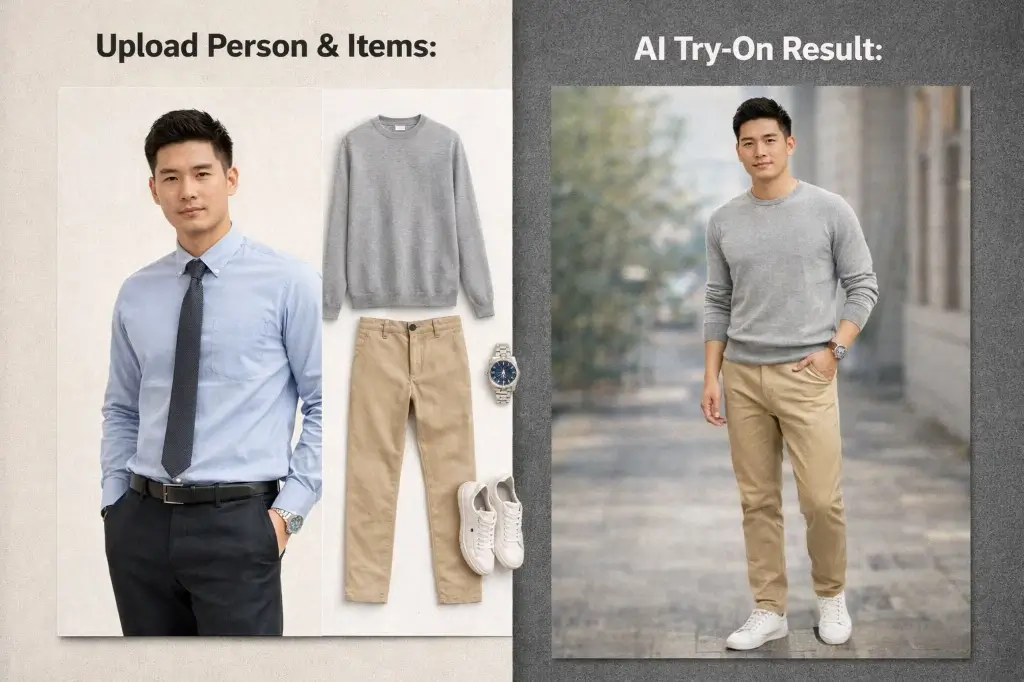
AI Body Swap swaps bodies in photos while keeping faces, poses, lighting, and clothing details natural. Upload your source image and target body image, then generate a realistic body swap photo in seconds.
Image
Click to upload an image
Up to 5 images
Prompt
Aspect Ratio
2 credits per generation
Your generated images will appear here
More Magic Tools
More AI Image Tools for Your Next Edit
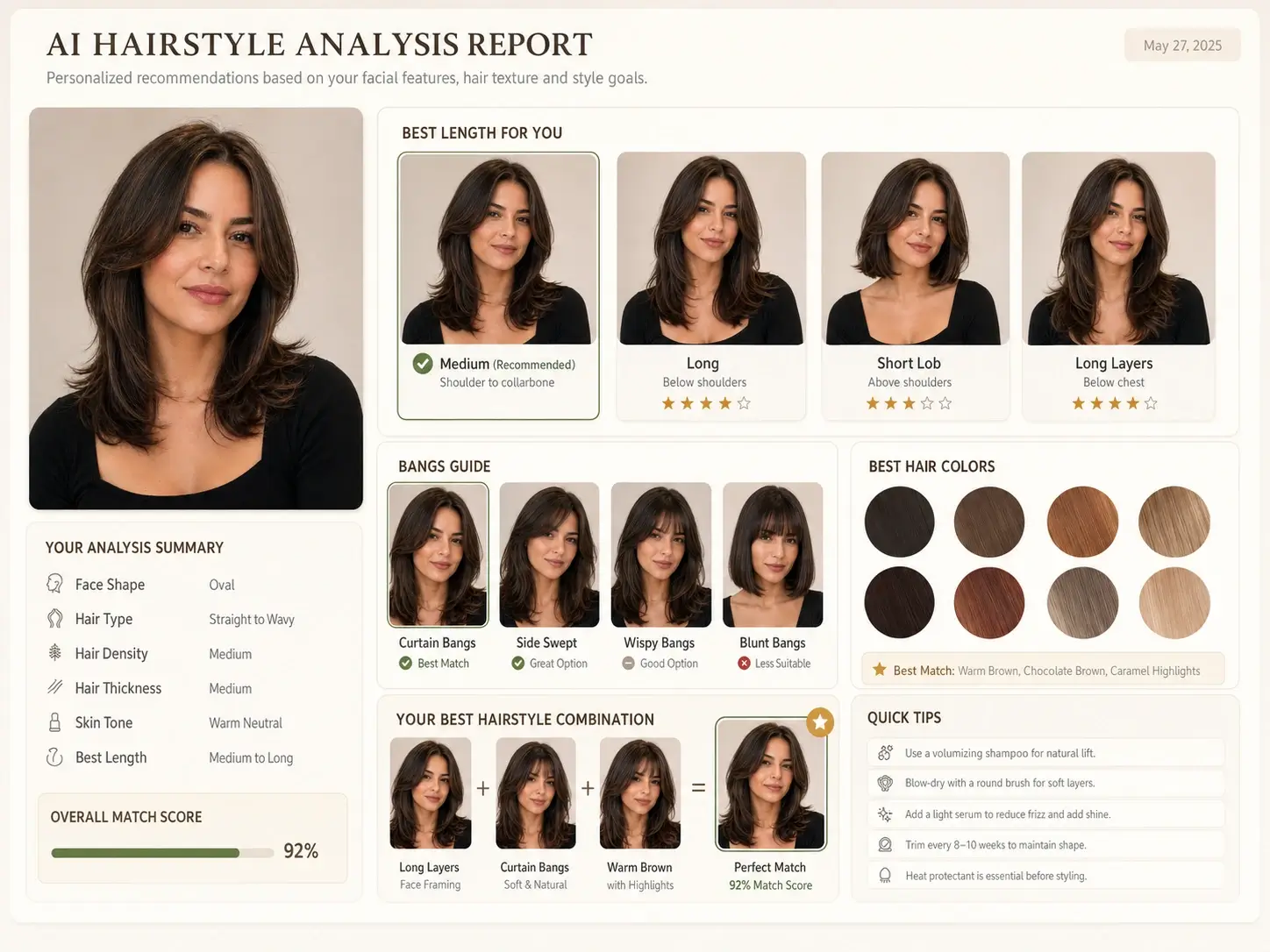
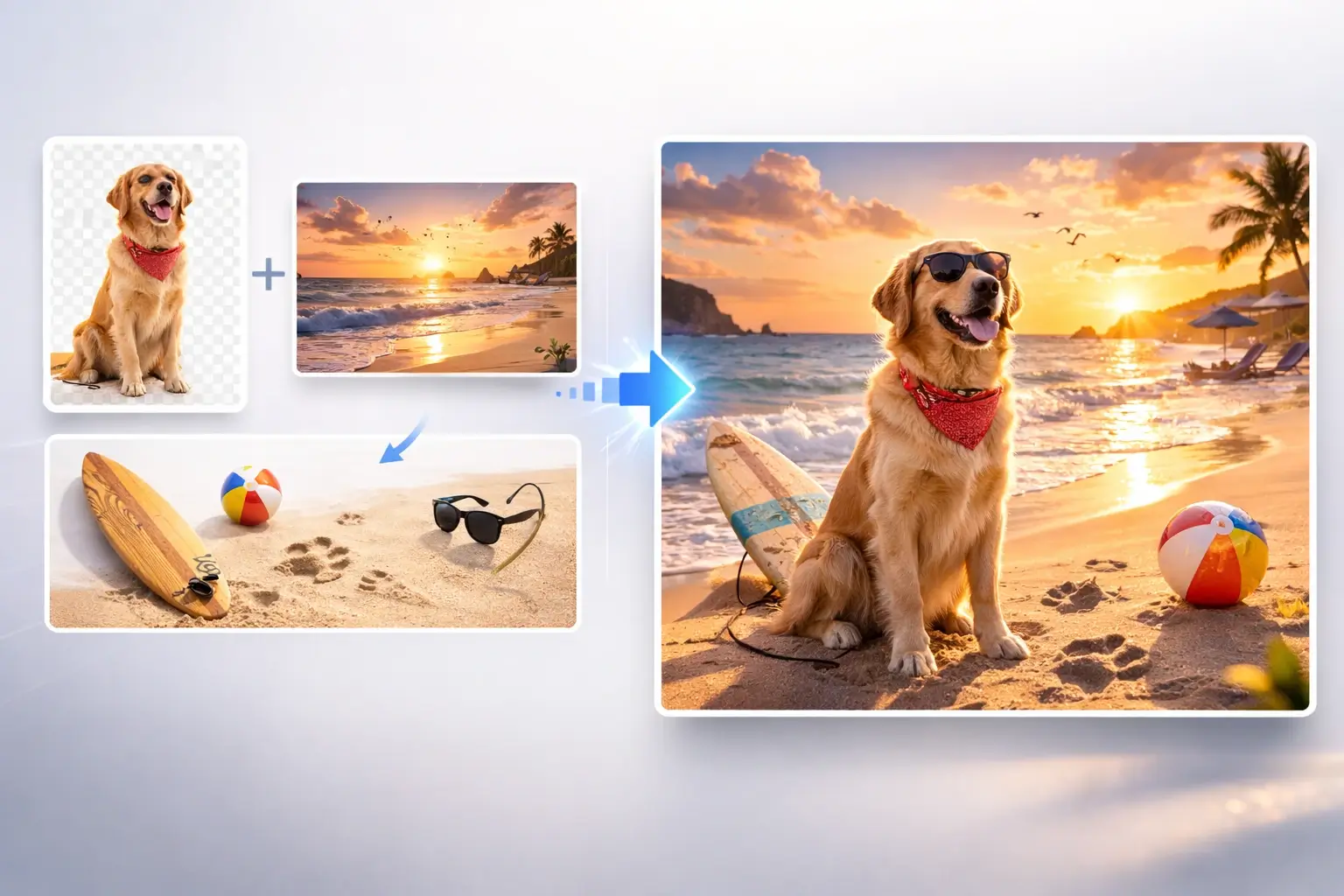
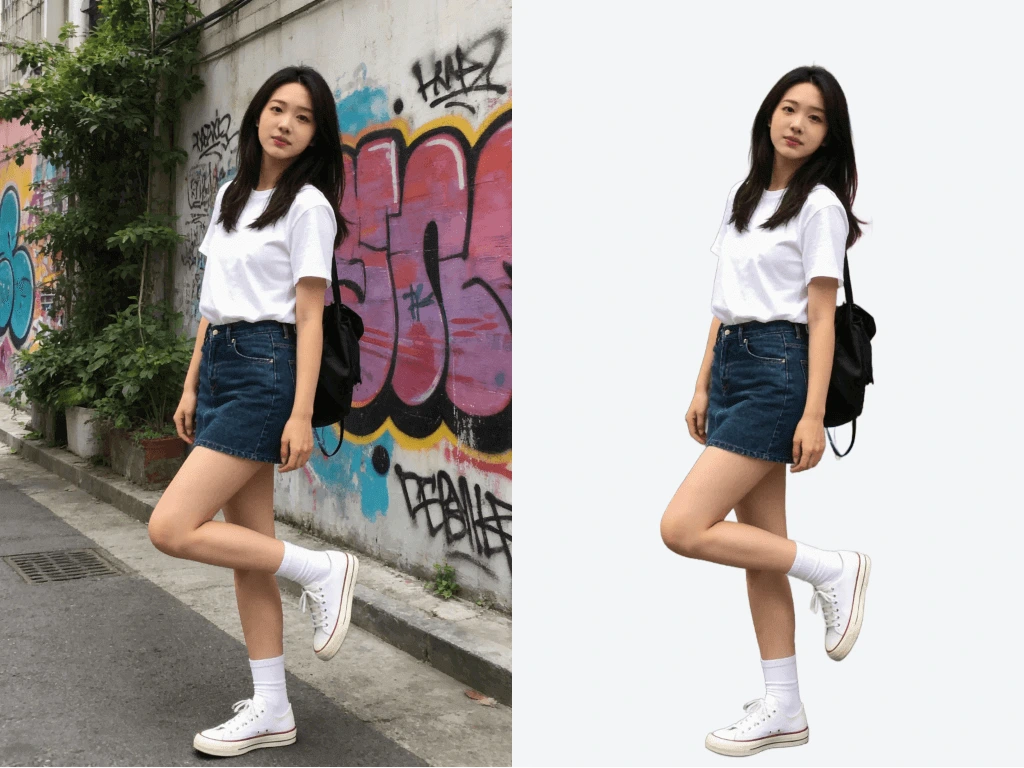
Try another Banana AI Magic Tool when your image needs cleanup, enhancement, style changes, or a different creative direction.
Core Capabilities
AI Body Swap Capabilities for Realistic Photo Editing
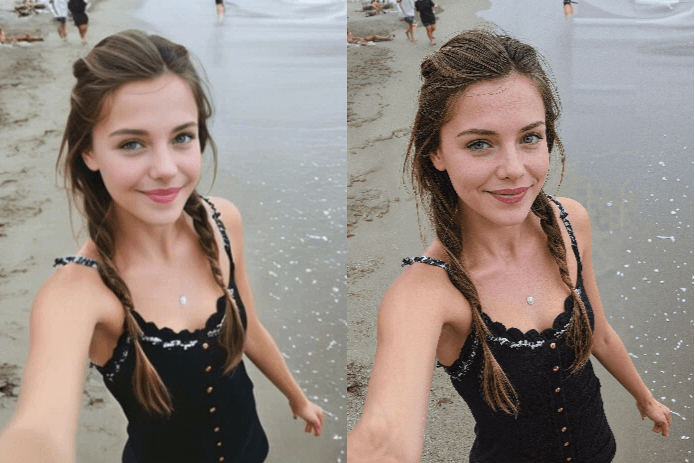
AI Body Swap uses image analysis to match body shape, pose, lighting, and scene context. The result is a clean body swap AI edit that feels natural for social posts, creative concepts, and visual mockups.
AI Body Swap for Realistic Body Swap Photo Results
AI Body Swap analyzes the source person and target body reference to create a natural image edit. It balances body shape, clothing detail, face placement, and scene texture so the output looks like one coherent photo.
Body Swap AI with Pose and Lighting Matching
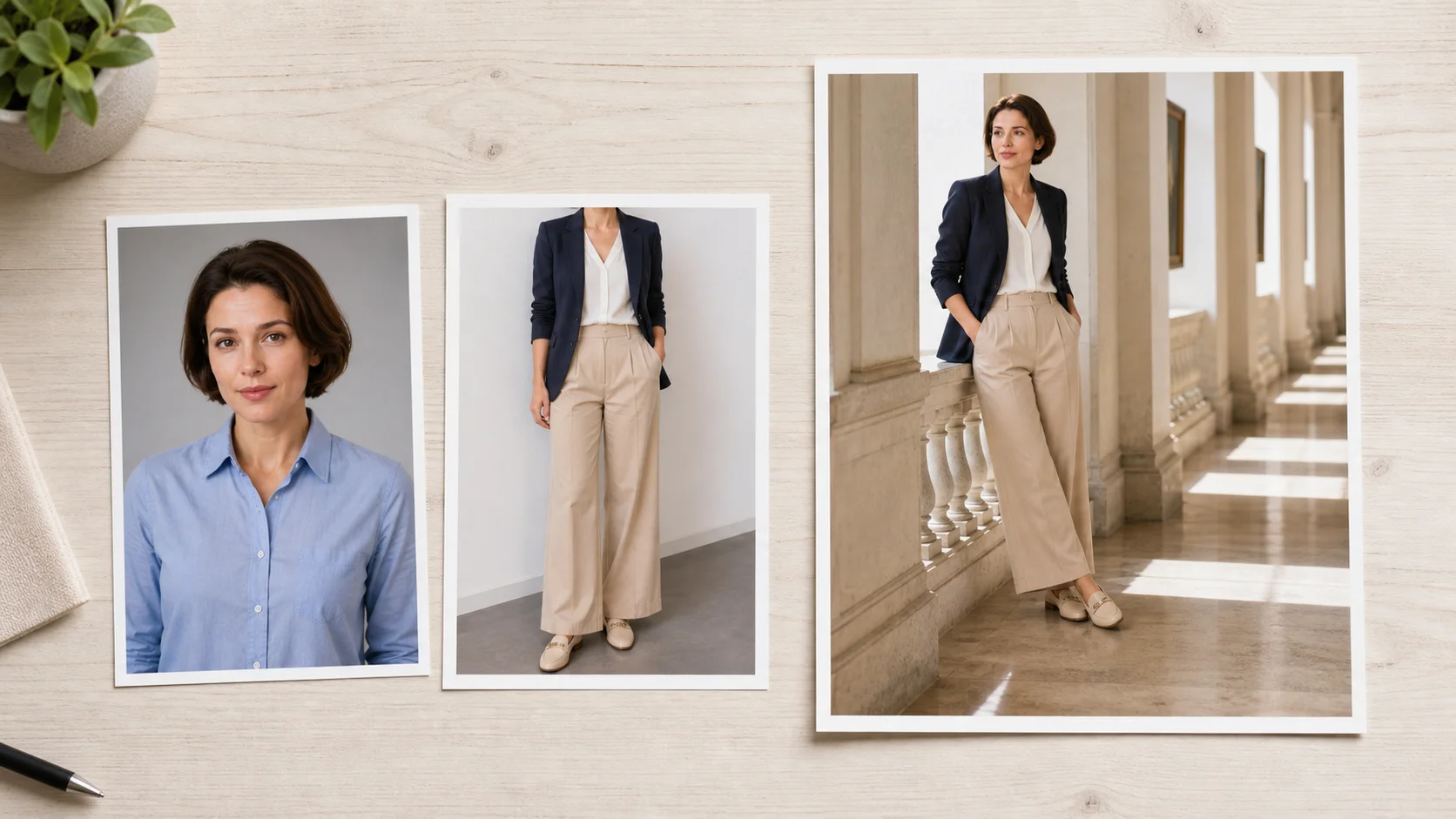
A convincing body swap photo depends on more than replacing one person with another. The AI checks pose direction, shadows, color temperature, and camera angle to keep the final image visually consistent.
Swap Bodies in Photos Online Without Photoshop
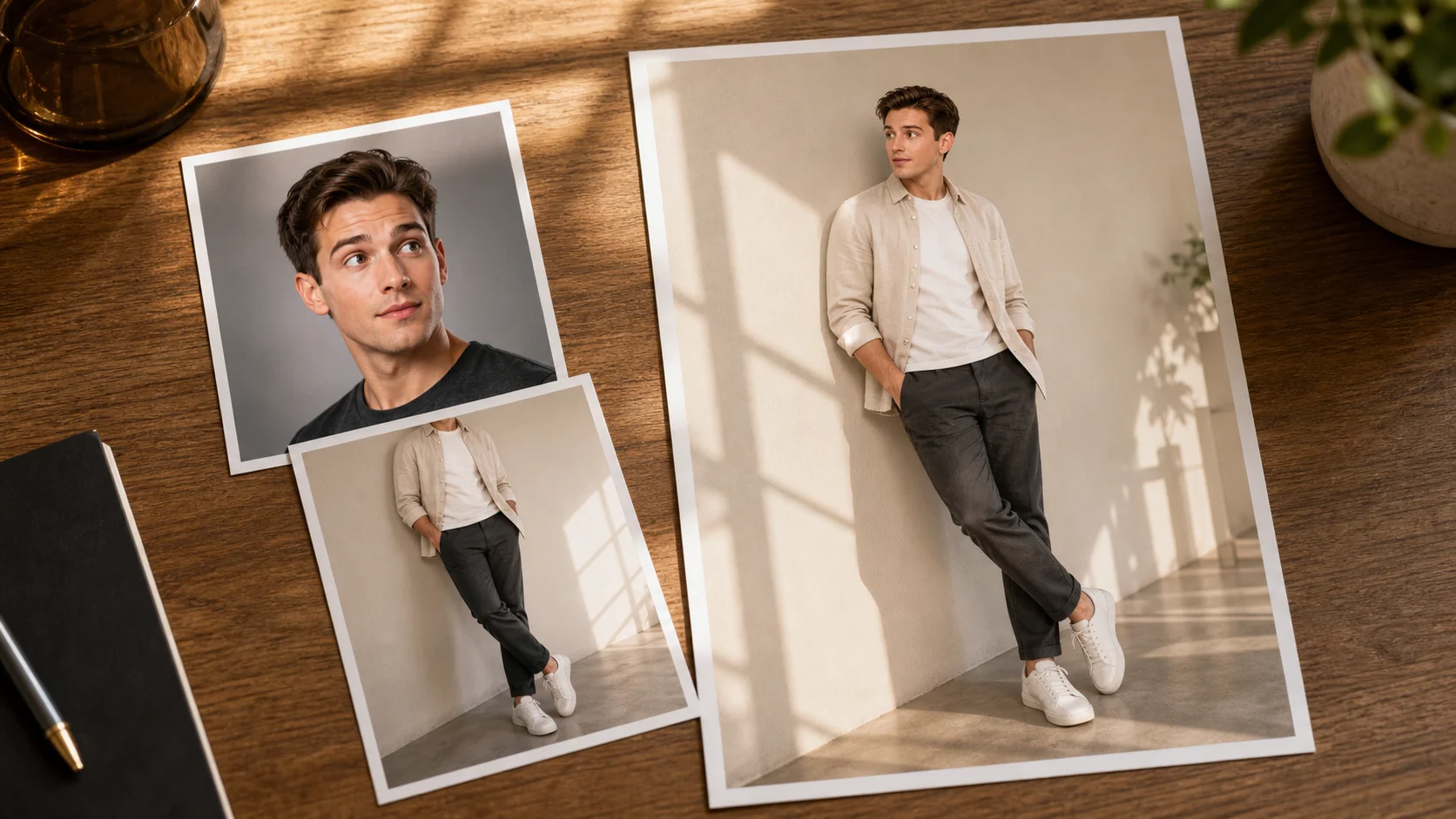
You do not need masking, layers, or complex retouching software to swap body online. Upload your images, add a prompt if needed, and let the browser-based workflow handle the body swap edit.
Keep Face Identity While Changing the Body
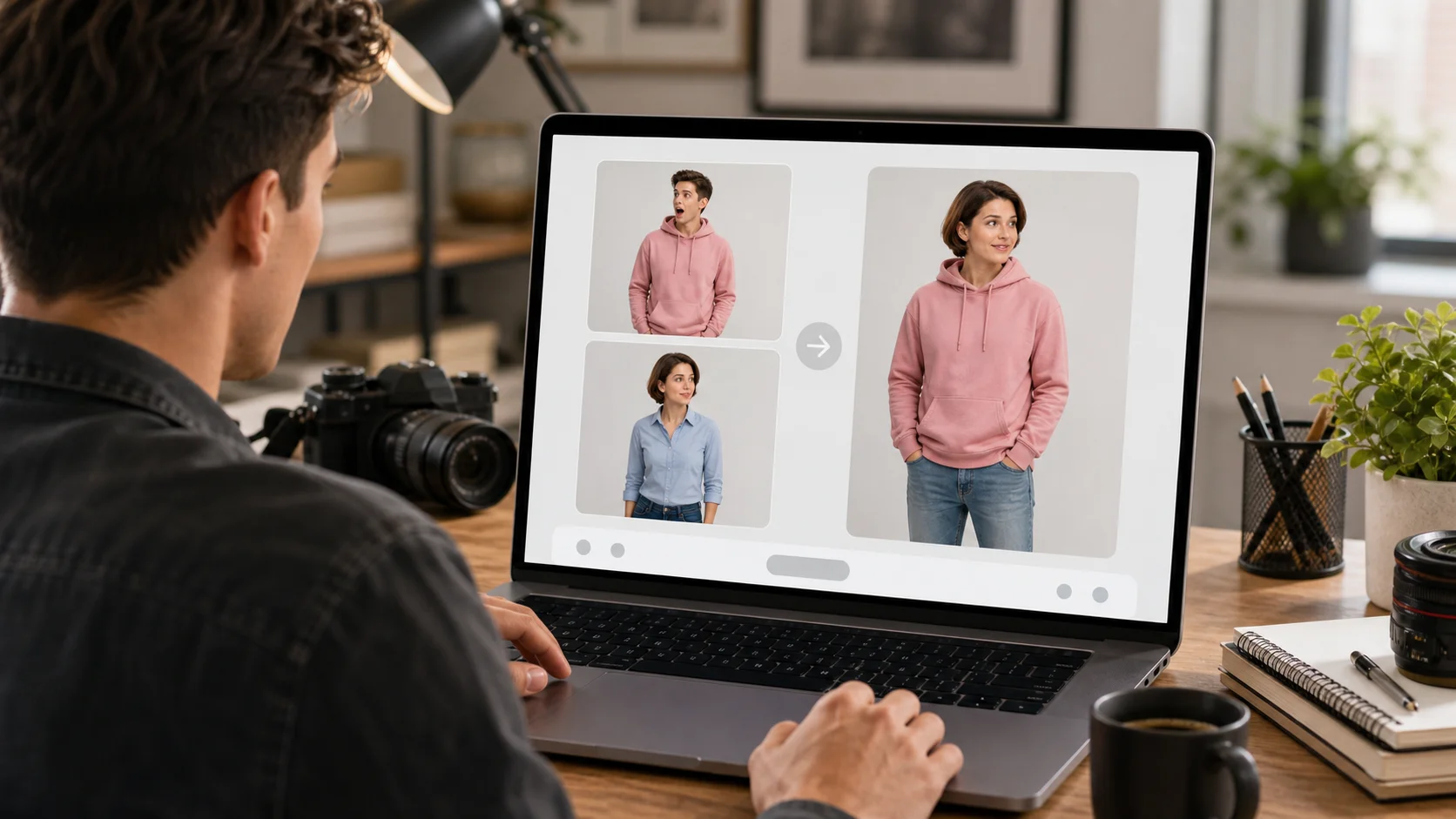
AI Body Swap can preserve the face from your source image while adapting the body from a target reference. This helps creators test new poses, outfits, and visual styles without losing the recognizable subject.
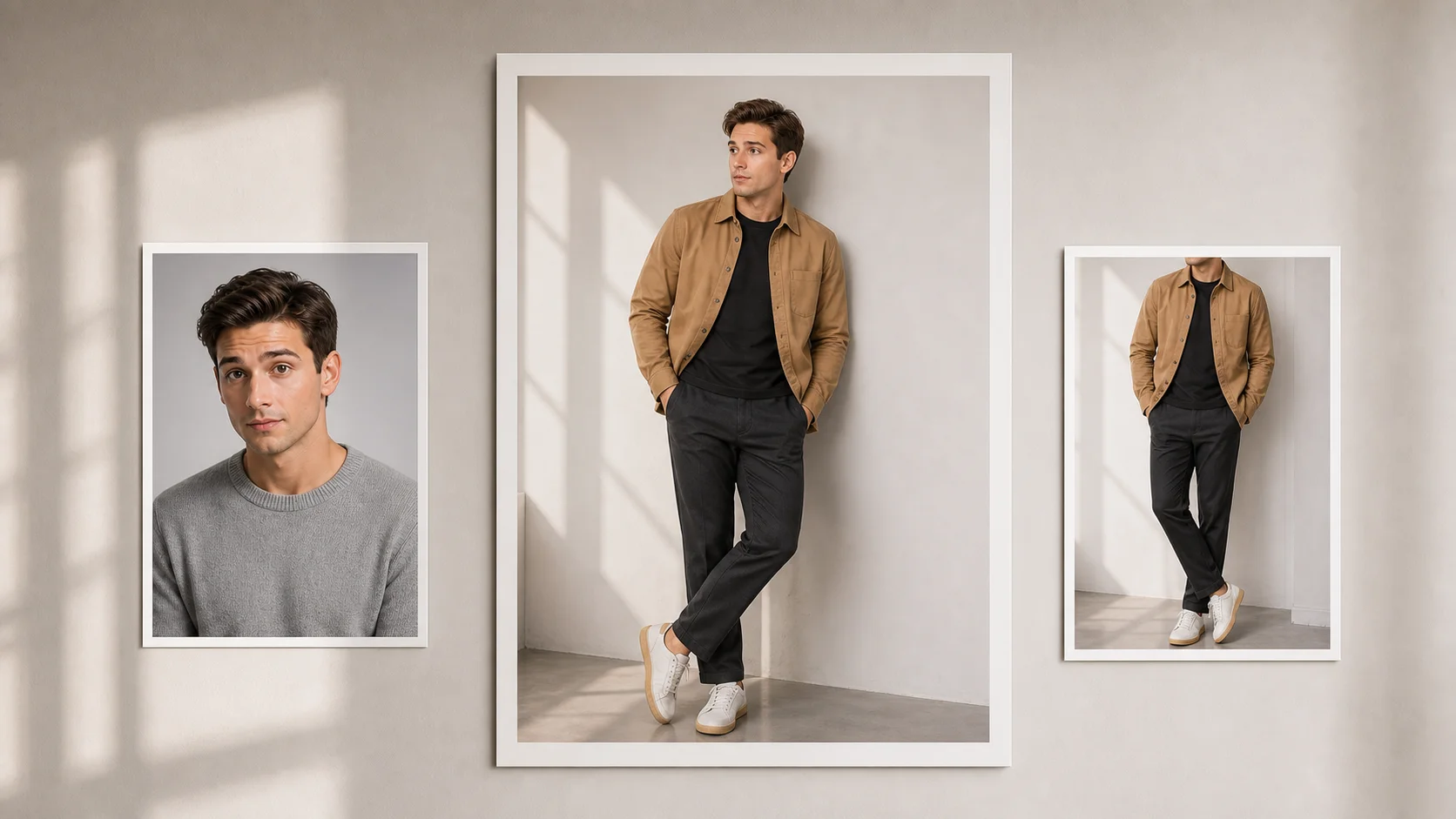
Free Body Swap Tool for Creative Image Workflows
Use AI Body Swap for social thumbnails, fashion concepts, campaign drafts, and private visual experiments. Fast generation makes it easier to compare multiple body swap AI ideas before choosing a final image.
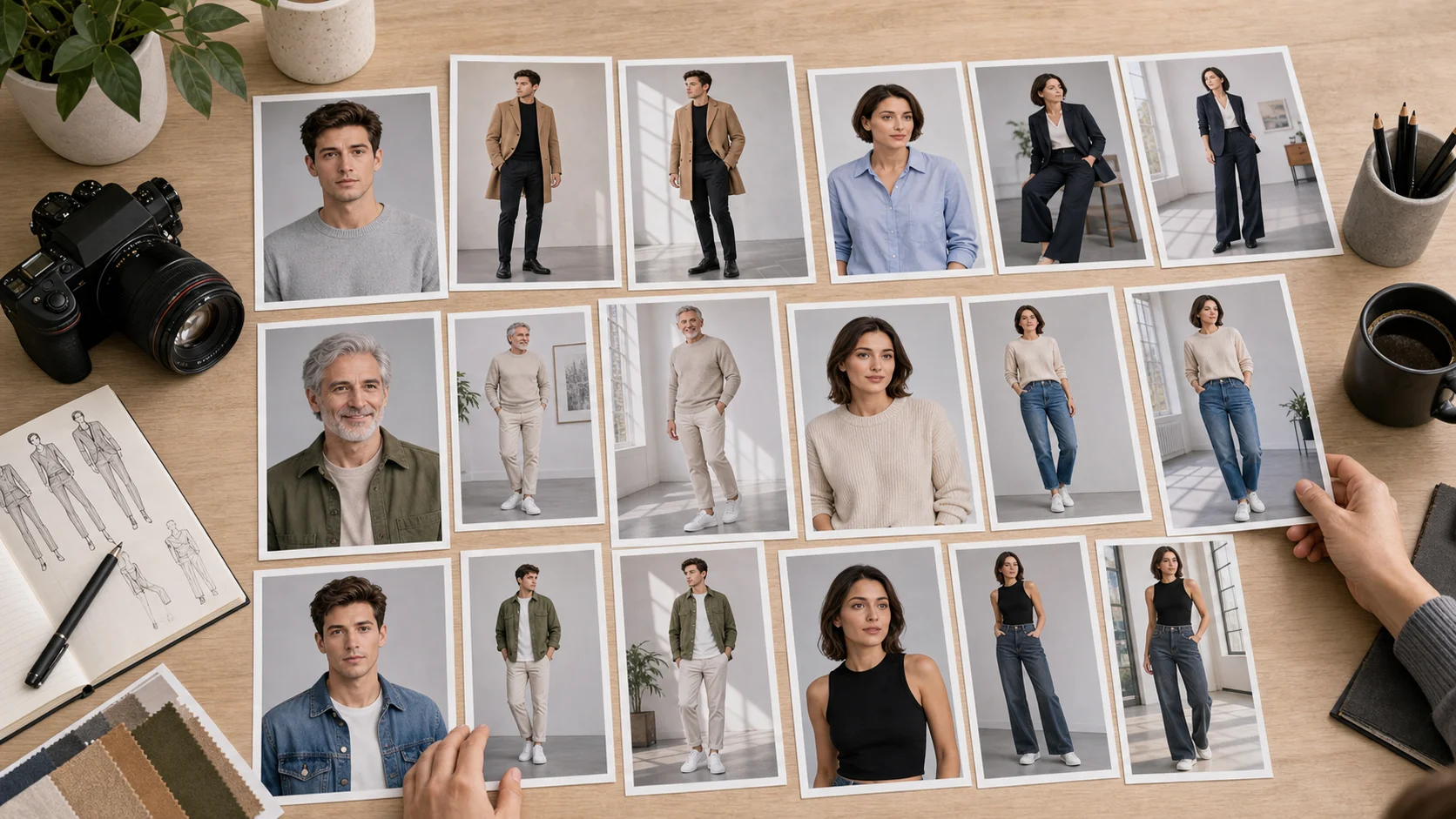
Step-by-Step Guide
How to Swap Bodies in Photos with AI Body Swap
AI Body Swap makes it simple to swap bodies in photos online. Follow four steps to upload images, guide the edit, and download a natural result.
1
Upload Your Images
Upload the portrait or full-body photo you want to edit. Add a target body reference if you want the AI body swap to follow a specific pose or outfit.
2
Describe the Swap
Use the prompt to explain what should stay consistent, such as the original face, target body, pose, or lighting. Clear instructions help the body swap photo look more natural.
3
Generate the Body Swap
Click generate and let AI Body Swap process the images. The tool blends body shape, clothing detail, scene lighting, and image texture automatically.
4
Download and Share
Preview the final body swap AI result and download the image. Use it for creative concepts, social posts, mockups, or private experiments.
Use Cases
Where AI Body Swap Helps Creators Work Faster
AI Body Swap helps creators, marketers, and photo editors create realistic body swap photo results for content, previews, and playful visual ideas.
Social Media Body Swap Content
Use AI Body Swap to create playful social posts, profile concepts, and thumbnail ideas. The tool helps swap bodies in photos without long manual editing sessions.
Fashion and Outfit Concepts
Preview how a body pose, outfit style, or silhouette might look in a different photo context. Body swap AI can help creators test wardrobe concepts before setting up a shoot.
E-commerce Lifestyle Mockups
Create fast lifestyle image concepts for product and apparel campaigns. AI Body Swap helps teams explore model poses and visual directions before committing to final production.
Creative Photo Composites
Build surreal, cinematic, or humorous image ideas from uploaded references. The AI body swap online workflow keeps experimentation fast while preserving scene consistency.
Presentation and Campaign Visuals
Generate draft visuals for pitches, mood boards, and creative reviews. A realistic body swap photo can communicate an idea before a designer spends time on detailed retouching.
Private Image Experiments
Test body swap photo editor ideas for personal projects, avatars, and visual jokes. Keep results respectful and make sure you have permission to use any person shown in the image.
Trusted by image creators
What Users Say About AI Body Swap
See how AI Body Swap helps users test body swap AI ideas, create social visuals, and reduce manual photo editing time.
MC
Maya Chen
Content Creator
AI Body Swap helped me test thumbnail ideas before shooting anything. The body swap photo results were clean enough to compare poses and choose the concept that worked.
JM
Jordan Mills
Fashion Marketer
We used the body swap AI workflow to preview outfit directions for a campaign. It saved time because the team could discuss the image before booking a full reshoot.
LT
Lena Torres
Social Media Manager
The online workflow is simple. I can upload references, add a short prompt, and get an AI body swap result without opening heavy editing software.
CP
Chris Patel
Creative Director
AI Body Swap is useful for rough campaign comps. It matches pose and lighting well enough to communicate the idea before our designers start final retouching.
SG
Sofia Grant
Photo Editor
For quick concept work, this free body swap tool is much faster than building masks manually. It gives me a strong starting point that I can review right away.
EB
Evan Brooks
Small Business Owner
I used AI Body Swap to create lifestyle mockups for apparel ideas. The realistic body swap photo helped me narrow down which visuals were worth producing.
Help & Support
Frequently Asked Questions About AI Body Swap
Get clear answers about AI Body Swap, including how to swap bodies in photos online, what image quality to expect, and when to use prompts.
Swap Bodies in Seconds