
AI Manga Translator
AI Manga Translator detects dialogue, narration, sound effects, and side notes in manga pages, then rewrites them in your target language. Translate Japanese manga to English, Chinese, Korean, and more while keeping bubbles and panels readable.
Image
Click to upload an image
PNG, JPG, JPEG, or WEBP (max 10MB)
Prompt
Aspect Ratio
5 credits per generation
Your generated images will appear here
More Magic Tools
More AI Image Tools for Your Next Edit
Try another Banana AI Magic Tool when your image needs cleanup, enhancement, style changes, or a different creative direction.


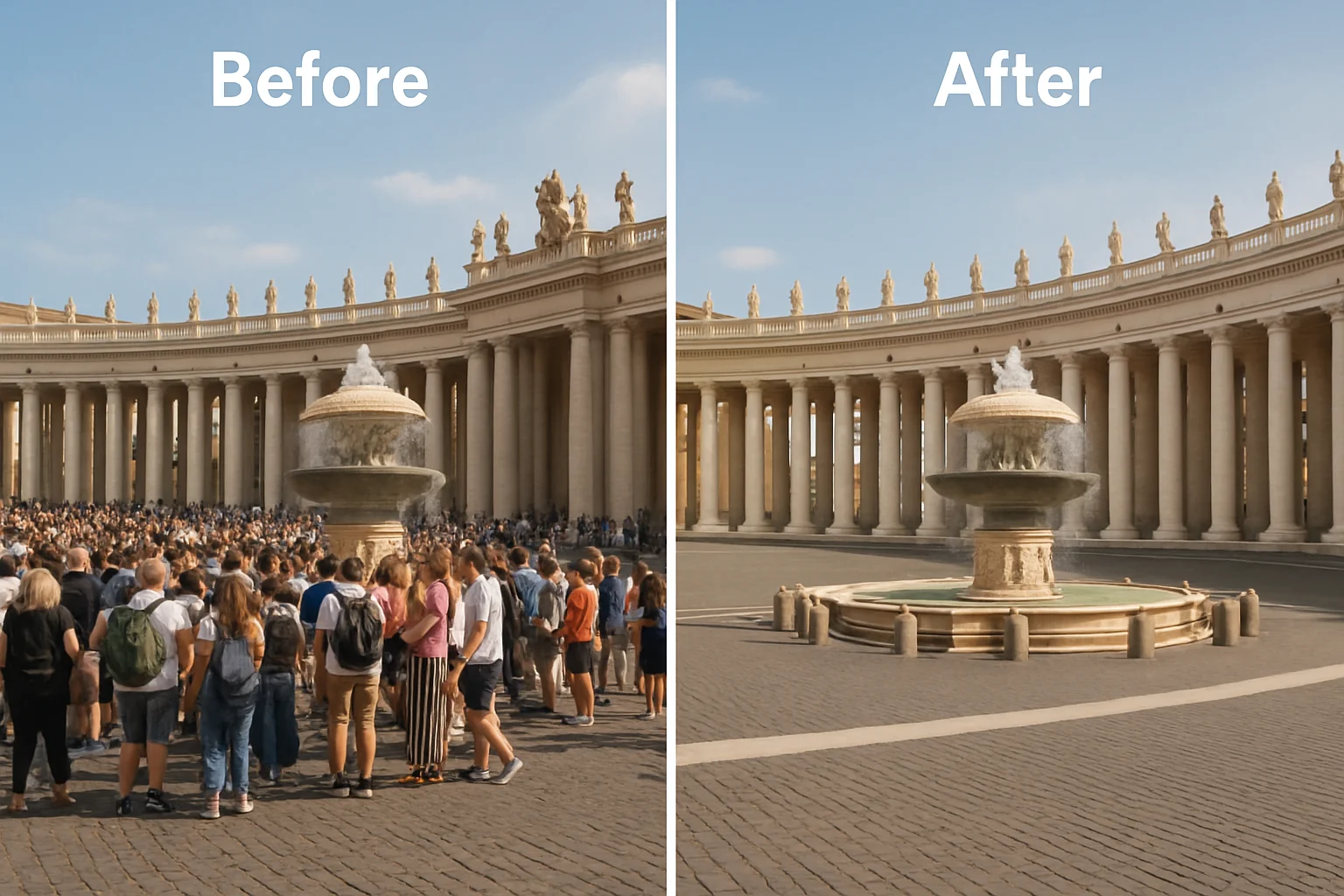

Core Capabilities
What AI Manga Translator Can Handle on a Manga Page
Explore the core AI Manga Translator capabilities that help readers translate manga online, keep speech bubbles readable, and control translation style from the prompt.
AI Manga Translator for Speech Bubbles and Sound Effects
AI Manga Translator detects dialogue, narration, sound effects, and side notes across a manga page before generating a translation. This helps readers translate manga online without manually copying text out of each panel.
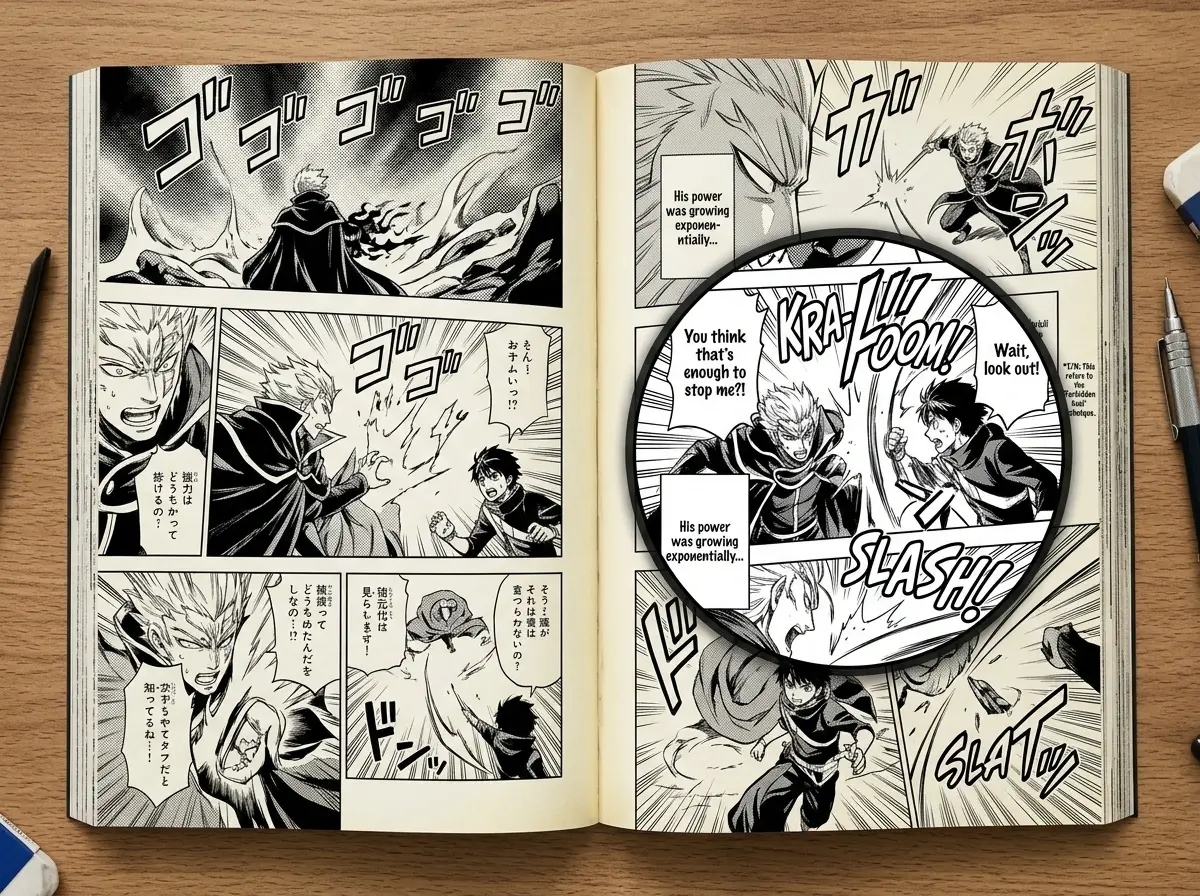
Translate Japanese Manga to English with Readable Bubble Layout
When you translate Japanese manga to English, AI Manga Translator rewrites the page while keeping bubble placement and panel order easy to follow. The output is designed for readable reference use instead of a wall of separate OCR text.
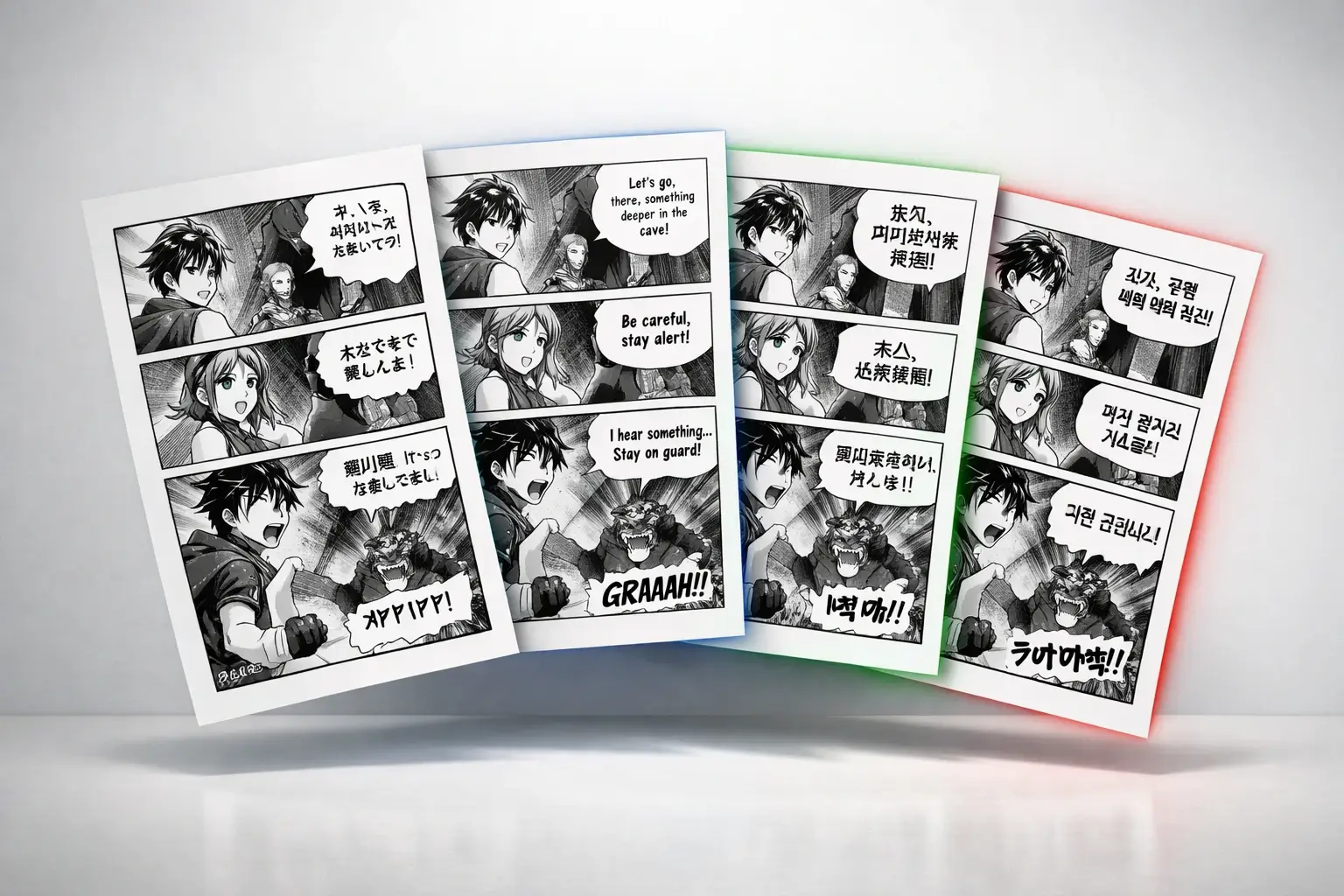
AI Manga Translator for Chinese, Korean, and More
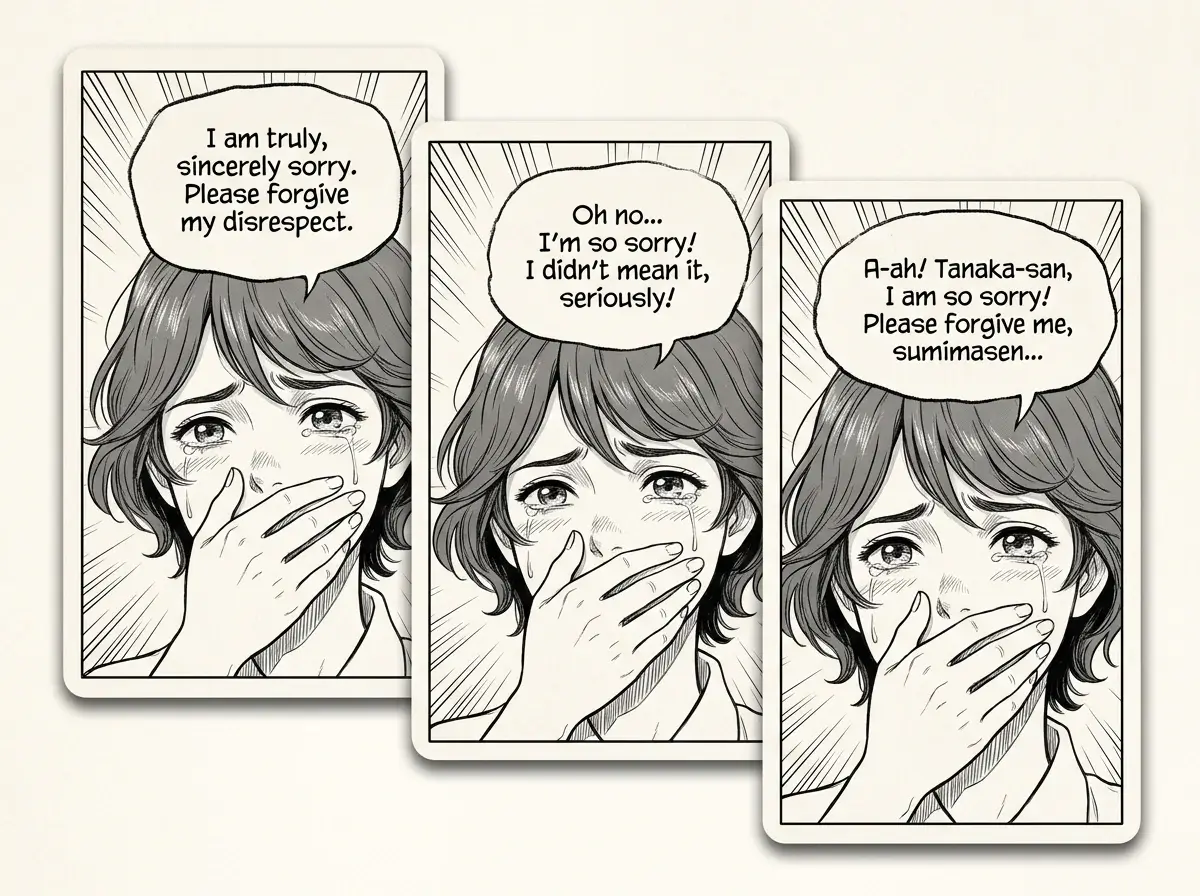
You can tell AI Manga Translator exactly what language you want in the prompt, such as translate to Chinese, translate to Korean, or translate to French. This makes it easy to use one workflow for different reading goals without rewriting the whole page by hand.
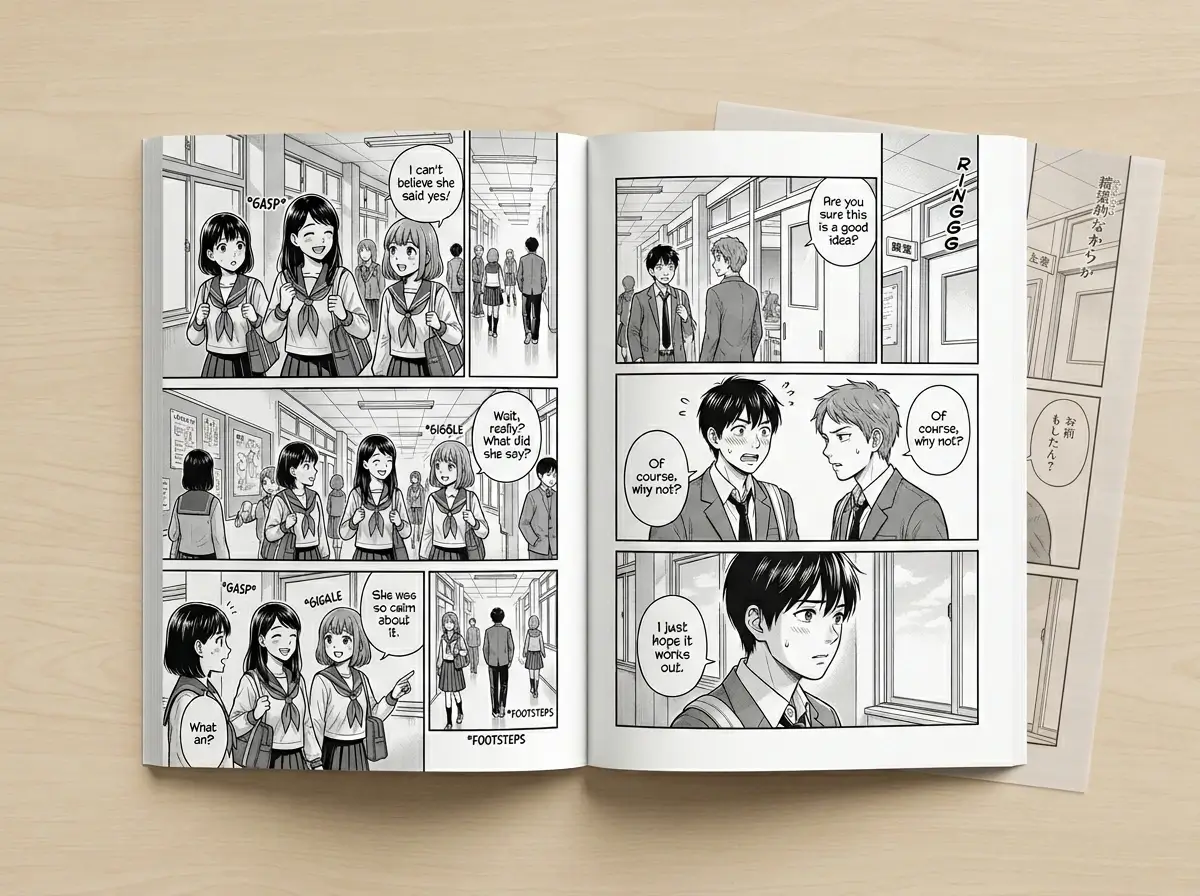
AI Manga Translator Prompt Controls for Tone and Honorifics
AI Manga Translator lets you add translation instructions directly in the prompt, including tone, naming choices, and whether to keep honorifics or sound effects. This is useful for fan translation drafts, study notes, and page-by-page consistency.
Translate Manga Pages Online Without Photoshop or Manual Redrawing
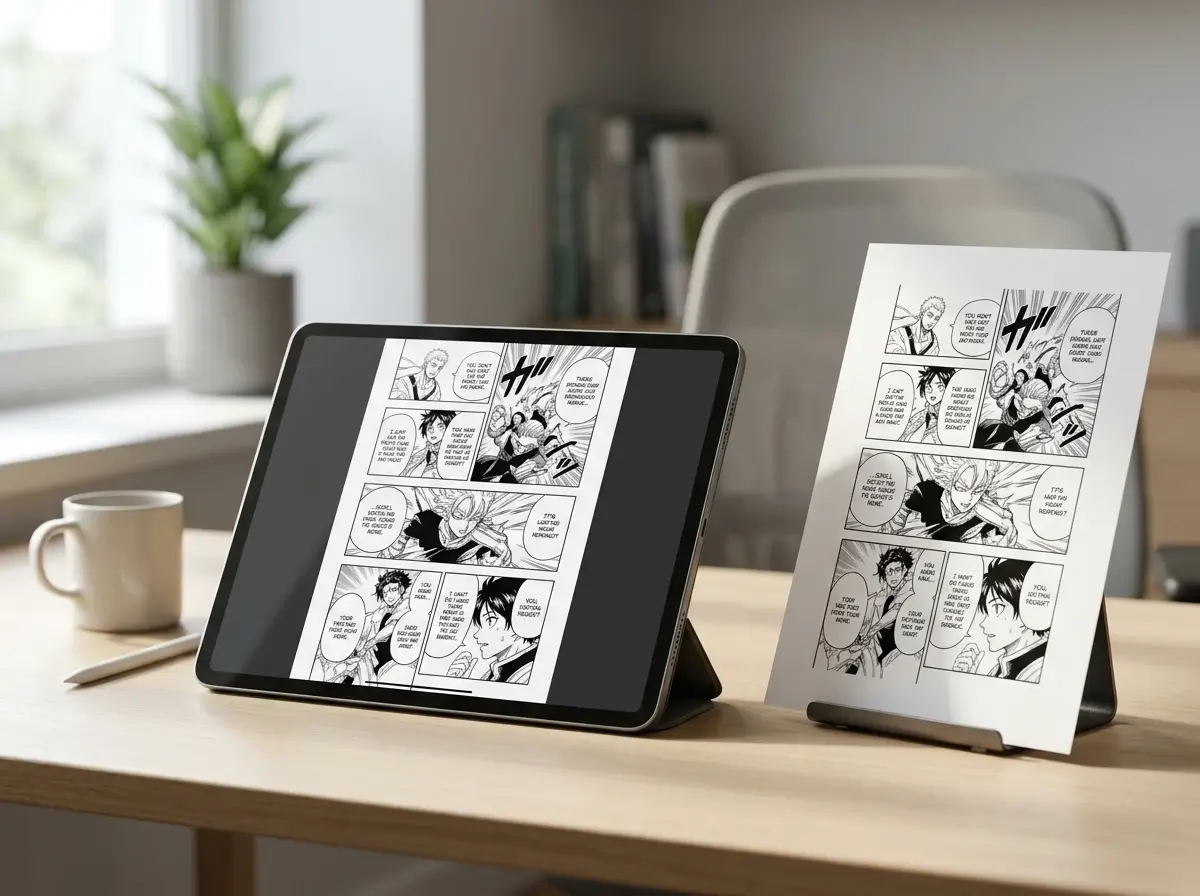
AI Manga Translator runs in your browser, so you do not need separate OCR software, Photoshop, or manual typesetting just to get a first-pass translation. Start your free trial, upload a page, and translate manga online in seconds.
Simple Step-by-Step Guide
How to Translate Manga Pages with AI Manga Translator
Follow four steps to upload a page, set the target language, start translation, and download your translated manga page.
1
Upload Your Manga Page
Upload the manga page you want to translate. AI Manga Translator supports JPG, PNG, and WebP formats and reads the text across the page before translation.
2
Describe the Target Language and Rules
In the prompt, specify the target language and any translation rules, such as keeping honorifics, keeping sound effects, or using a casual tone. This helps AI Manga Translator produce a better page-level draft.
3
Translate the Page
Click Translate Manga and let AI Manga Translator process the page in seconds. Review the translated page once the result is ready.
4
Download the Translated Page
Preview the translated manga page, check bubble readability, and download the result. You can use it for reading, sharing, or further editing.
Use Cases
Best Use Cases for AI Manga Translator
See how readers, students, and fan translators use AI Manga Translator for English reading, Chinese reference translation, webtoon understanding, and page-by-page study.
Read Japanese Manga in English
Use AI Manga Translator to turn Japanese manga pages into readable English for faster personal reading. It helps you follow dialogue, narration, and side notes without waiting for an official release.
Translate Manga to Chinese Online
If you want to translate manga to Chinese, AI Manga Translator lets you upload a page and describe the target style in the prompt. This works well for readers who want a fast Chinese reference translation before deeper editing.
Understand Korean Webtoon and Manhwa
AI Manga Translator also works for vertical webtoon and manhwa pages with dialogue boxes, captions, and sound effects. It helps readers understand Korean comics without switching between separate OCR, translator, and editing tools.
Learn Japanese Through Manga Panels
Students can compare the original Japanese text with translated manga pages to study vocabulary, tone, and context. AI Manga Translator makes manga-based reading practice easier to repeat page by page.
Build Fan Translation Drafts Faster
Fan translators can use AI Manga Translator to create a first-pass draft for manga pages, then refine wording manually. The page-level output reduces repetitive OCR, translation, and retyping work.
Reading, study, and draft translation workflows
How Readers Use AI Manga Translator
These examples reflect common ways people use AI Manga Translator for personal reading, learning, and first-pass manga translation.
SL
Sarah L.
Manga Fan
I use AI Manga Translator when I want a quick English read of new Japanese pages. It usually catches dialogue and side notes well enough for me to follow the story before an official release.
DK
David K.
Fan Translator
For fan translation drafts, AI Manga Translator saves me the repetitive OCR and retyping work. I still edit wording afterward, but it gives me a much faster starting point.
YM
Yuki M.
Language Student
I compare Japanese text with the translated page when I am studying. AI Manga Translator helps me spot vocabulary and tone inside the actual panel context, which is more useful than plain text alone.
MR
Mike R.
Webtoon Reader
I tried it on Korean webtoon panels and the page stayed easy to read after translation. It was much faster than juggling separate OCR, translator, and editing tools.
AC
Anna C.
Content Creator
I like that I can tell AI Manga Translator to keep honorifics or change the tone in the prompt. That makes it easier to use for blog references and reading notes.
TH
Tom H.
Manga Collector
For one-page manga translation, AI Manga Translator is the fastest workflow I have found on the web. I upload a page and get a readable draft that I can download and review right away.
Help & Support
FAQs About AI Manga Translator
Find answers about AI Manga Translator, including language support, free trial details, speech bubble handling, and how to translate manga pages online.
Start Your Free Trial