 HOT
HOTAI Photo Editor
A prompt-based AI photo editor for realistic and creative photo editing. Remove unwanted objects, change backgrounds, enhance details, restyle photos, and create polished visuals online.
Model
Image (Optional)
Click to upload an image
PNG, JPG, JPEG, or WEBP (max 10MB)
Prompt
0 / 5000
AI Function
Aspect Ratio
2 credits
Experience the power of AI image generation
More Magic Tools
More AI Image Tools for Your Next Edit
Try another Banana AI Magic Tool when your image needs cleanup, enhancement, style changes, or a different creative direction.
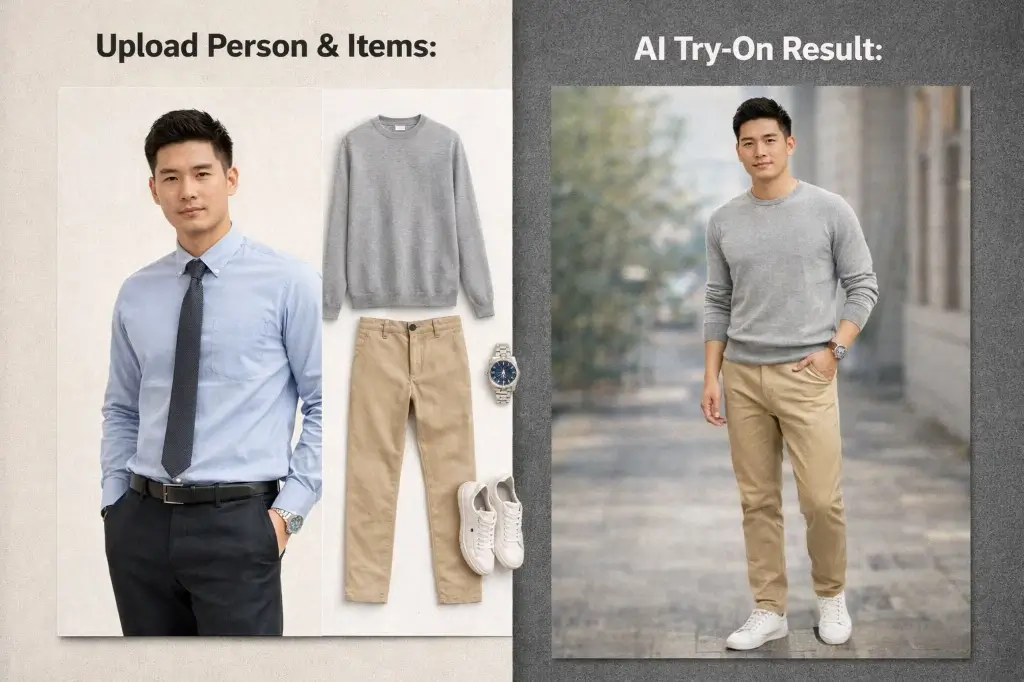
Core Highlights
A Smarter AI Photo Editor for Every Image
AI Photo Editor makes online photo editing easier with prompt-based control, whole-image understanding, and high-quality visual results for both practical edits and creative transformations.
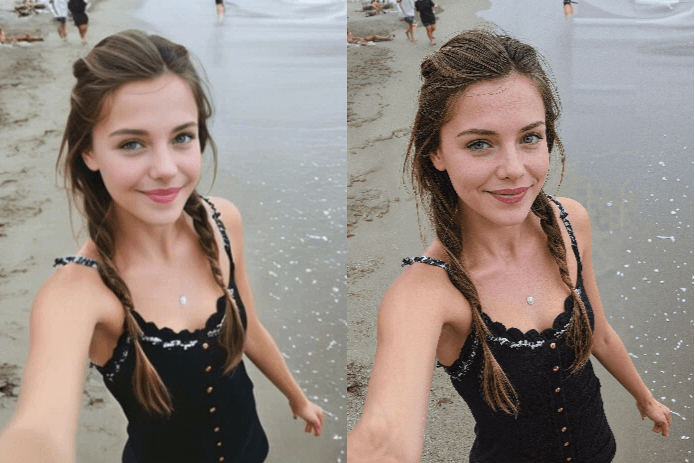
Prompt-Based AI Photo Editing
AI Photo Editor lets you edit photos by describing the result you want. Instead of working with complex layers, brushes, or masks, you can use natural language to guide realistic and creative photo edits.
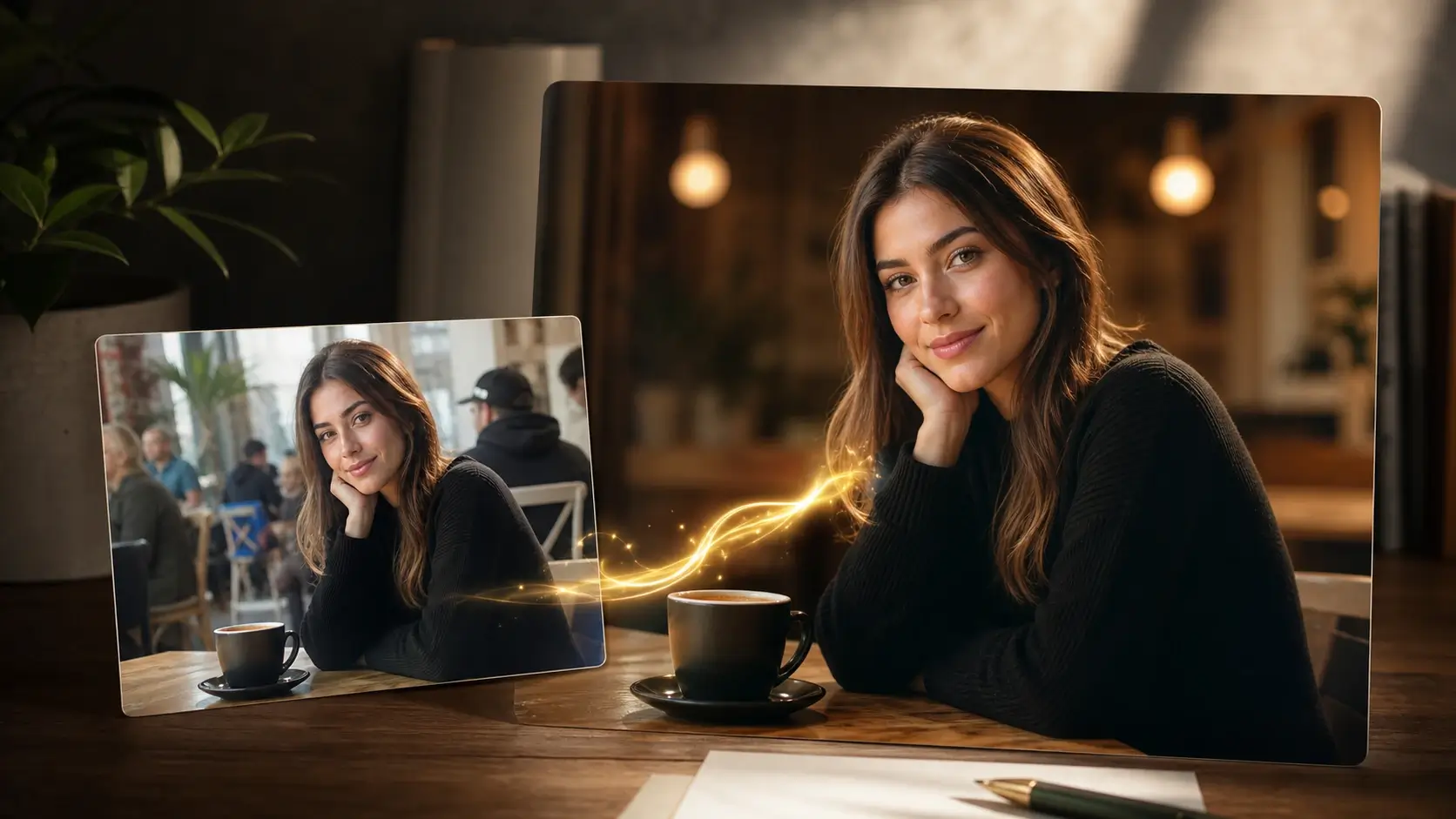
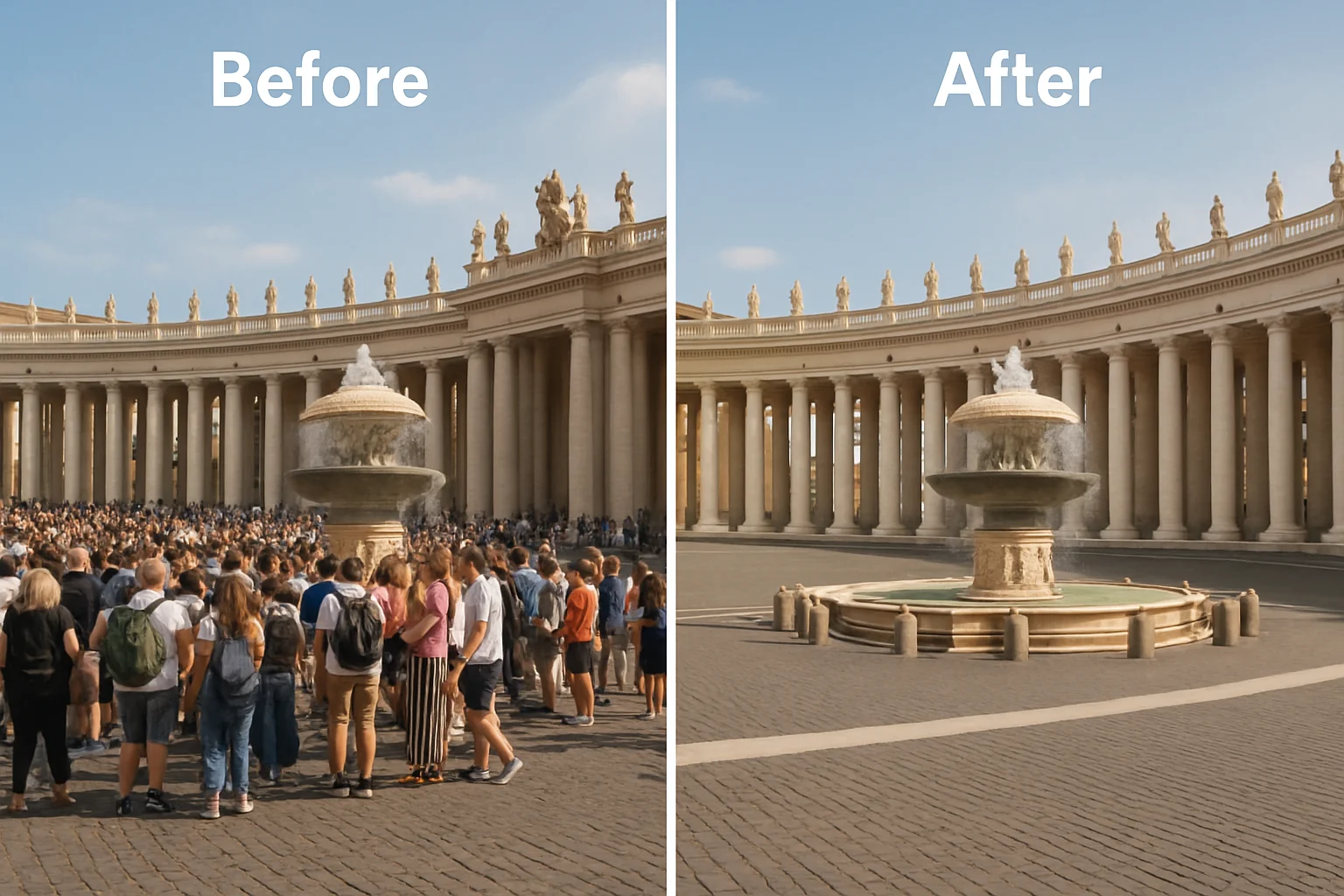
Realistic and Creative Edits in One AI Photo Editor
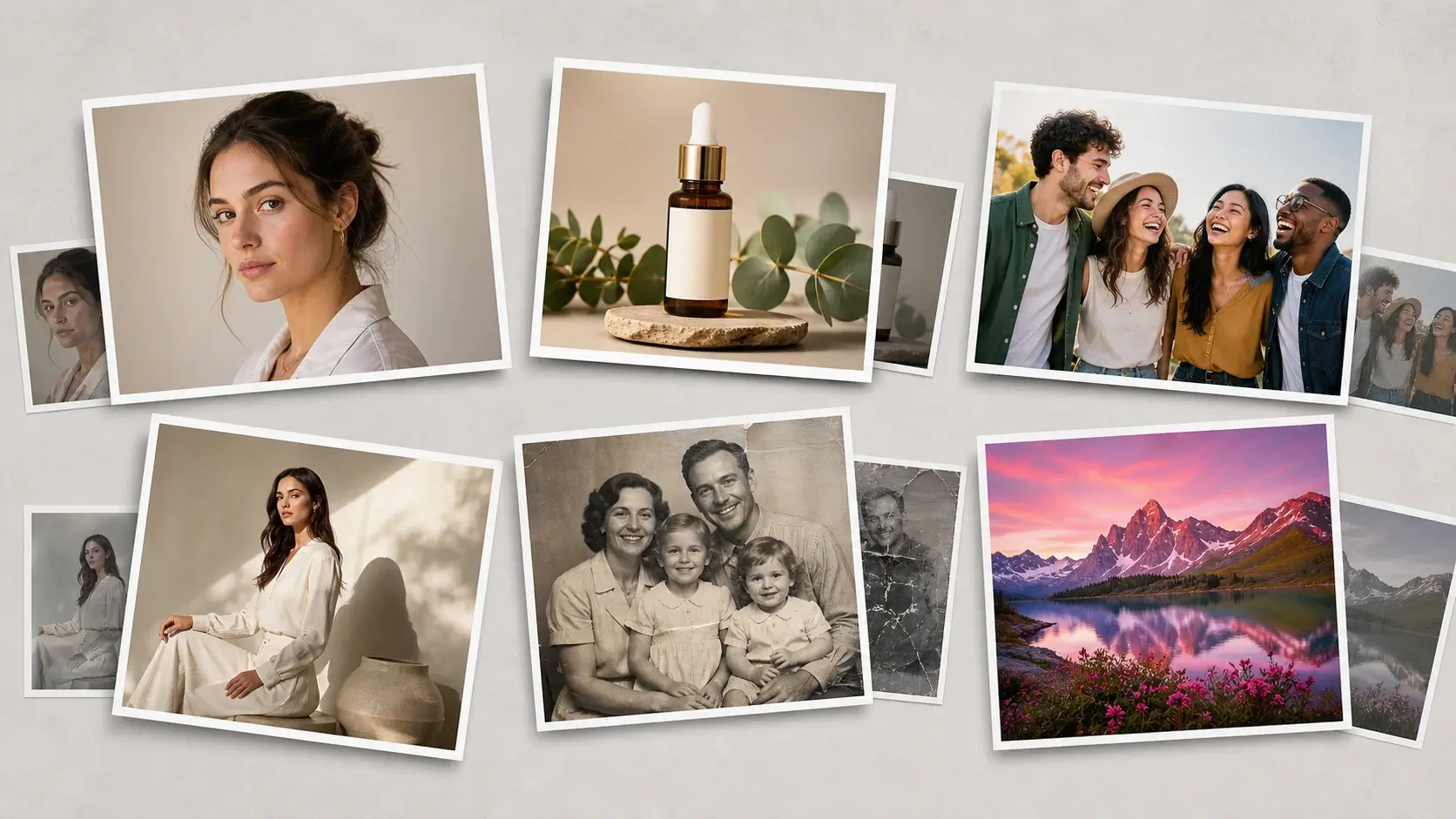
Use the same AI photo editor for clean, natural improvements and bold creative transformations. It works for portraits, product photos, social visuals, design concepts, and everyday image upgrades.
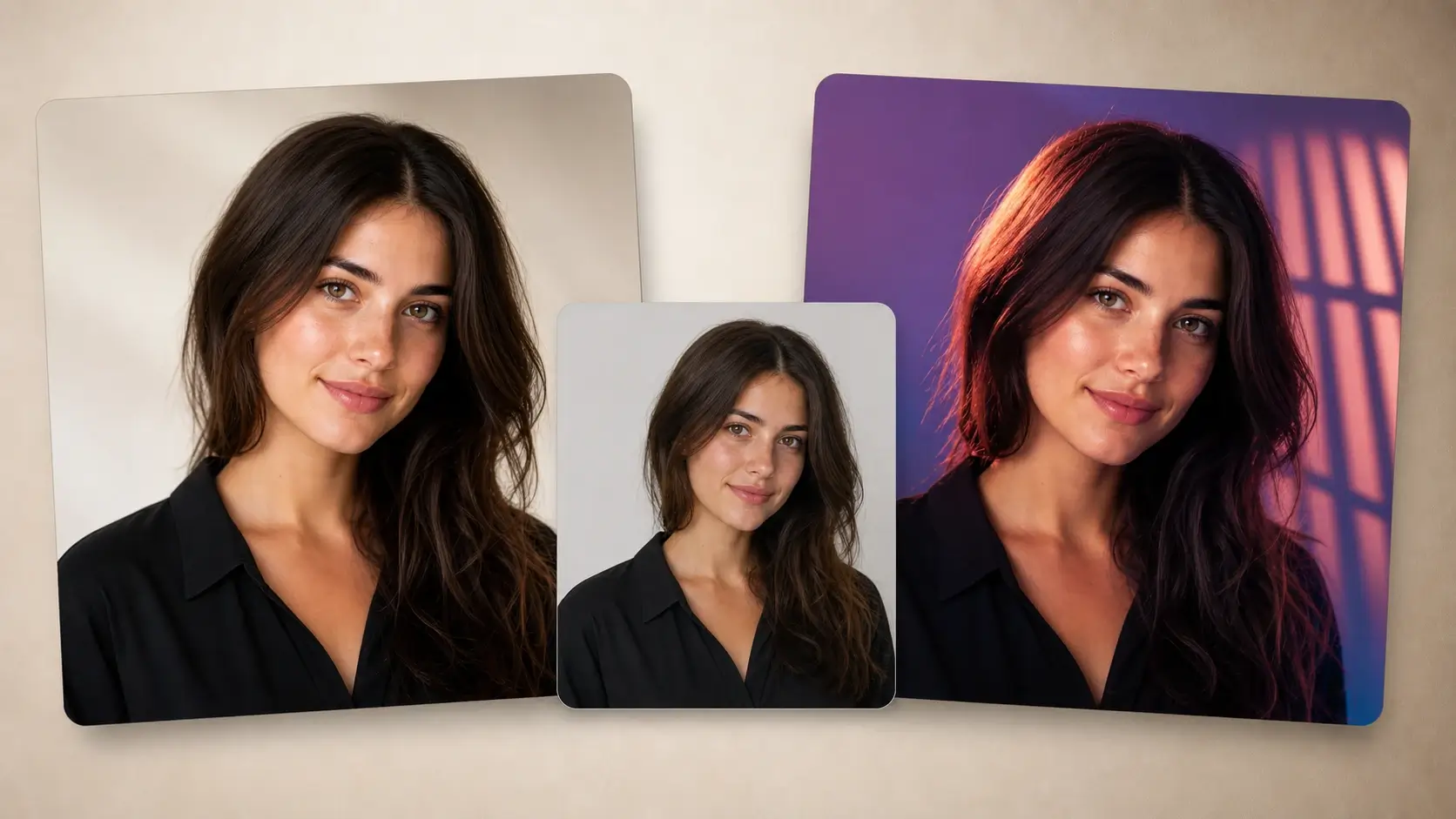
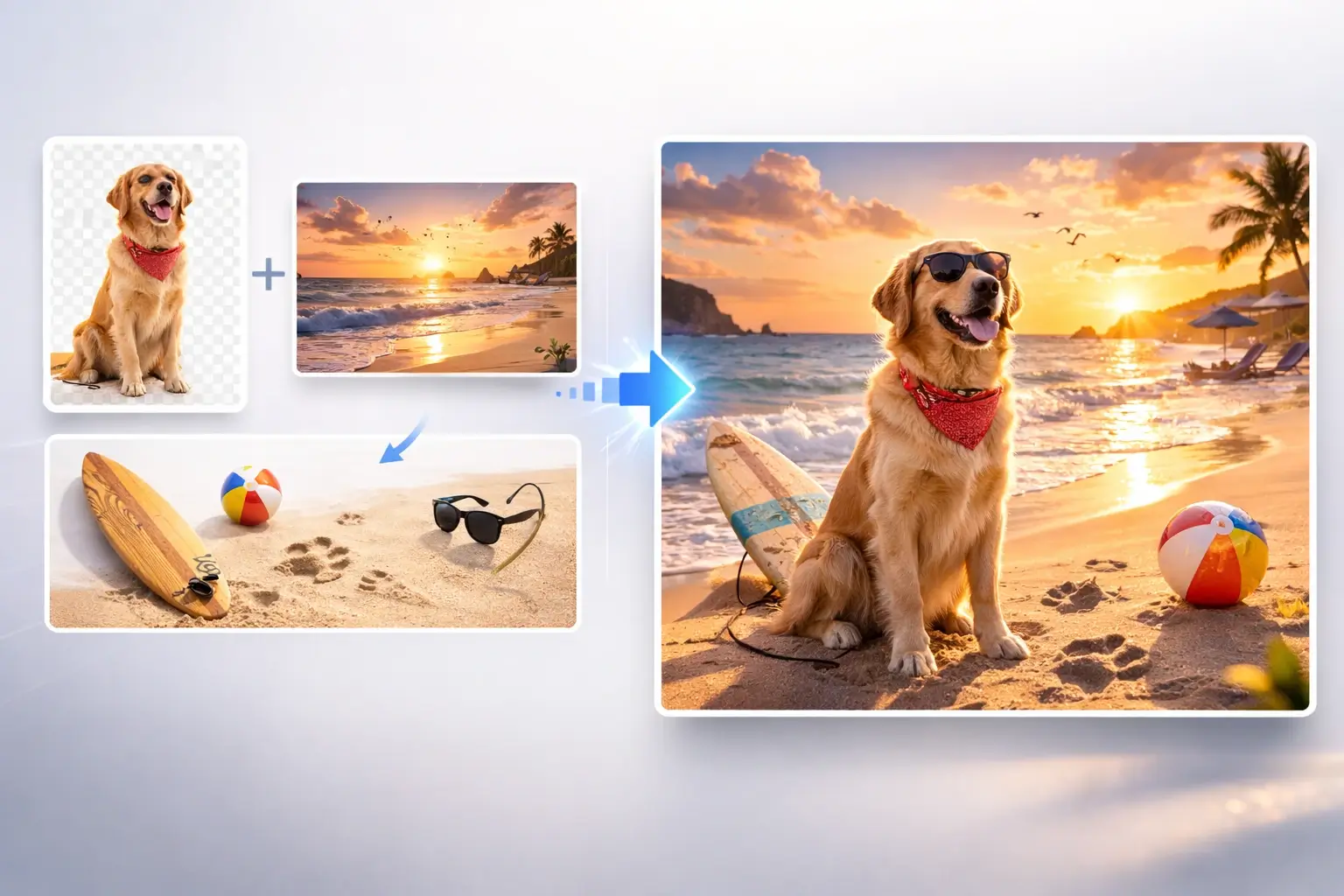
Whole-Image Understanding
AI Photo Editor analyzes the subject, lighting, composition, texture, and visual context before applying changes. This helps the edited result stay more consistent with the original photo.
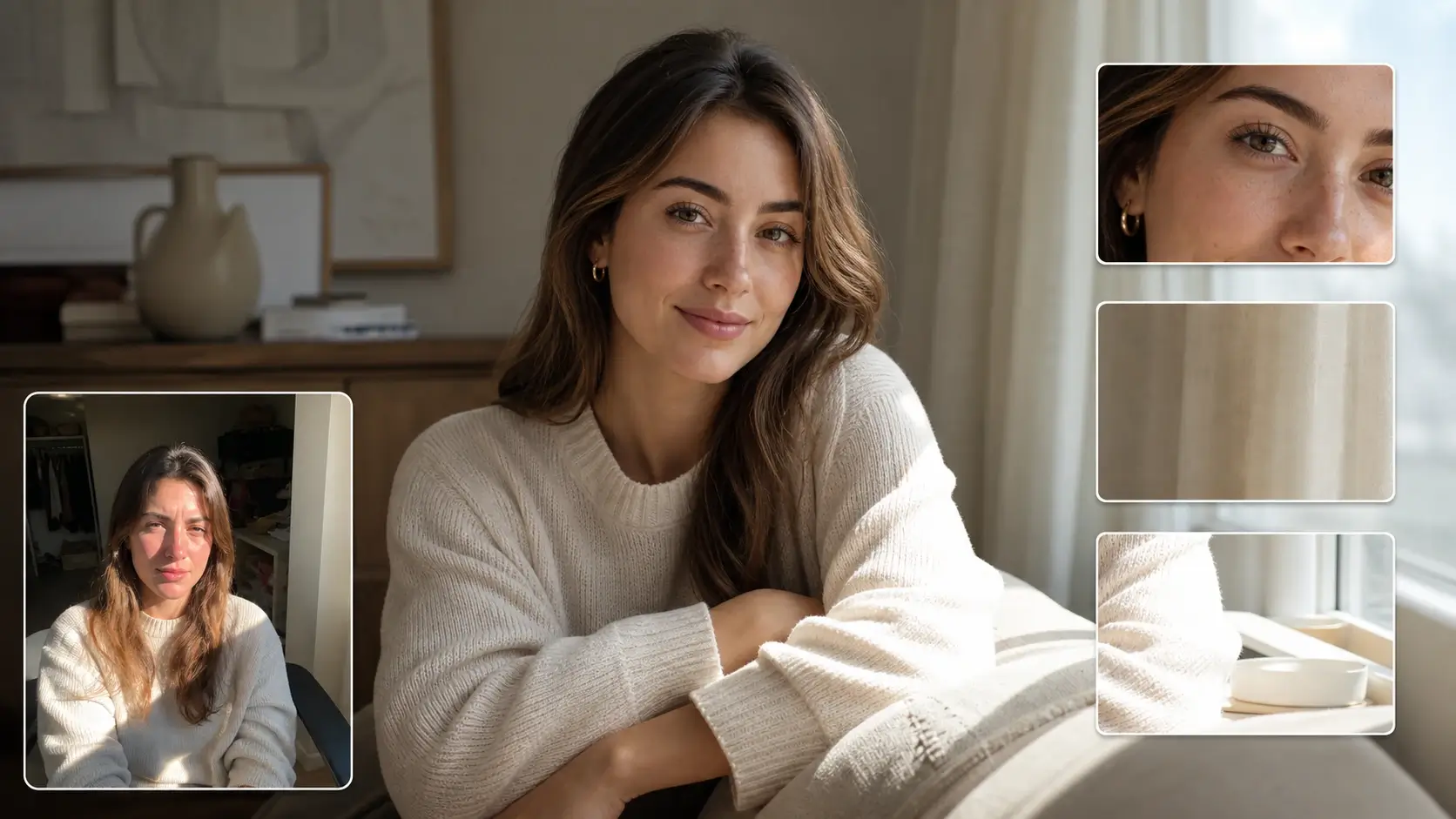
High-Quality Results for Real Use
Create polished photos for profiles, products, campaigns, thumbnails, social posts, and creative projects. AI Photo Editor focuses on usable outputs with clean details, natural edits, and strong visual quality.
Fast Online AI Photo Editor
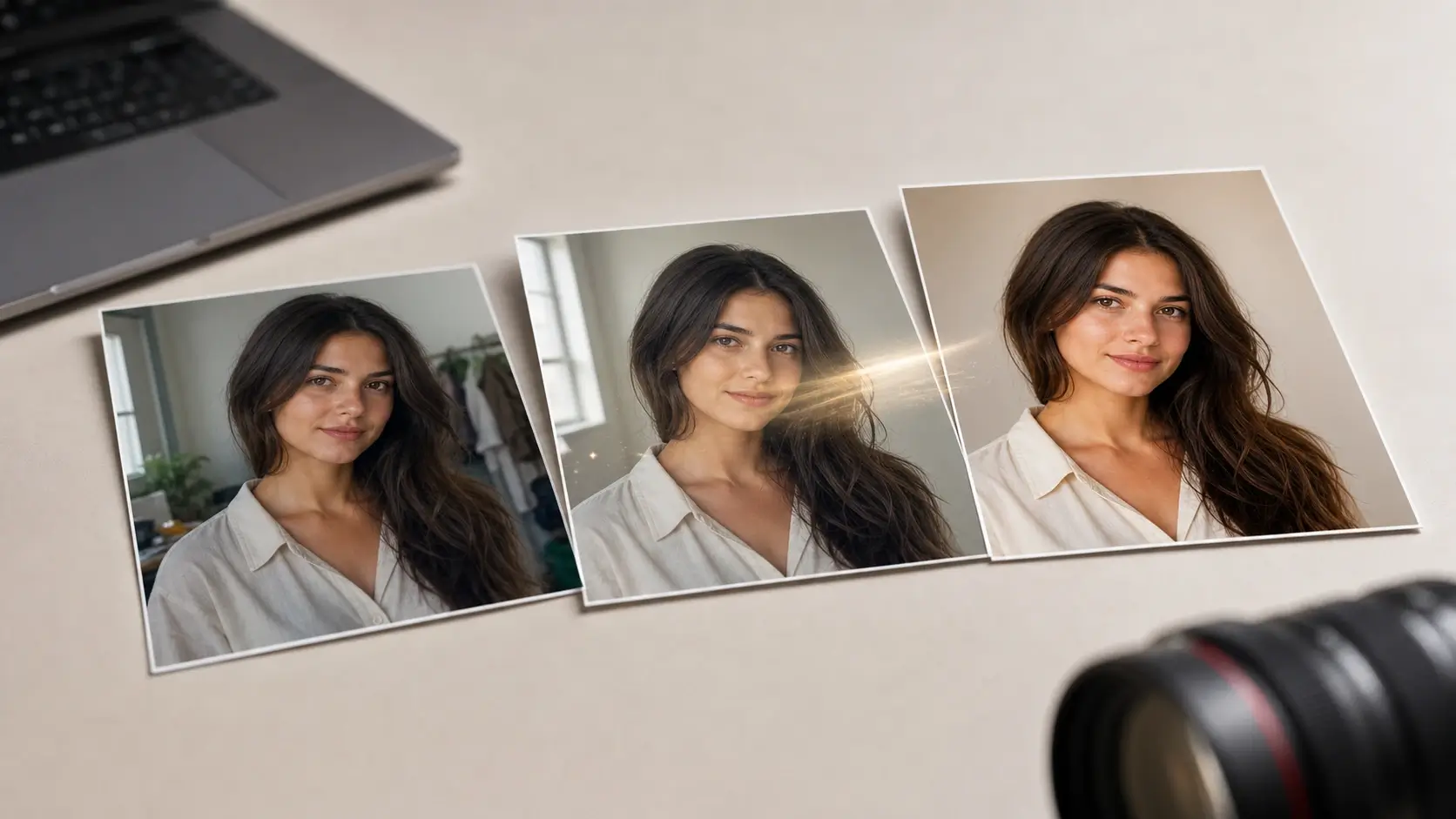
Edit photos directly in your browser without heavy desktop software. AI Photo Editor keeps the workflow simple, fast, and accessible for both quick fixes and more polished visual edits.
How It Works
How to Use AI Photo Editor Online
Start with a photo, describe the edit you want, and let AI Photo Editor create a polished result with a simple online workflow.
1
Upload a Photo
Choose the image you want to edit. A clear photo with enough detail helps AI Photo Editor better understand the subject, background, lighting, and overall scene.
2
Describe the Edit
Write a simple prompt that explains the result you want. You can ask AI Photo Editor to improve the photo, change the style, adjust details, or create a more polished version.
3
Generate the AI Edit
AI Photo Editor applies your prompt while keeping the photo context in mind, including subject identity, composition, lighting, shadows, texture, and visual consistency.
4
Download or Keep Editing
Preview the edited photo, download the result, or continue refining the image with another prompt until it matches your creative or practical goal.
Use Cases
What You Can Create with AI Photo Editor
AI Photo Editor helps creators, sellers, marketers, designers, and everyday users turn ordinary photos into cleaner, sharper, and more useful visuals.
Social Media Photos
Use AI Photo Editor to create cleaner portraits, lifestyle shots, thumbnails, and post images. It helps creators improve visual quality, adjust style, and prepare photos that look ready to share.
Product and E-commerce Photos
Turn ordinary product photos into cleaner, more polished visuals for shops, listings, and ads. AI Photo Editor helps sellers improve presentation without a full design workflow.
Portraits and Profile Images
Refine portraits, profile photos, and personal images with natural-looking AI edits. Improve backgrounds, lighting, style, and small visual details while keeping the person recognizable.
Marketing and Campaign Visuals
Create polished visuals for landing pages, campaigns, newsletters, and ad concepts. AI Photo Editor helps teams test image ideas faster before final design or production.
Creative Photo Concepts
Explore new looks, moods, colors, and styles from a single photo. AI Photo Editor gives designers and creators a fast way to turn visual ideas into editable image concepts.
Everyday Photo Improvement
Improve personal photos before sharing, saving, or using them in small projects. AI Photo Editor is useful for quick online edits when traditional software feels too slow or complex.
Loved by creators and visual teams
What Users Say About AI Photo Editor
See how users apply AI Photo Editor to improve photos, test creative ideas, and create polished visuals faster.
NK
Nora Kim
Content Creator
AI Photo Editor makes quick photo editing feel simple. I can clean up images, adjust the overall look, and create polished visuals for social posts without opening complicated editing software.
ML
Marcus Lee
E-commerce Seller
I use AI Photo Editor to improve product photos before uploading them to my store. It helps make images look cleaner, more professional, and more consistent for product listings.
ER
Elena Ruiz
Designer
The prompt-based editing workflow is very useful for testing visual ideas. AI Photo Editor lets me explore different styles and image directions much faster than starting from manual edits.
DP
Daniel Park
Marketing Manager
AI Photo Editor is helpful when our team needs fast campaign visuals. We can turn ordinary photos into cleaner, more polished images for drafts, landing pages, and ad concepts.
PS
Priya Shah
Portrait User
I like how AI Photo Editor can improve portrait photos while keeping the result natural. It is useful for profile images, personal photos, and small edits that need to look clean.
OC
Owen Carter
Small Business Owner
This AI photo editor saves time on everyday image work. It gives me a fast way to improve photos, test different looks, and create better visuals directly online.
FAQ
AI Photo Editor FAQ
Find answers about AI Photo Editor, free online photo editing, prompt-based edits, image quality, and how it compares with an AI image editor.