 HOT
HOTAI Photo to Sketch
Photo to Sketch converts your photos into realistic pencil sketches, charcoal drawings, and clean line art using AI. The tool preserves facial features, proportions, and fine details while producing natural hand-drawn textures.
Image
Click to upload an image
PNG, JPG, JPEG, or WEBP (max 10MB)
Sketch Style
Prompt
Aspect Ratio
2 credits per generation
Your generated images will appear here
More Magic Tools
More AI Image Tools for Your Next Edit
Try another Banana AI Magic Tool when your image needs cleanup, enhancement, style changes, or a different creative direction.
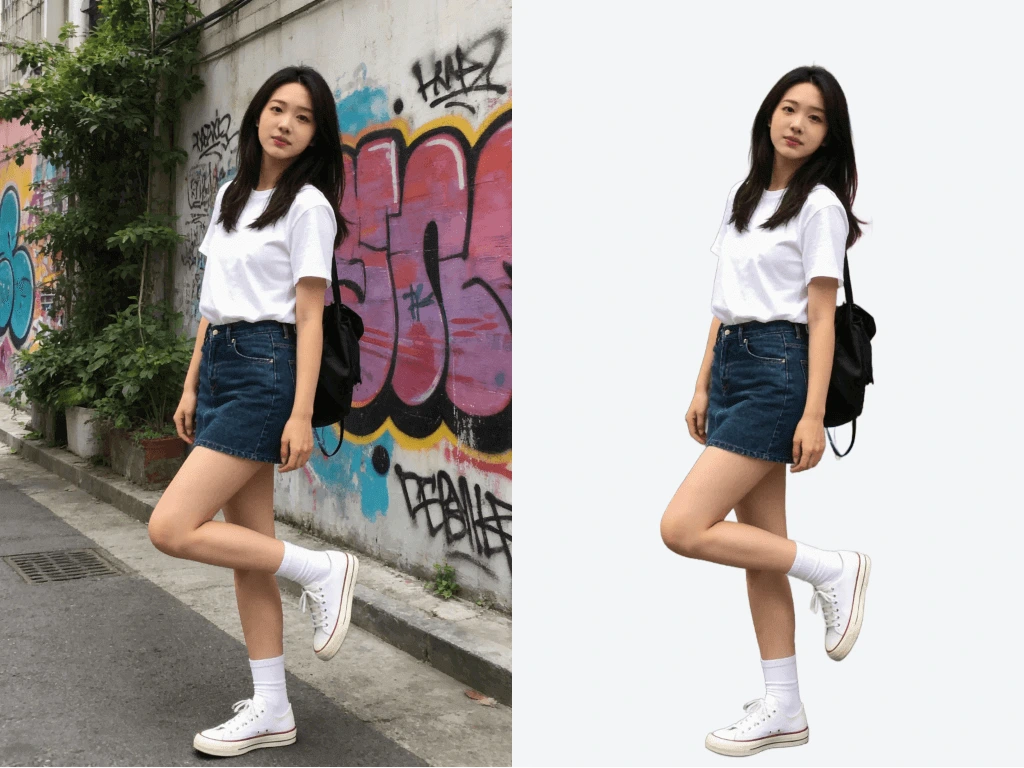
PHOTO TO SKETCH ENGINE
How Photo to Sketch Produces Realistic Sketch Results
Photo to Sketch uses intelligent edge detection and tone mapping to turn photos into clean, expressive sketches. Lighting, shading, and proportions are preserved automatically for professional output.
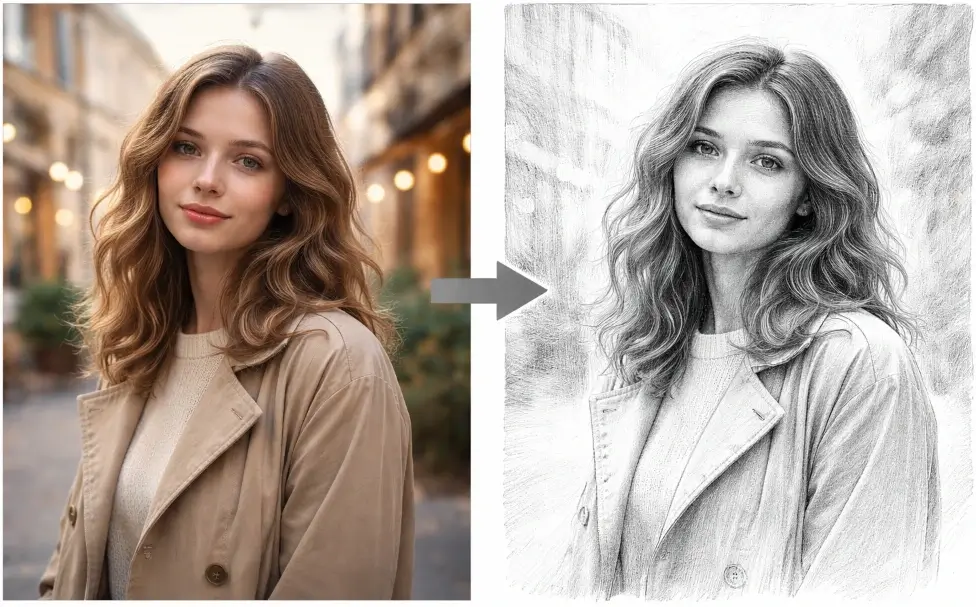
Convert Photo to Pencil Sketch with Realistic Hand-Drawn Strokes
Photo to Sketch uses AI edge detection and tone mapping to transform any photo into a natural pencil sketch. The AI simulates real graphite strokes, soft shading gradients, and organic line weight variation, producing results that look like genuine hand-drawn artwork.
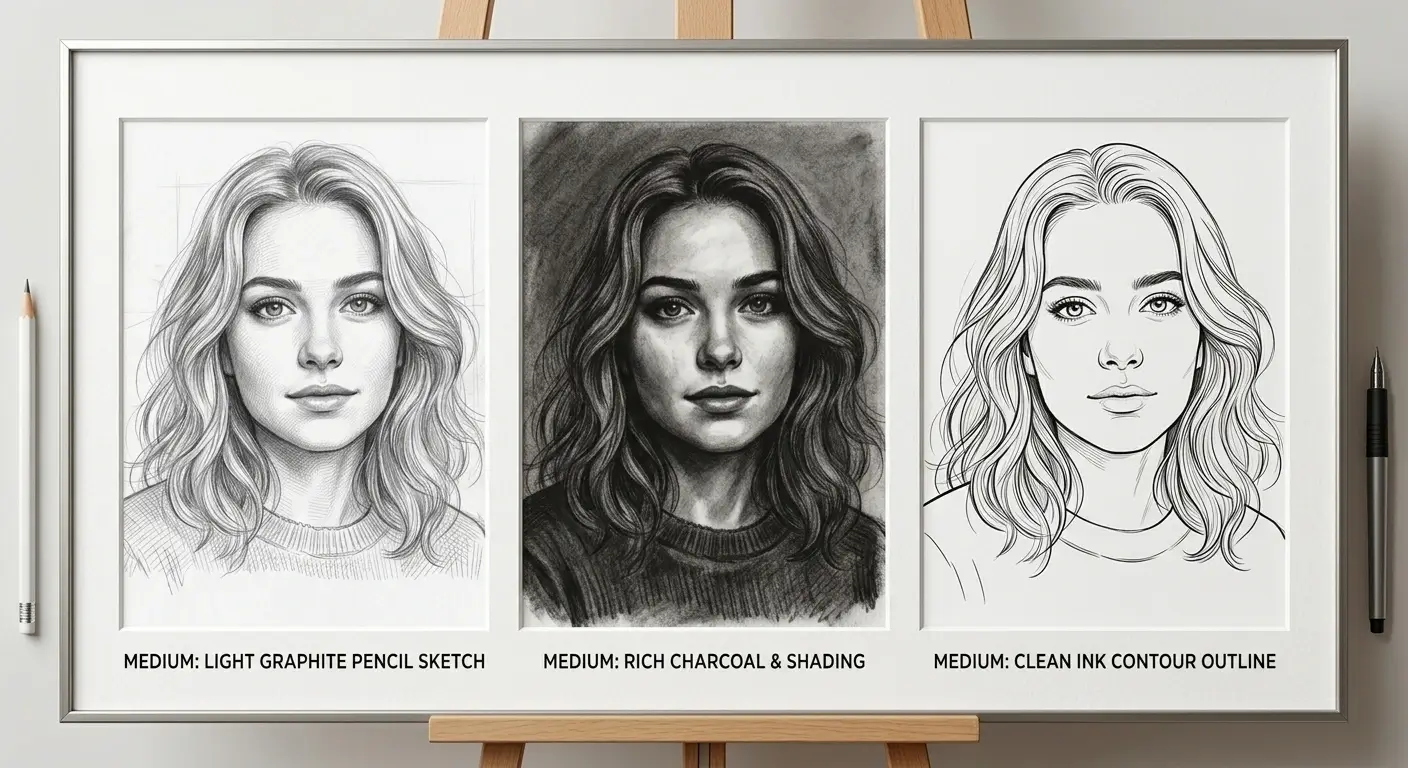
Multiple Sketch Styles Including Charcoal, Ink, and Line Art
Photo to Sketch supports various artistic styles beyond basic pencil drawing. Choose from charcoal sketches with rich tonal depth, clean ink outlines, or simplified line art. Use a text prompt to fine-tune the look and match your creative vision.
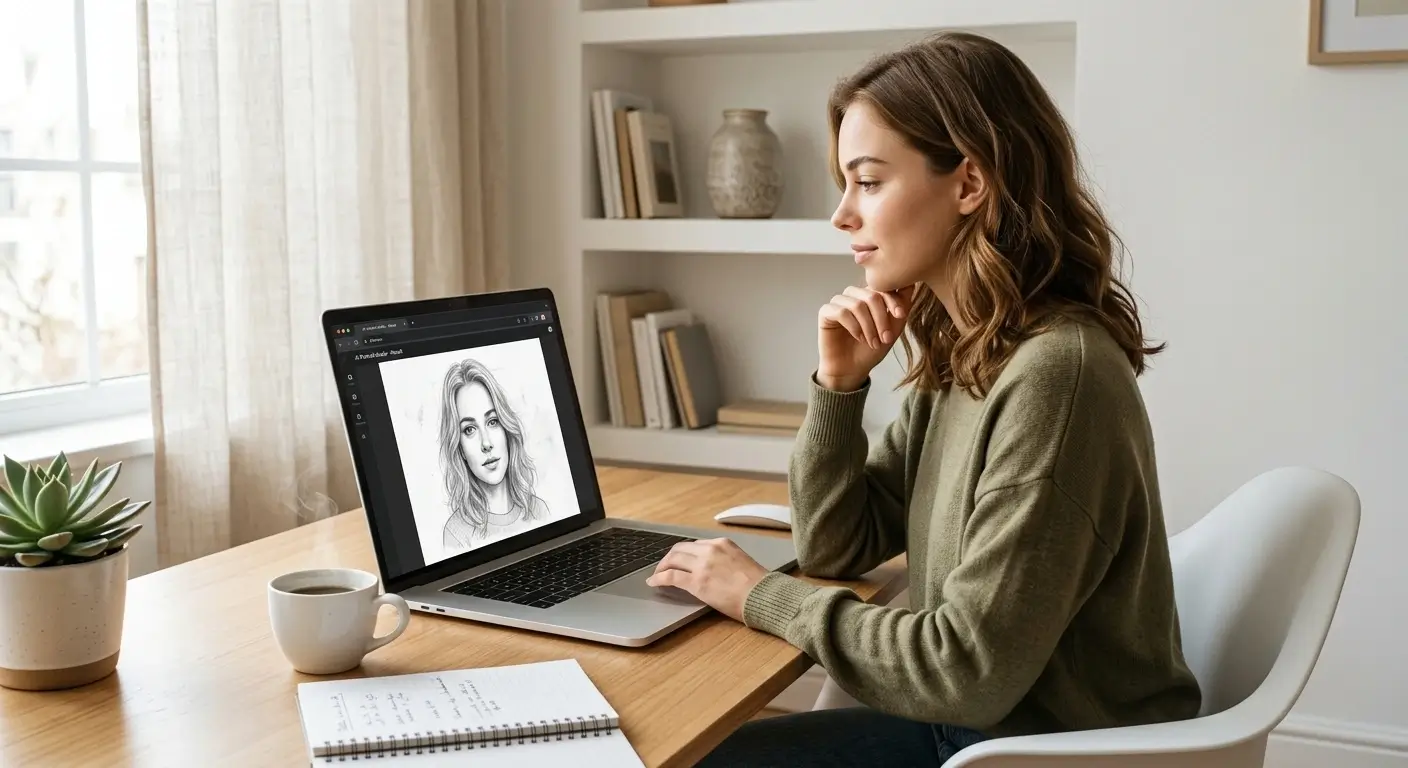
Turn Photo into Sketch Online Without Any Software
Photo to Sketch works entirely in your browser with no Photoshop or design tools required. Upload your photo, click generate, and receive a professional sketch result in seconds. Free trial access lets you start converting photos immediately.
Preserve Facial Features and Fine Details in Every Sketch
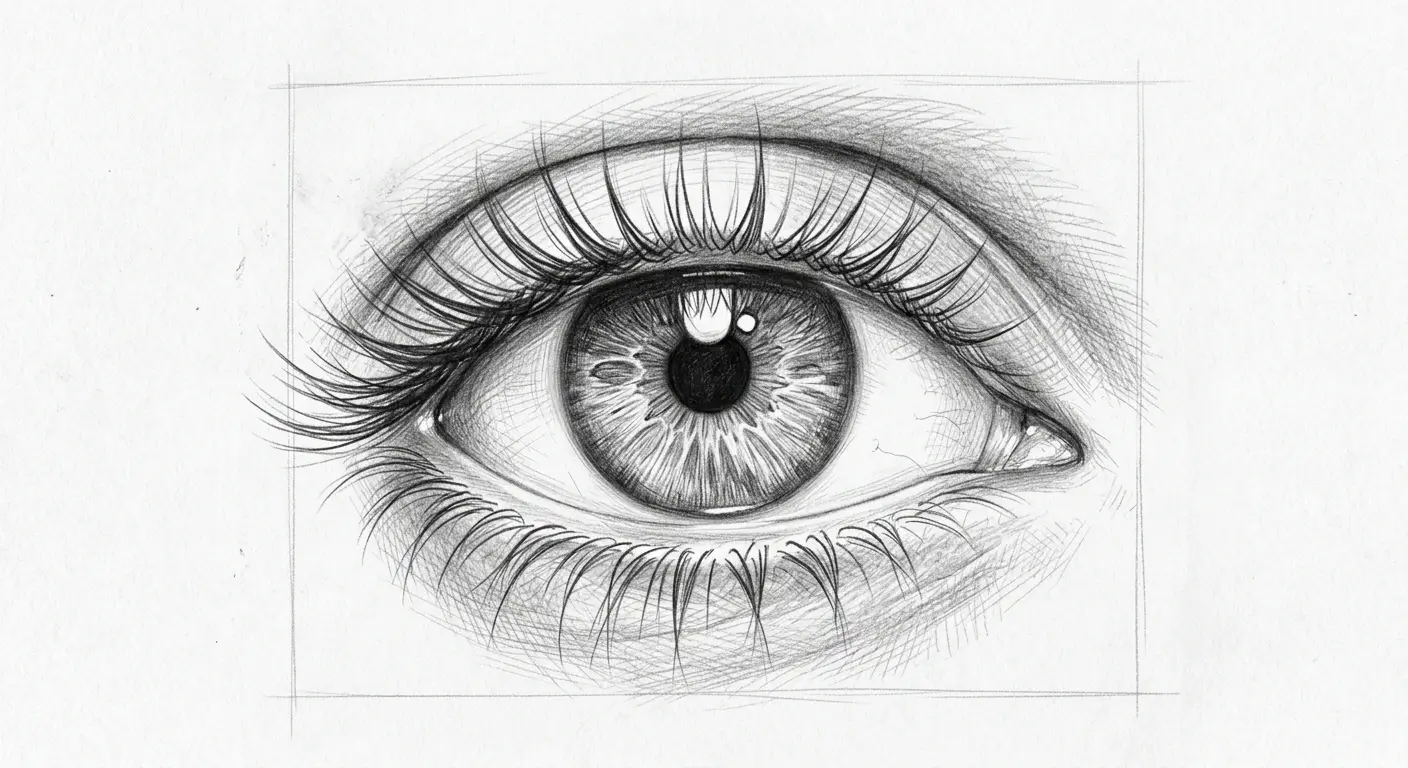
Photo to Sketch AI preserves facial proportions, eye detail, hair texture, and key subject features during conversion. Whether you are sketching a portrait, a pet, or a product, the output retains the accuracy and likeness of the original photo.
High-Resolution Sketch Output for Print and Professional Use
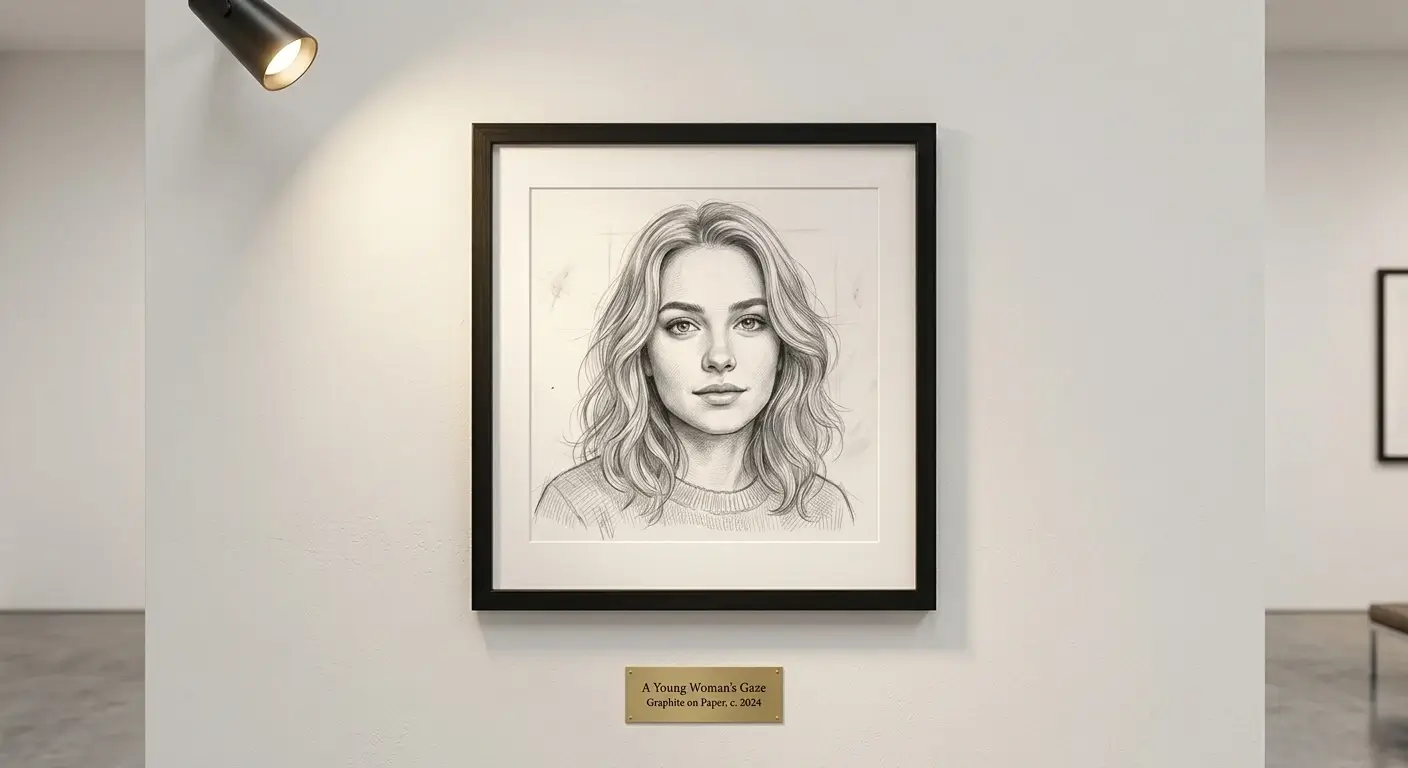
Photo to Sketch generates high-resolution sketch images suitable for printing, posters, merchandise, and professional design projects. The output maintains clean edges and fine detail at large sizes, ready for both digital and physical display.
Simple Step-by-Step Guide
How to Convert Photo to Sketch with AI Online
Photo to Sketch makes it simple to turn any image into a pencil sketch or drawing. Follow four clear steps to get high-quality sketch results in seconds.
1
Upload Your Photo
Upload a portrait, landscape, or any photo you want to convert to a sketch. Photo to Sketch analyzes the composition and details automatically.
2
Choose Sketch Style or Add a Prompt
Enter a text prompt to guide the sketch style, such as pencil sketch, charcoal drawing, or ink outline. You can also use the default settings for instant results.
3
Generate Your Sketch
Click generate and Photo to Sketch converts your photo into a realistic sketch in seconds. The AI handles edge detection, shading, and line work automatically.
4
Download and Share
Preview the sketch result and download it in high resolution. Use your sketch for social media, printing, gifts, or any creative project.
Use Cases
Where You Can Use Photo to Sketch
Discover how Photo to Sketch helps you convert photos into sketches for portraits, social media, design projects, and professional presentations.
Portrait Sketch Art for Social Media Profiles
Use Photo to Sketch to convert selfies and headshots into pencil sketch portraits. Create a unique hand-drawn profile picture for Instagram, LinkedIn, or any social platform that stands out from standard photos.
Custom Sketch Gifts and Personalized Keepsakes
Turn family photos, pet portraits, or memorable moments into sketch drawings. Photo to Sketch makes it easy to create personalized gifts, wall art, and keepsakes that feel thoughtful and unique.
Creative Design and Illustration Projects
Convert reference photos into sketch outlines for design work, storyboards, and concept art. Photo to Sketch provides a fast starting point for illustrators and designers who need a hand-drawn base layer.
Marketing Visuals and Brand Content
Generate sketch-style visuals for marketing campaigns, product pages, and brand storytelling. Photo to Sketch helps you create a consistent hand-drawn aesthetic across social posts, ads, and presentations.
Product and Architecture Line Art
Convert product photos or architectural images into clean line drawings that highlight shape and structure. Photo to Sketch produces detailed line art suitable for catalogs, design boards, and technical presentations.
Trusted by artists and creators worldwide
What Users Say About Photo to Sketch
From portrait artists to social media creators, users rely on Photo to Sketch to turn their photos into stunning pencil sketches and drawings in seconds.
EP
Emily Parker
Portrait Artist
Photo to Sketch captures facial details better than any filter I have tried. I use it to create pencil sketch portraits from client photos, and the hand-drawn quality saves me hours of initial outlining work.
ML
Marcus Lee
Social Media Manager
I convert team headshots to pencil sketches for our company profiles using Photo to Sketch. The consistent sketch style across all portraits gives our brand pages a unique, polished look that gets compliments every time.
SR
Sofia Ramirez
Freelance Illustrator
Photo to Sketch is my go-to tool for turning reference photos into sketch baselines. It handles edge detection and shading so naturally that I can jump straight into refining details instead of starting from scratch.
DK
Daniel Kim
E-commerce Seller
I used Photo to Sketch to create line art versions of my product photos for our catalog. The clean sketch output highlights product shapes perfectly and gives our listings a premium, hand-crafted feel.
RT
Rachel Thompson
Content Creator
Converting photos to sketches used to take me forever in Photoshop. Photo to Sketch does it in seconds and the pencil texture looks genuinely hand-drawn. I use it for Instagram stories and my followers love the artistic touch.
AR
Alex Rivera
Gift Shop Owner
My customers love the custom sketch portraits I create with Photo to Sketch. I turn their photos into pencil drawings for personalized gifts, and the quality is so good people think they are real hand-drawn commissions.
Common Questions & Support
Frequently Asked Questions About Photo to Sketch
Get clear answers about Photo to Sketch, including how to convert photos to pencil sketches, supported styles, and what results to expect.
Convert in Seconds