AI Minecraft Skin Generator
AI Minecraft Skin Generator turns any uploaded photo into a Minecraft-style character image with authentic blocky aesthetics. Upload a selfie, pet photo, or character art and get a polished blocky result in seconds.
Image
Click to upload an image
PNG, JPG, JPEG, or WEBP (max 10MB)
Aspect Ratio
5 credits per generation
Your generated images will appear here
More Magic Tools
More AI Image Tools for Your Next Edit
Try another Banana AI Magic Tool when your image needs cleanup, enhancement, style changes, or a different creative direction.
Core Capabilities
How AI Minecraft Skin Generator Turns Photos Into Minecraft-Style Art
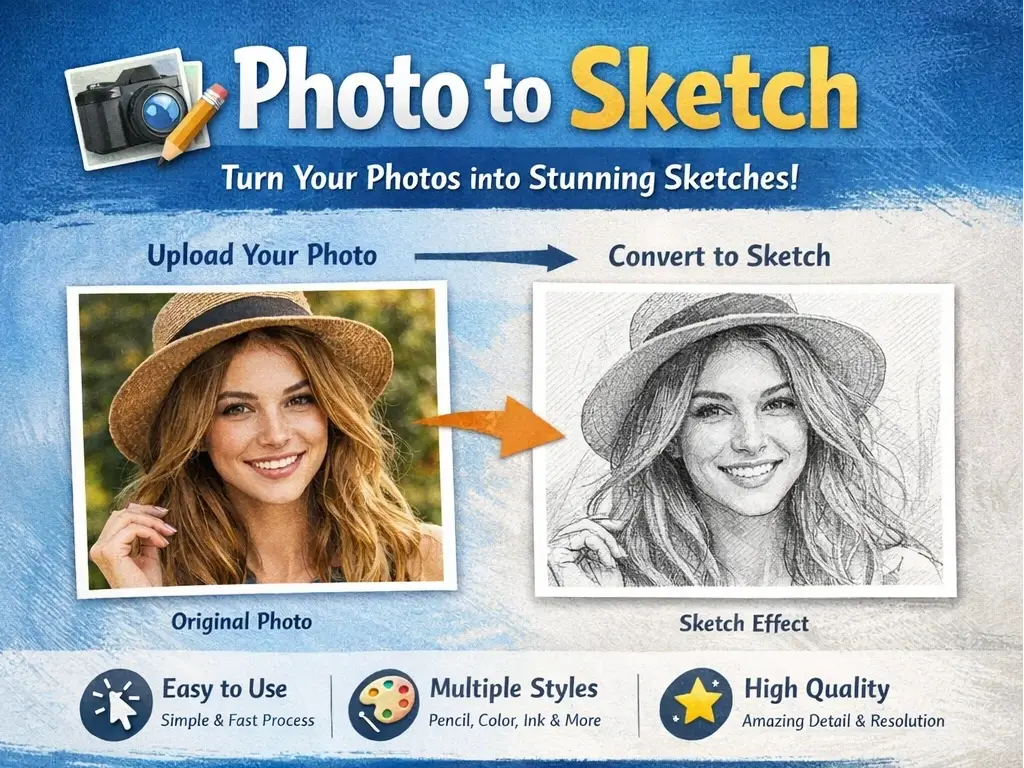
AI Minecraft Skin Generator uses intelligent pixel mapping to convert real photos into Minecraft-style character art. Explore the core technology that automates blocky image creation from any reference photo.
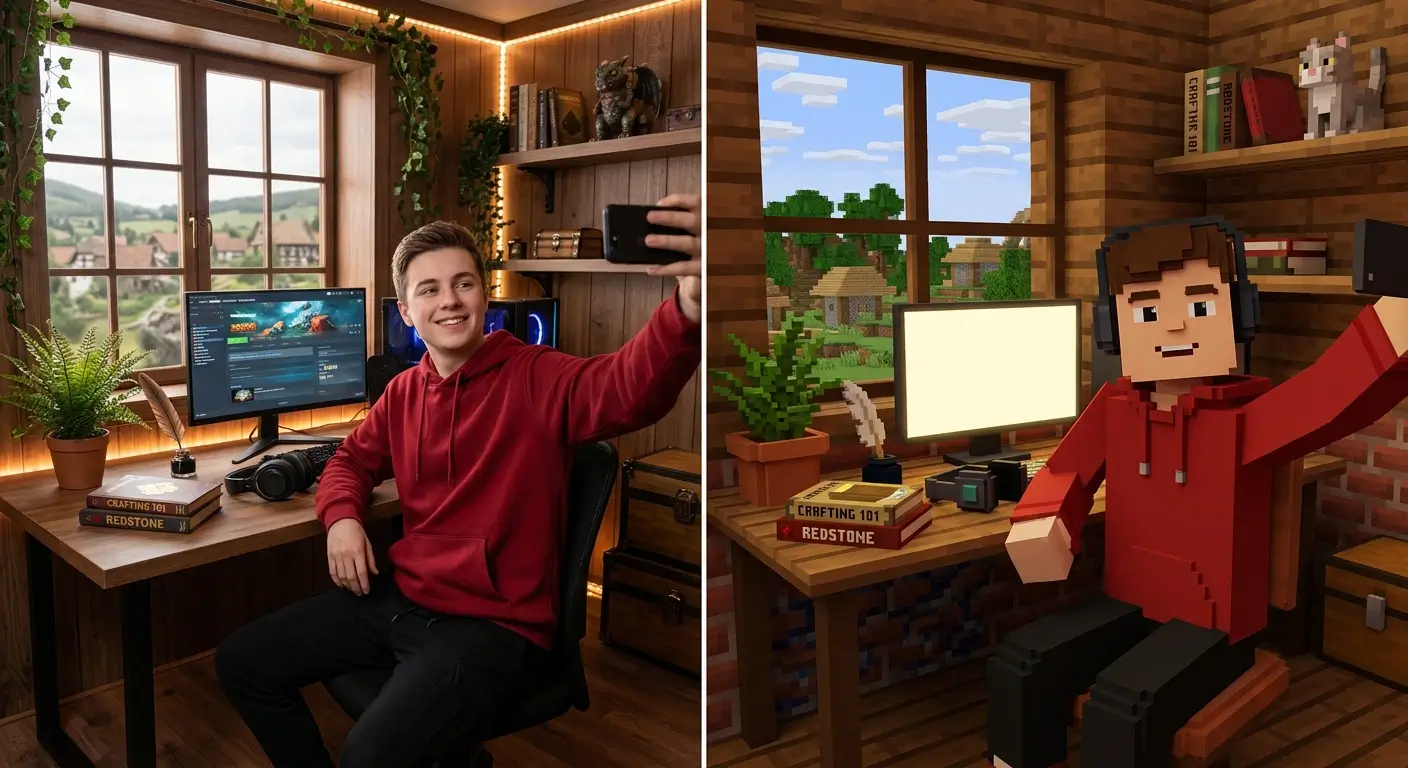
Turn Your Selfie Into a Minecraft-Style Avatar
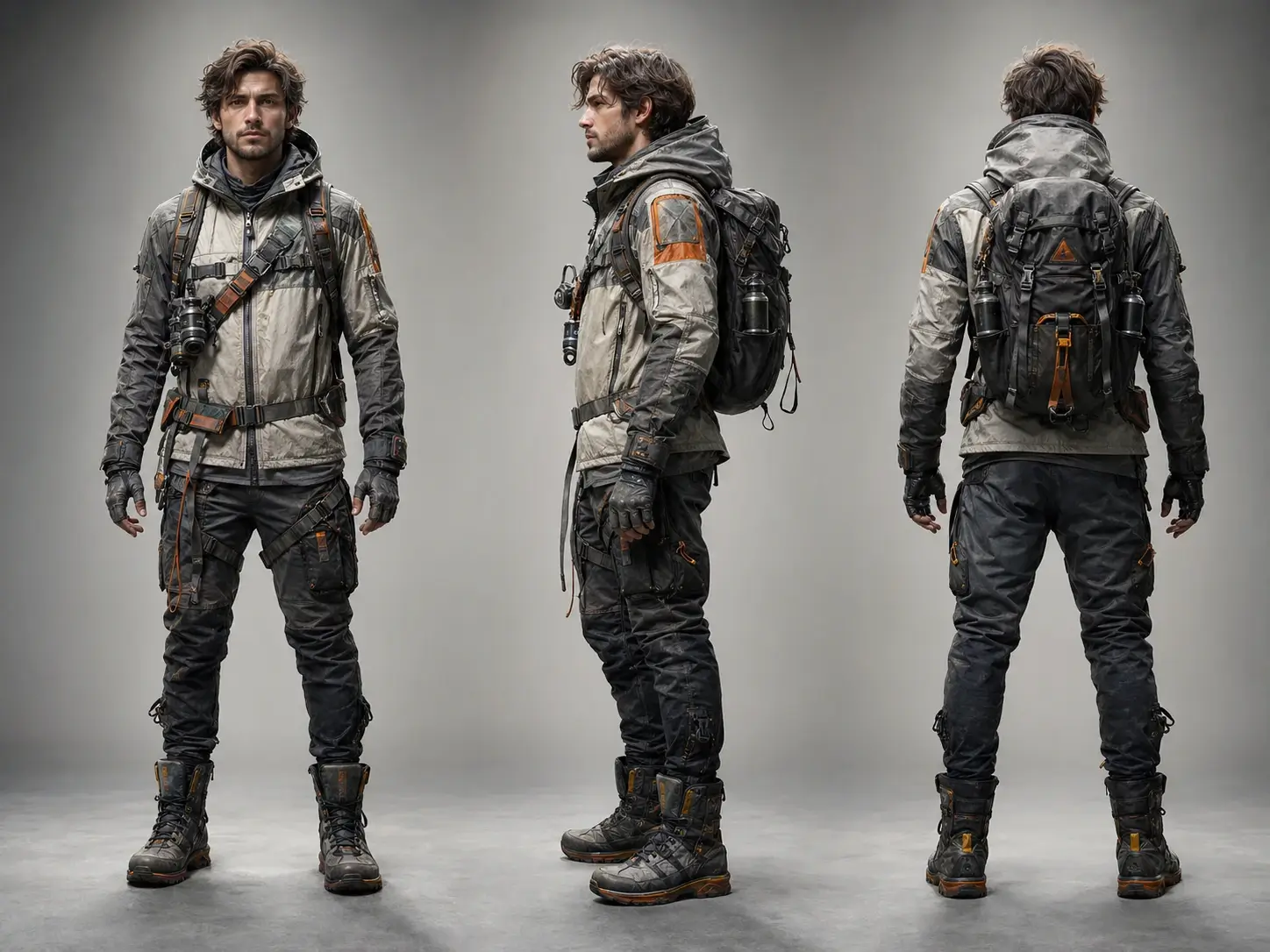
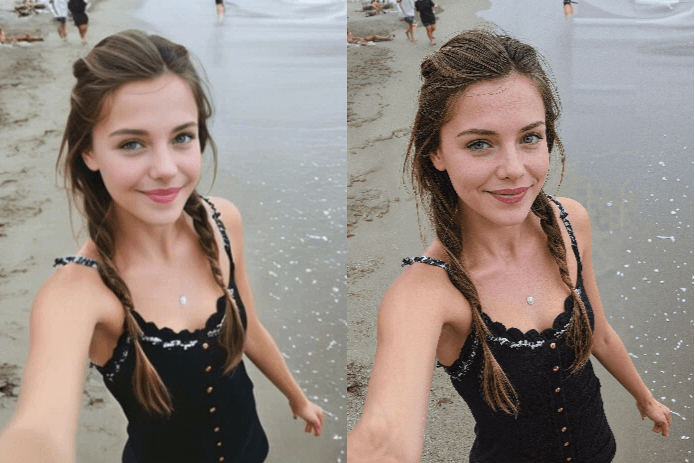
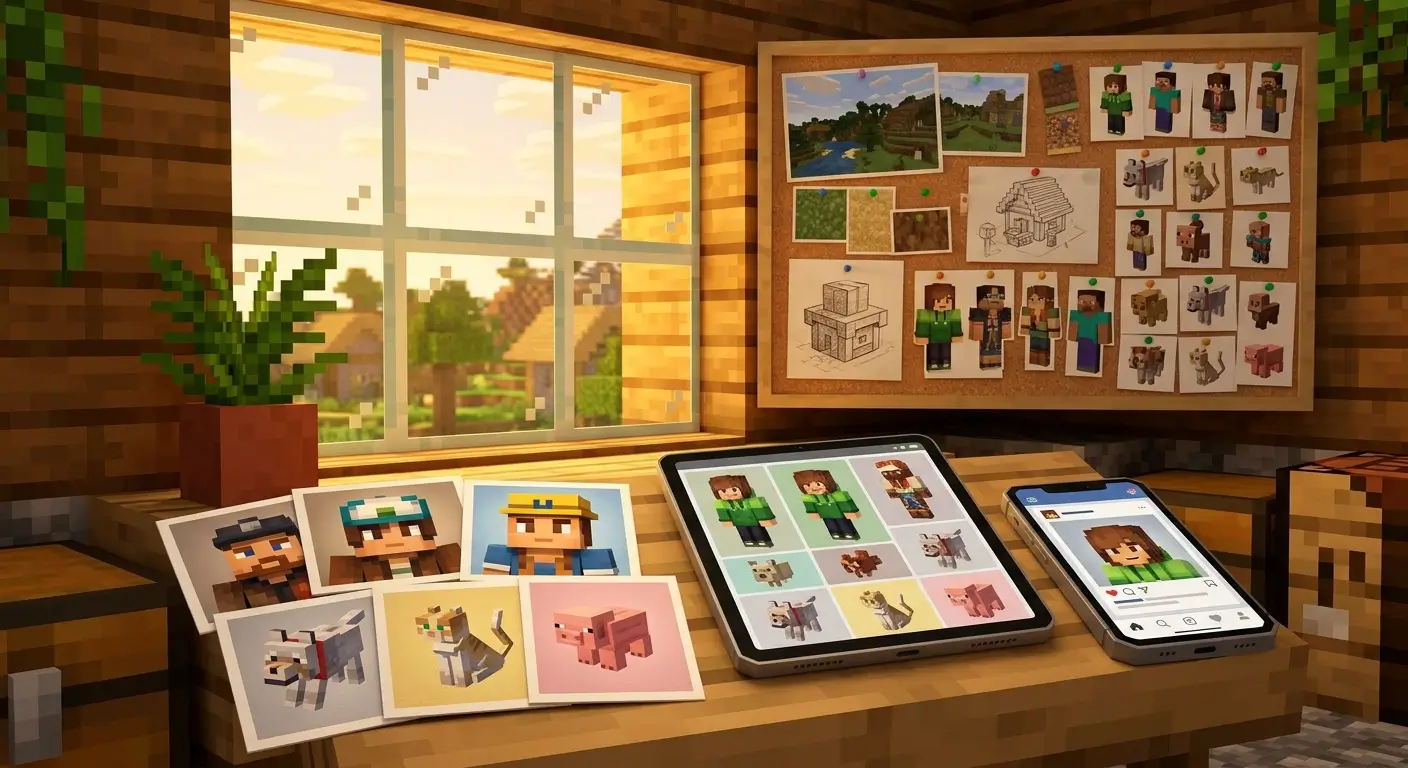
Upload a photo of yourself and AI Minecraft Skin Generator builds a blocky avatar that captures your hair color, facial shape, and clothing style. The AI translates each visual element into a Minecraft-style look while keeping the final image recognizable and expressive. It is a strong fit for profile art, creator branding, and themed social visuals.
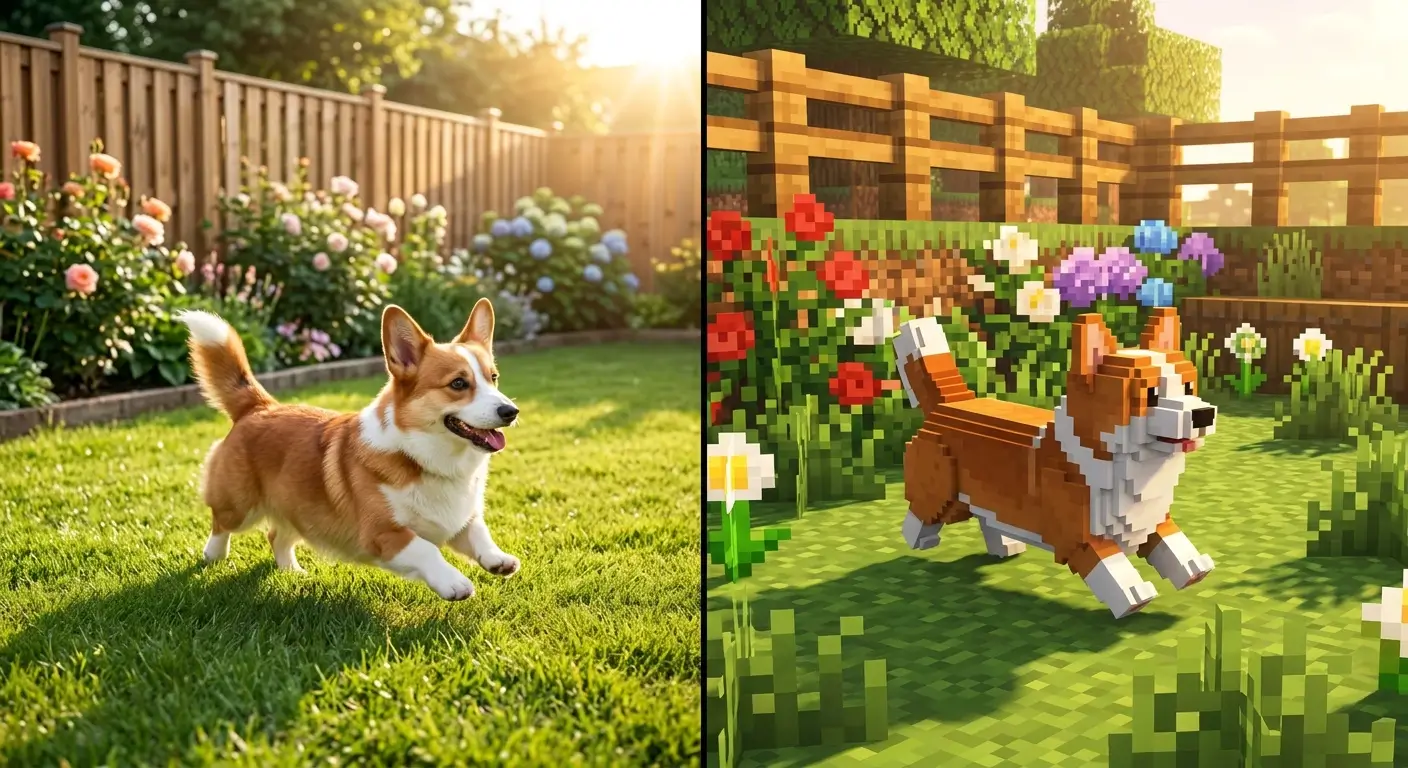
Convert Pet Photos Into Blocky Minecraft Characters
Upload a photo of your cat, dog, or any beloved pet and AI Minecraft Skin Generator turns it into a charming blocky character image. The AI picks up fur patterns, distinctive markings, and color variations to preserve your pet's personality in pixel-like form. This works well for gifts, profile pictures, fan art, and fun Minecraft-themed visuals.
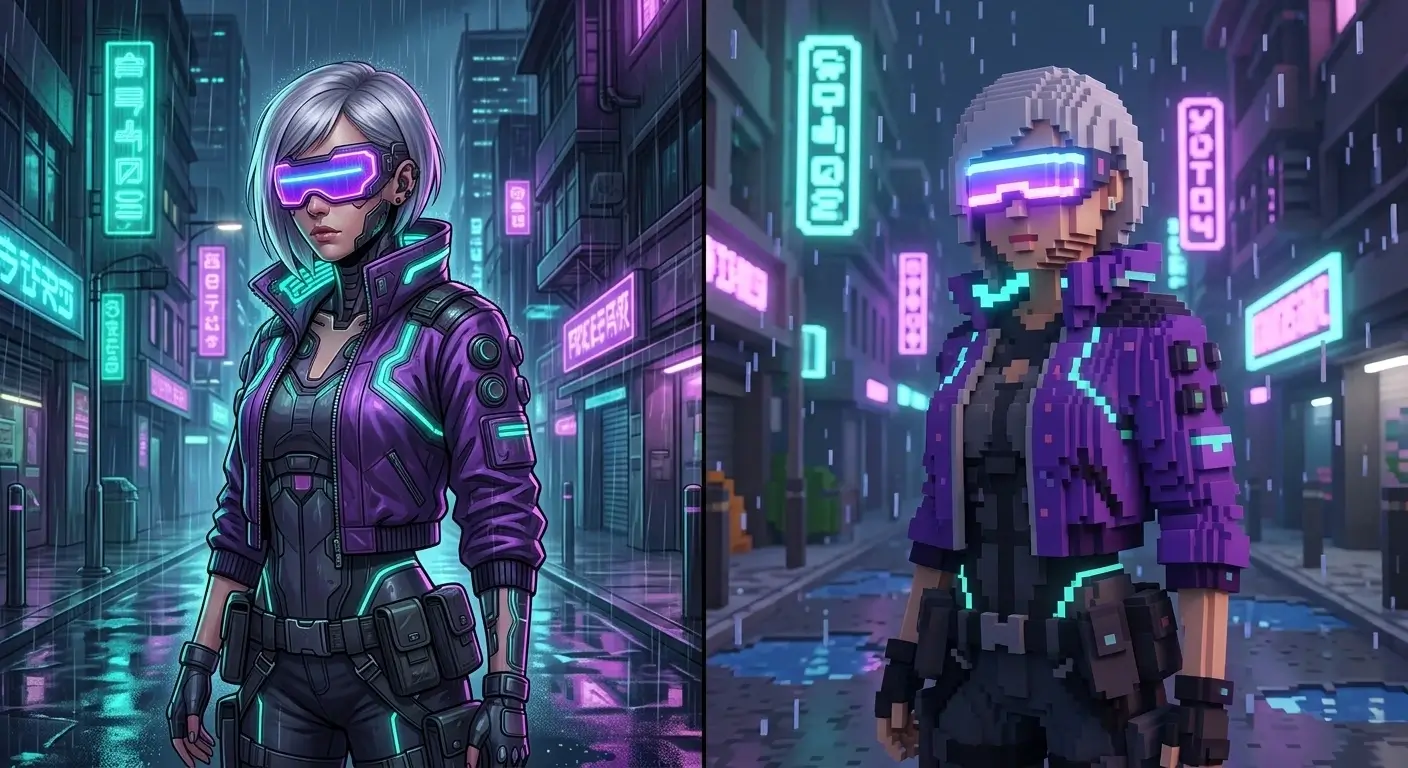
Transform Artwork and Fan Art Into Minecraft-Style Characters
AI Minecraft Skin Generator lets artists and fans convert original illustrations, fan art, or character screenshots into Minecraft-style character images. The AI preserves costume details, color palettes, and signature features while adapting them to a blocky canvas. Content creators use this to build themed visuals, thumbnails, and stylized character art with fast turnaround.
Use Minecraft-Style Results for Avatars, Posts, and Creative References
Every result from AI Minecraft Skin Generator is designed to be easy to download and reuse in your creative workflow. You can use the generated image for profile art, social posts, stream branding, idea boards, or Minecraft-themed design references. There is no technical setup required, just upload a photo, generate, and save the result.
Regenerate Until You Find the Perfect Blocky Look
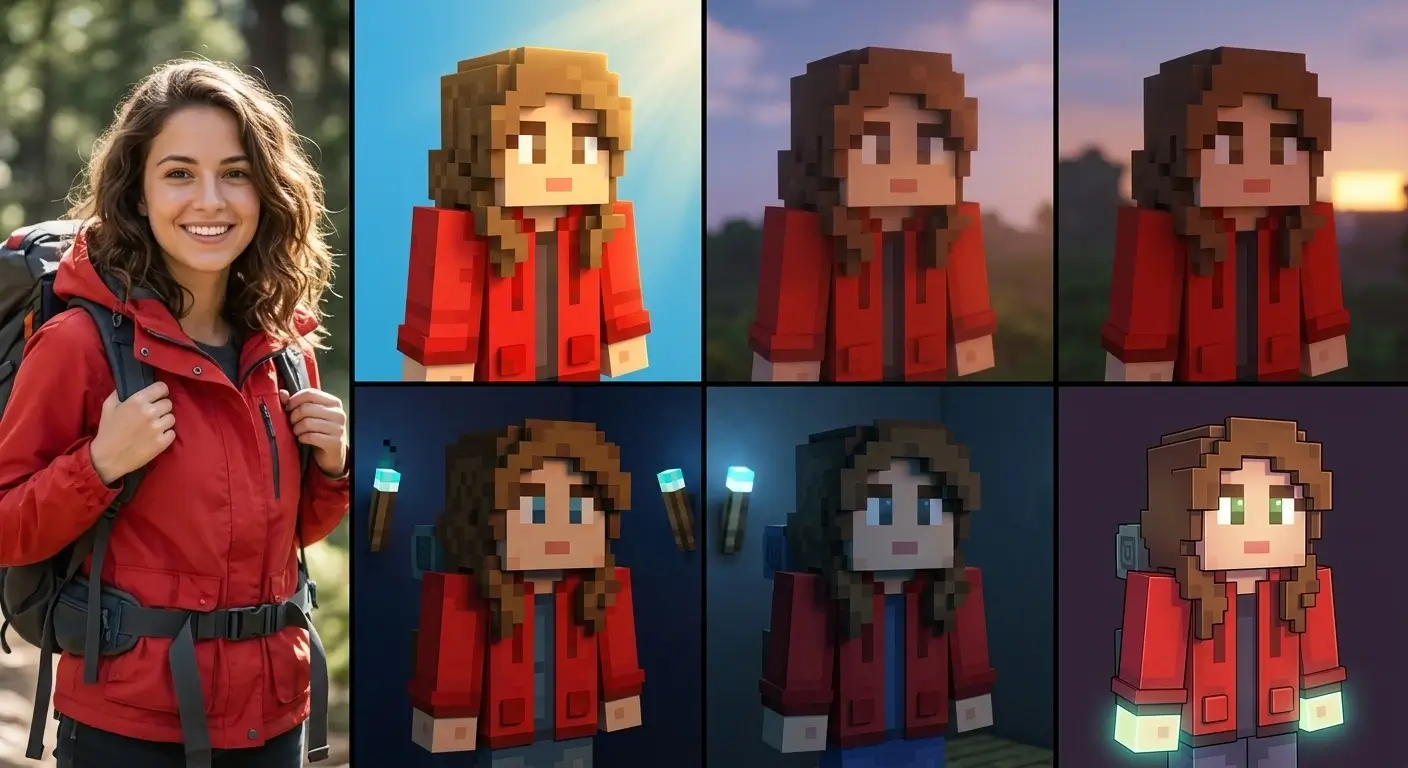
Not satisfied with the first result? AI Minecraft Skin Generator produces a unique variation every time you run it on the same photo. Compare multiple versions side by side and pick the one that fits your style. You can also try different source photos or adjust the text prompt to explore new visual directions. Every generation completes in seconds, so experimenting is fast and free.
Step-by-Step Guide
How to Create Minecraft-Style Images with AI Minecraft Skin Generator
AI Minecraft Skin Generator simplifies the whole workflow into four quick steps. Upload, generate, preview, and download your blocky result from one page.
1
Upload Your Photo
Choose the photo you want to convert into Minecraft style. AI Minecraft Skin Generator accepts selfies, pet photos, character artwork, logos, or any image in JPG or PNG format up to 10MB.
2
Choose Aspect Ratio
Select the aspect ratio you want for the final image before generation. This helps the result fit your intended layout, whether you want a square, portrait, or wide composition.
3
Generate Your Blocky Skin
Click the generate button and AI Minecraft Skin Generator will process your photo. The AI identifies key visual features, maps colors to a blocky visual language, and produces an authentic Minecraft-style result within seconds.
4
Preview and Download
Preview the generated image and download the result. Use it as profile art, social content, creative reference, or themed artwork for your Minecraft-related projects.
Use Cases
Who Uses AI Minecraft Skin Generator
From casual players to professional streamers, see how different communities use AI Minecraft Skin Generator to create personalized blocky avatars from their own photos.
Gaming Avatars and Profile Art
Turn your selfie into Minecraft-style avatar art for gaming profiles, Discord communities, and personal branding. AI Minecraft Skin Generator gives you a blocky version of yourself without hours of manual pixel editing. It is a fast way to create recognizable identity visuals for Minecraft-themed spaces.
Branded Visuals for Streamers and YouTubers
Content creators on YouTube, Twitch, and TikTok use AI Minecraft Skin Generator to build visuals that match their channel branding. Upload your logo, mascot, or themed character image and generate professional Minecraft-style artwork in seconds. Create fresh assets for thumbnails, announcements, and new series without hiring a designer.
Classroom Visuals and Creative Assignments
Teachers and students can use AI Minecraft Skin Generator to turn historical figures, literary characters, or science themes into blocky visual materials. These Minecraft-style images work well for slides, worksheets, posters, and digital storytelling assignments. The familiar game-inspired look helps make lessons more engaging and approachable.
Pixel Art Exploration for Artists
Digital artists and pixel art enthusiasts use AI Minecraft Skin Generator to see how detailed illustrations translate into a constrained block grid. It helps you study color reduction, low-resolution form, and how recognizable features survive pixelation. The generated images can also serve as starting points for original pixel art or portfolio pieces shared in Minecraft communities.
Themed Artwork for Community Events
Community organizers use AI Minecraft Skin Generator to produce coordinated Minecraft-style artwork for tournaments, holiday events, or builder competitions. Generate matching visuals for banners, posters, team cards, or announcements in minutes instead of commissioning each asset manually. It keeps events visually cohesive and adds a professional touch to community activities.
Quick Visual Prototyping for Game Creators
Game creators and indie developers can use AI Minecraft Skin Generator as a rapid visual prototyping tool. Convert concept art or character sketches into Minecraft-style references before committing to detailed manual designs. It is also useful for building moodboards and appearance libraries during early development.
Trusted by Minecraft players worldwide
What Users Say About AI Minecraft Skin Generator
Players, streamers, and educators share how they use AI Minecraft Skin Generator to create Minecraft-style visuals from their own photos and artwork.
JM
Jake M.
Minecraft Player
I uploaded a photo of myself in my favorite hoodie and got a blocky Minecraft-style portrait in seconds. The colors and glasses came through clearly, and I ended up using it as my Discord avatar.
MR
Mia R.
Twitch Streamer
I run a themed Minecraft stream every month, so I always need fresh visuals. AI Minecraft Skin Generator lets me turn artwork into clean blocky promo images fast, and my viewers notice the difference right away.
TH
Tom H.
Parent
My 9-year-old wanted a Minecraft-style picture of our labrador, and I had no idea how to make one. I uploaded one photo and got an adorable blocky version that my kid immediately loved.
SL
Sarah L.
Middle School Teacher
I used AI Minecraft Skin Generator to turn historical figures into blocky class visuals. The images worked great in slides and discussion cards, and student participation jumped immediately.
RK
Ryan K.
Server Admin
We run monthly build battles and needed matching visuals for every team. AI Minecraft Skin Generator helped me create coordinated Minecraft-style artwork in minutes instead of designing everything from scratch.
LW
Lily W.
Digital Artist
I use AI Minecraft Skin Generator to see how my character concepts translate into Minecraft style. It gives me instant blocky references and often sparks ideas for pixel art experiments.
Help & Support
AI Minecraft Skin Generator FAQ
Find answers about how AI Minecraft Skin Generator works, which image types produce the best results, and how to create better Minecraft-style images.
Start Creating Now