MC
Mia Chen
Brand Designer
GPT Image 2 finally made in-image typography usable for real brand work. I generated a full poster series with bold headlines and small legal copy, and the text came out clean on the first pass.
Model
Image (Optional)
Click to upload an image
PNG, JPG, JPEG, or WEBP (max 10MB)
Prompt
AI Function
Aspect Ratio
Experience the power of AI image generation
GPT Image 2 combines stronger world knowledge, pixel-level editing control, and improved typography to produce images that look grounded, polished, and commercially usable.
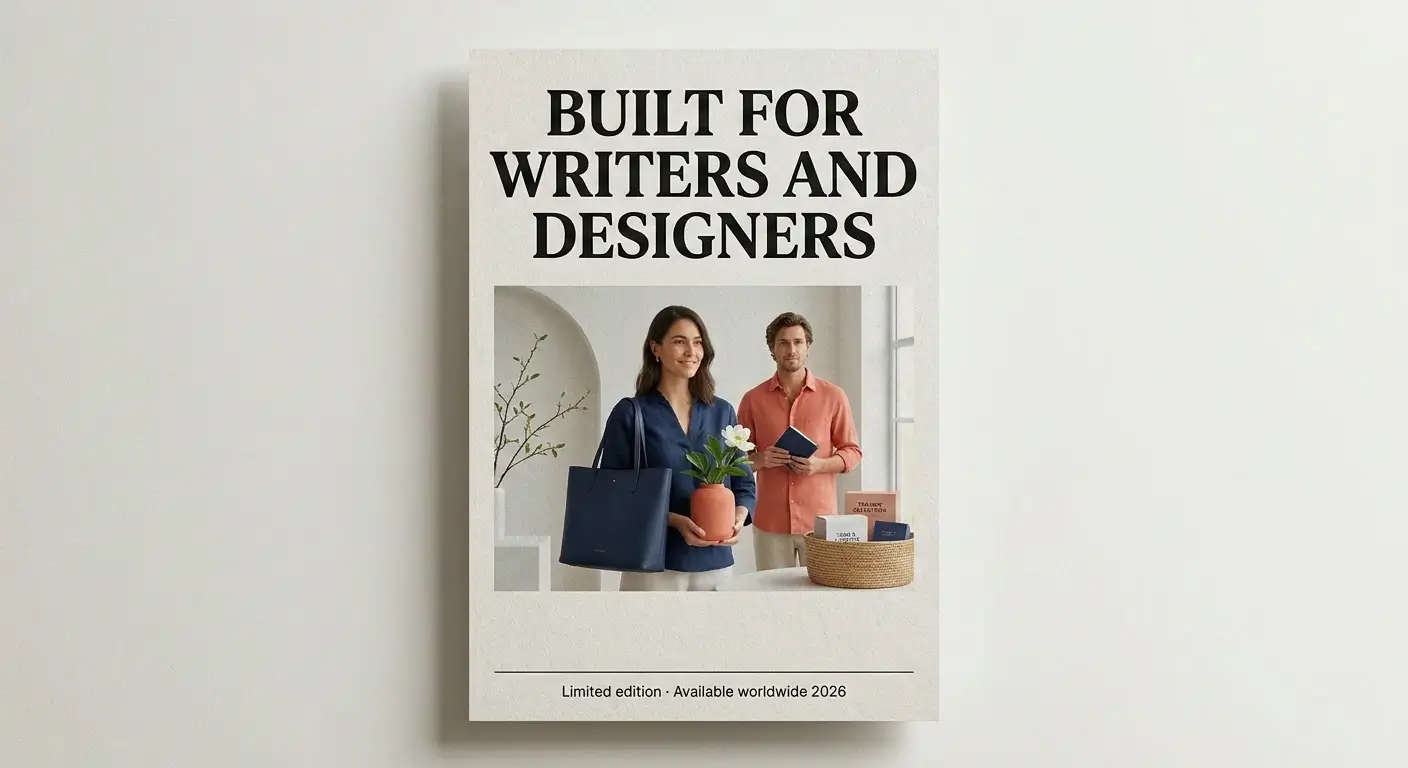
GPT Image 2 handles long headlines, multi-word labels, and cleaner punctuation directly inside the image. This makes it practical for posters, UI concepts, infographics, product packaging, and marketing visuals where the typography must feel intentional, legible, and aligned with the composition.
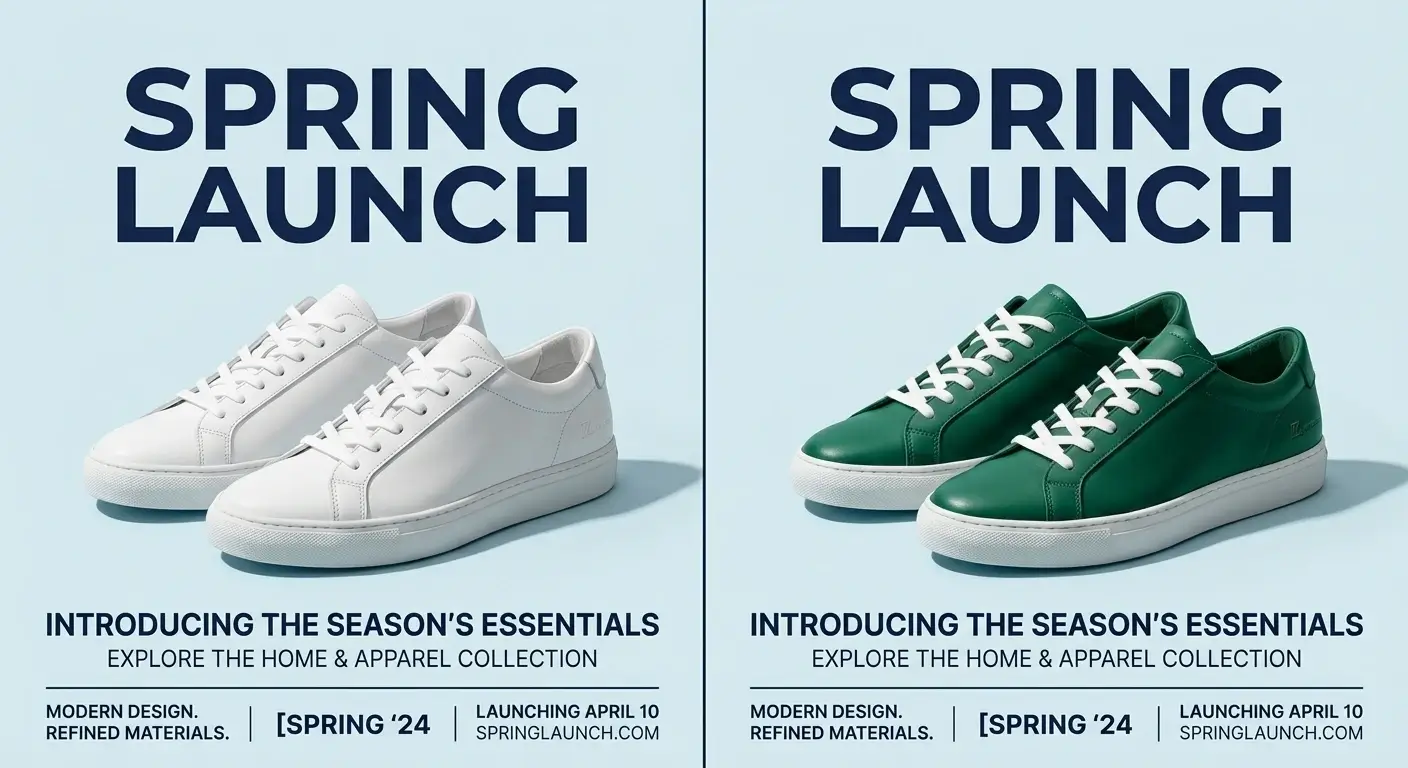
GPT Image 2 supports image-to-image edits where one region changes without disrupting the rest of the scene. Product recoloring, background updates, and local object edits keep lighting, shadows, and textures coherent, which is cleaner than full-image regeneration.
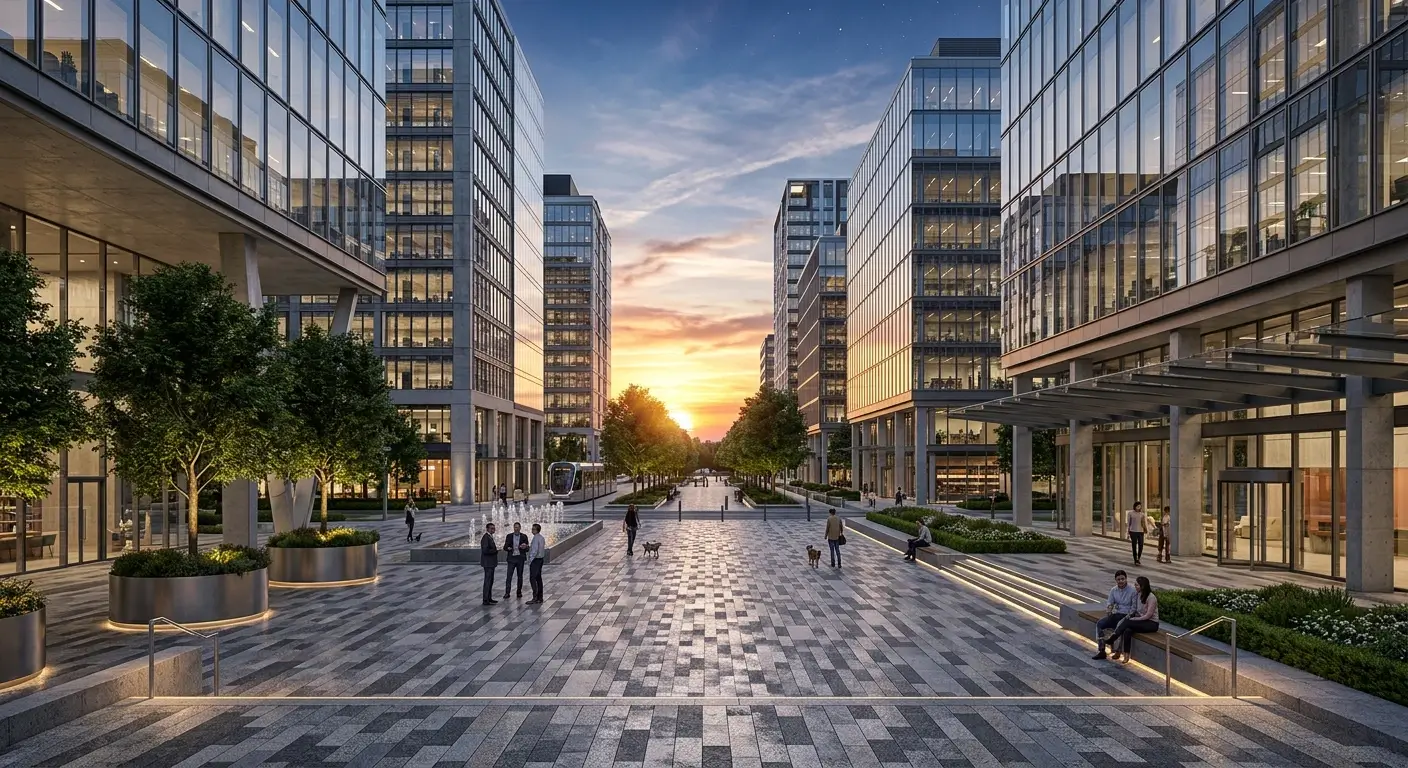
GPT Image 2 is tuned for image generation where visual credibility matters as much as aesthetics. Maps, anatomy-style diagrams, historical scenes, architectural renders, and educational visuals feel more informed and more believable thanks to stronger world knowledge.
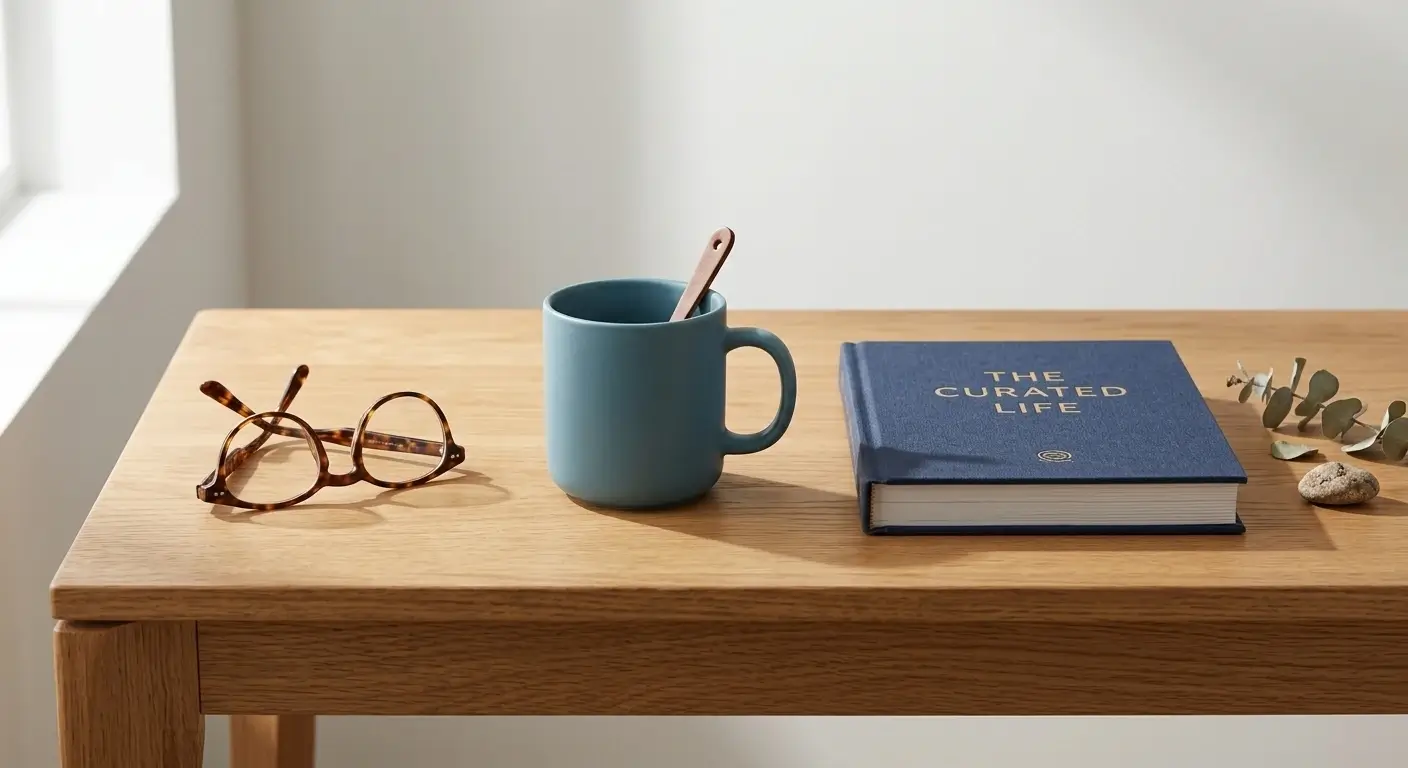
GPT Image 2 is positioned for quick iteration, with high-quality generations typically returning in a few seconds. Combined with better instruction following for multi-subject prompts and tighter layout control, it becomes practical for complex visual creation at scale.
GPT Image 2 can render readable text inside images across many languages, which matters for localized ads, international packaging, interface mockups, and educational graphics. In-image text becomes part of the final design rather than a placeholder.
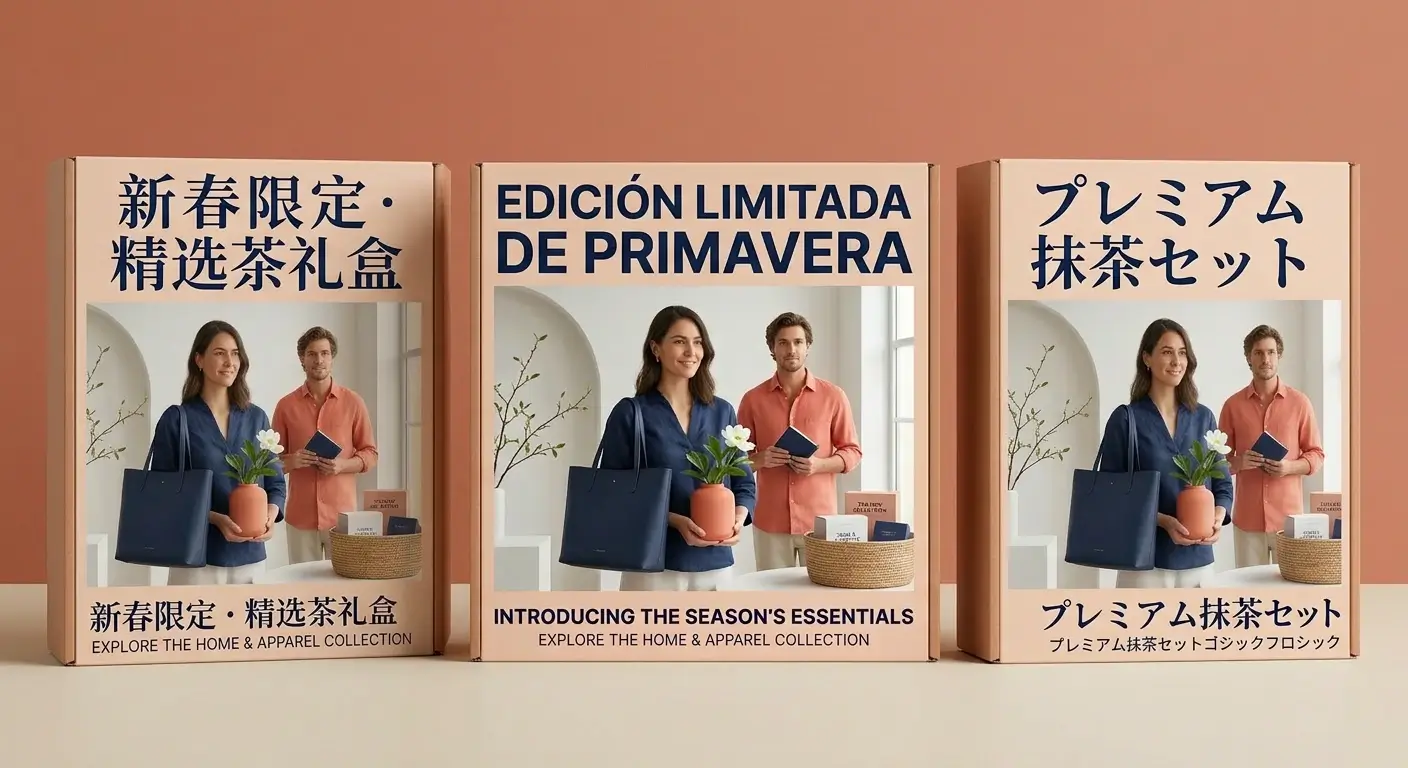
Use GPT Image 2 directly in your browser with no software install, no plugin, and no local GPU required. Upload an image or type a prompt from any device and get commercial-quality output in seconds.

GPT Image 2 makes it simple to generate or edit images from a single prompt. Follow four clear steps to get high-quality results in seconds.
Upload a reference image if you want to edit or transform it. For pure text-to-image generation with GPT Image 2, you can skip this step and move on.
Describe the image you want, including subject, style, layout, and any in-image text. The more specific the prompt, the more GPT Image 2 can lean on its stronger prompt fidelity.
Click generate and let GPT Image 2 render the image. High-quality output typically returns in a few seconds, so you can iterate and compare versions quickly.
Preview the result and download the image. Use it for ads, packaging, product listings, social posts, or any commercial project that needs polished visuals.
Discover how GPT Image 2 supports campaigns, product imagery, design systems, and multilingual visual workflows.
GPT Image 2 produces ad images, paid social creatives, promotional banners, and launch visuals that feel close to campaign-ready creative from the first pass. Strong text rendering means headlines and CTAs stay legible across sizes.
Use GPT Image 2 to recolor products, swap backgrounds, and refine listing images without rebuilding the whole scene. Controlled pixel-level edits keep lighting and textures consistent for storefront operations.
Design systems and production teams rely on GPT Image 2 for posters, product packaging, and interface mockups where in-image typography must stay sharp, aligned, and intentional rather than decorative.
Creators and agencies use GPT Image 2 to generate images for Instagram posts, YouTube thumbnails, TikTok covers, and feed creatives. Fast iteration lets you test prompt variations without blocking a production pipeline.
GPT Image 2 is suited to infographics, editorial illustrations, and educational diagrams where structure and factual coherence matter. Stronger world knowledge keeps complex scenes more grounded and believable.
Teams running multi-region campaigns use GPT Image 2 for localized packaging, translated ad creatives, and region-specific UI assets, with readable in-image text across many languages.
See how teams use GPT Image 2 to generate images, edit visuals, and ship campaign-ready assets faster.
GPT Image 2 finally made in-image typography usable for real brand work. I generated a full poster series with bold headlines and small legal copy, and the text came out clean on the first pass.
I swap backgrounds and recolor products with GPT Image 2 instead of reshooting. The lighting and shadows stay consistent across listings, which saved our team a full studio day each week.
For YouTube thumbnails and Instagram posts, GPT Image 2 is fast enough to iterate on five layouts in under a minute. The online workflow means I can push creatives straight from my laptop.
We A/B test ad creatives at scale and GPT Image 2 keeps prompt fidelity tight across multi-subject layouts. Our testing cycle got noticeably shorter once we moved variations off design requests.
GPT Image 2 is the first model I trust for UI and dashboard mockups. Labels, button text, and tiny interface copy stay readable, which is where most image models fall apart.
I run a local bakery and used GPT Image 2 to produce a full set of seasonal packaging visuals. The multilingual text handled both English and French labels without any extra editing.
Answers to common questions about GPT Image 2, including pricing, supported workflows, and image quality.