Banana AI Magic Tools

Magic Tools for AI Image Editing

Explore free online AI image tools for cleanup, enhancement, creative edits, and ready-to-use visuals.

Why Magic Tools

AI Photo Editing Tools Built Around Real Tasks

Magic Tools helps you skip complex editing menus and start from the outcome you need. Pick a focused AI image tool, upload your photo, and create a cleaner, sharper, or more creative result online.

Find the Right Tool Faster

Magic Tools organizes AI image editing by real tasks, so you can quickly choose the right workflow for cleanup, enhancement, style changes, or creative image generation.

Built for Focused Image Results

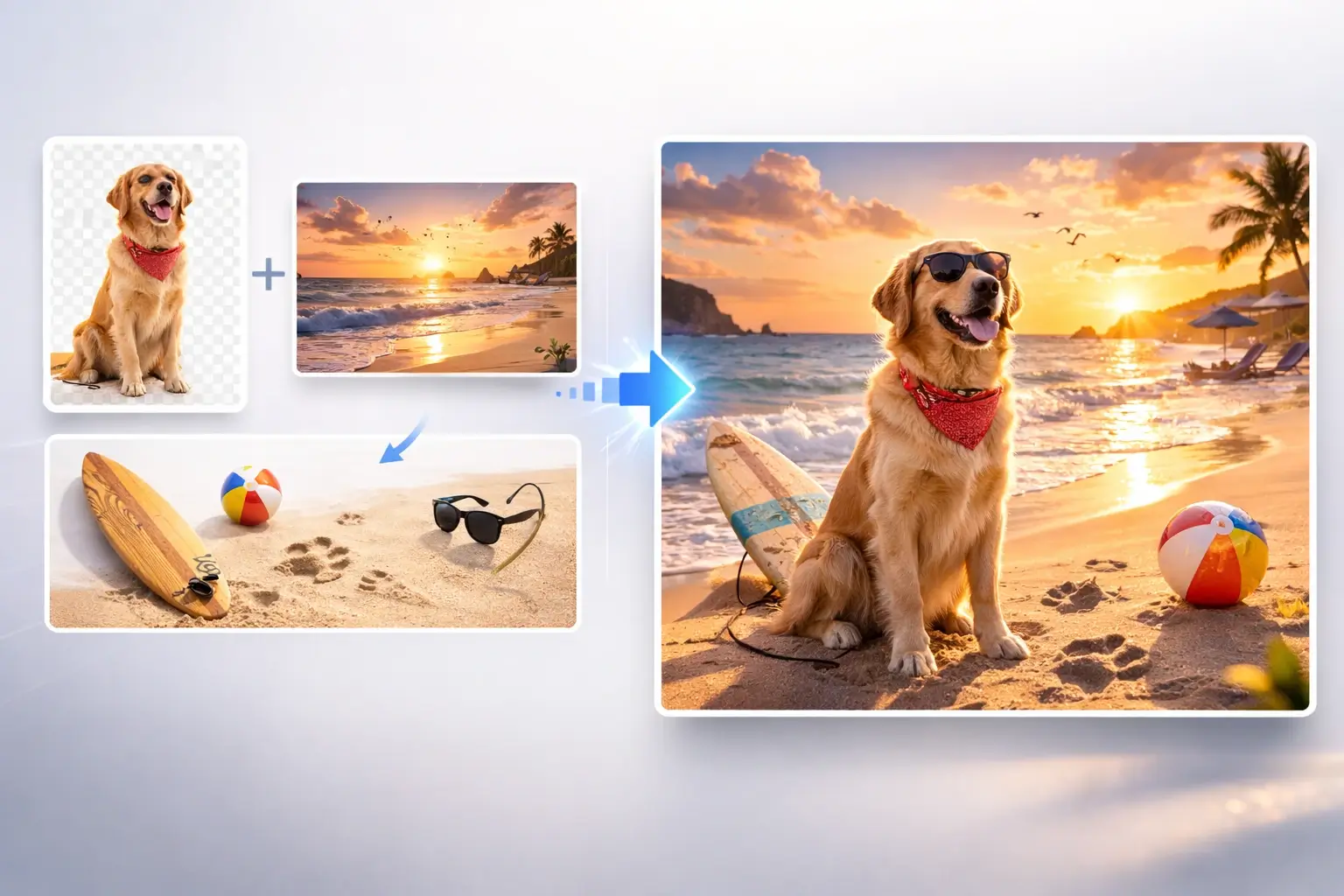
Each tool is designed around a specific image goal, from removing backgrounds to combining images, so the experience stays simple and the result is easier to control.

Preview the Result Before You Start

Visual previews help you understand what each AI image tool is made for before you upload a photo or open a workflow.

Useful for Quick Edits and Creative Work

Use Magic Tools for fast photo fixes, content assets, product visuals, profile images, creative experiments, and more advanced image workflows.

Use Cases

Create Better Images for Work, Content, and Ideas

Use Magic Tools to improve product photos, prepare social visuals, clean up personal images, explore portrait styles, generate creative assets, and turn everyday image tasks into simple AI workflows.

Clean Up and Improve Photos

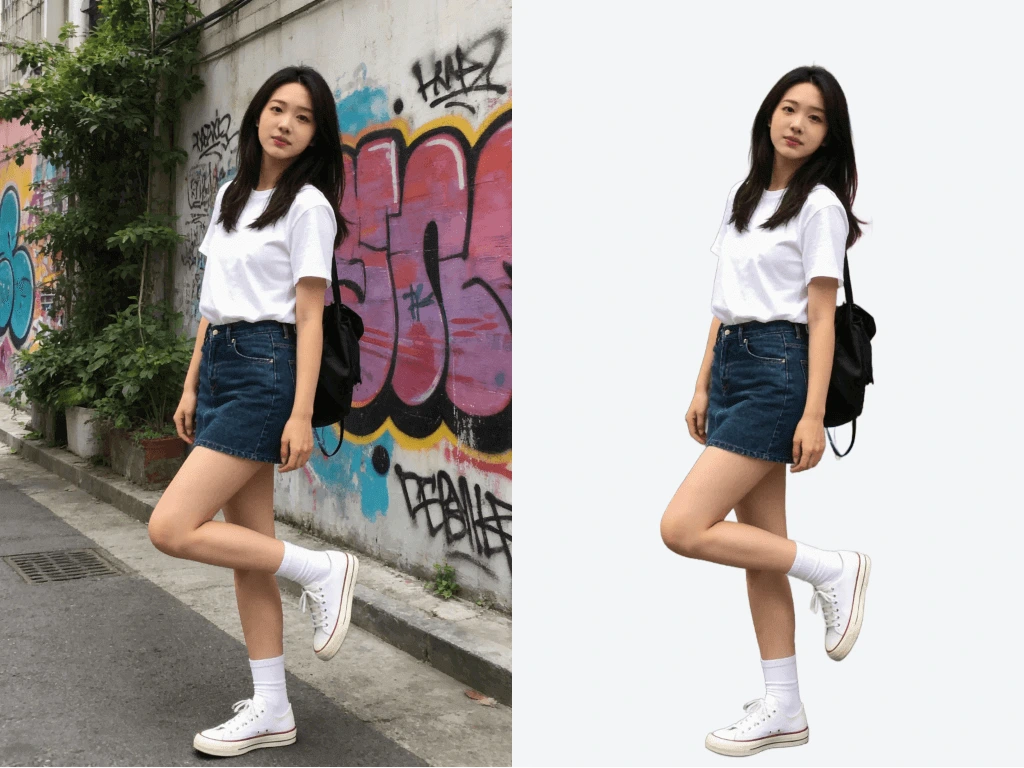
Remove backgrounds, erase unwanted objects, improve clarity, upscale images, and prepare cleaner photos for personal, professional, or commercial use.

Create Content and Marketing Visuals

Make stronger visuals for social posts, thumbnails, profile images, product listings, landing pages, campaigns, and content ideas.

Explore Portrait, Fashion, and Style Ideas

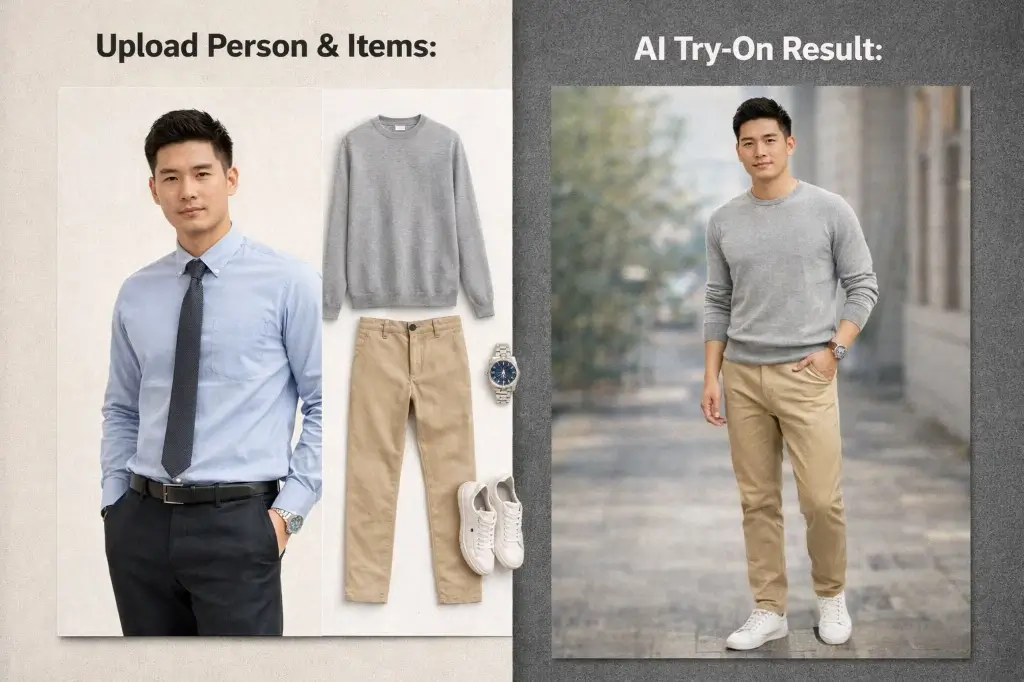
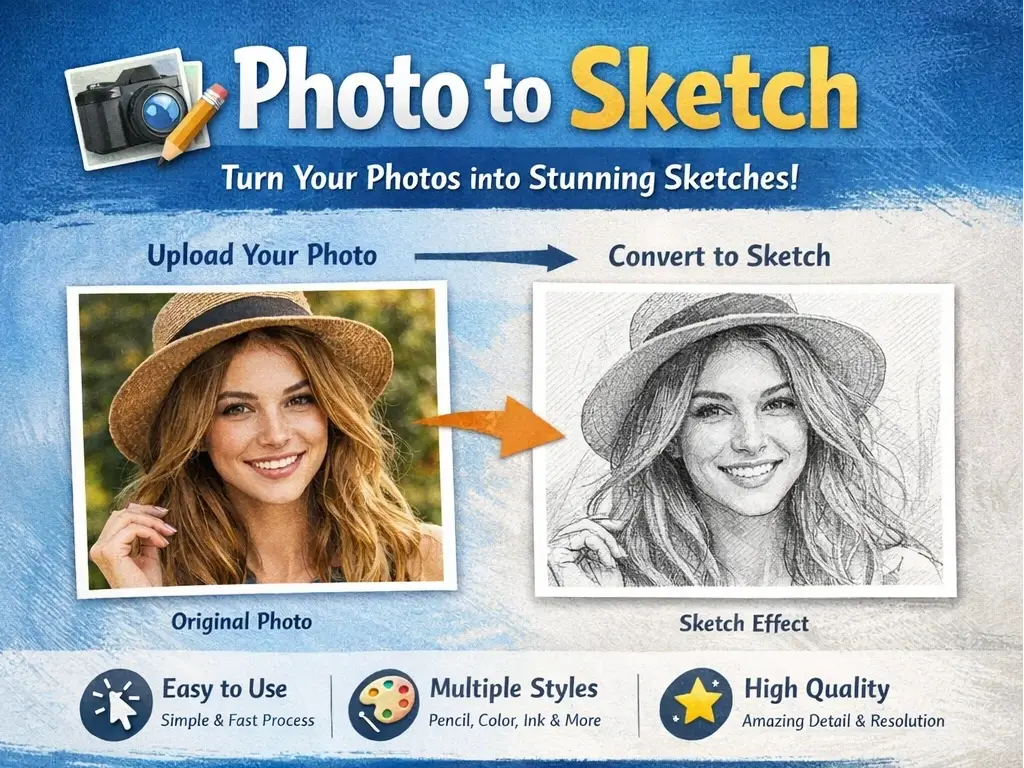
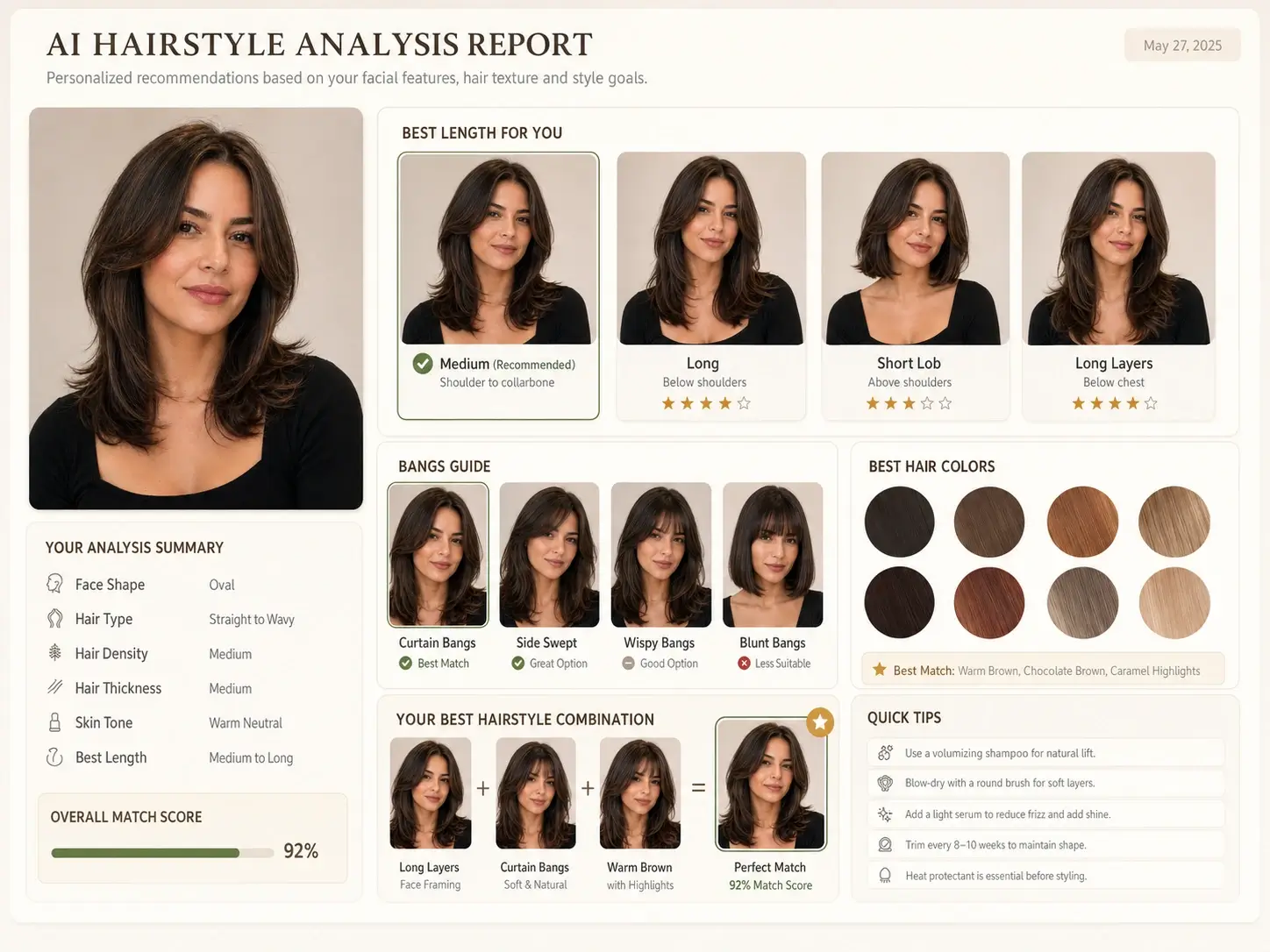
Try outfit changes, hairstyle ideas, sketch effects, portrait directions, and stylized image treatments before choosing a final look.

Build Specialized Creative Assets

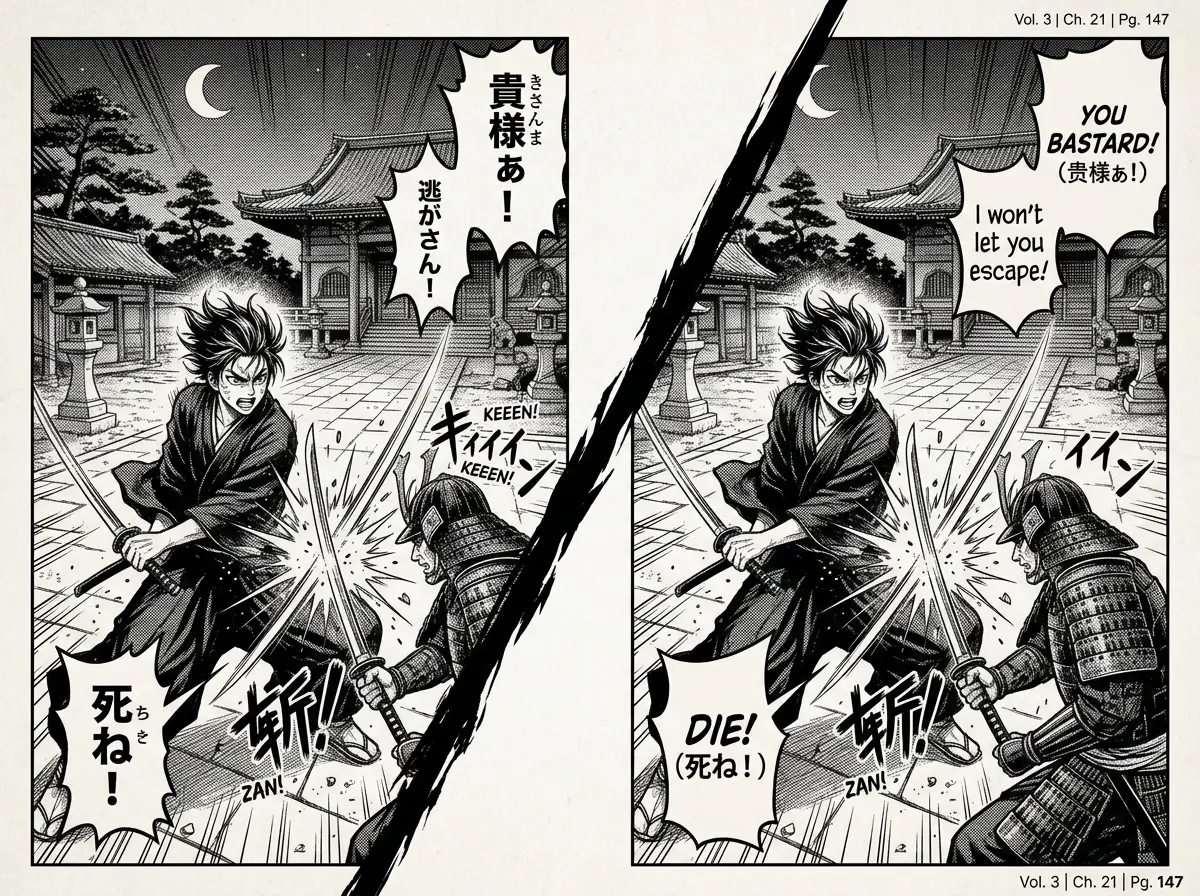
Use dedicated AI image tools for manga translation, game-inspired assets, camera-angle changes, image combining, and other workflows beyond basic editing.

FAQ

Magic Tools FAQ

Learn how Banana AI Magic Tools work, which AI image tool to choose, what you can create, and how to use these online photo editing tools for practical and creative image tasks.
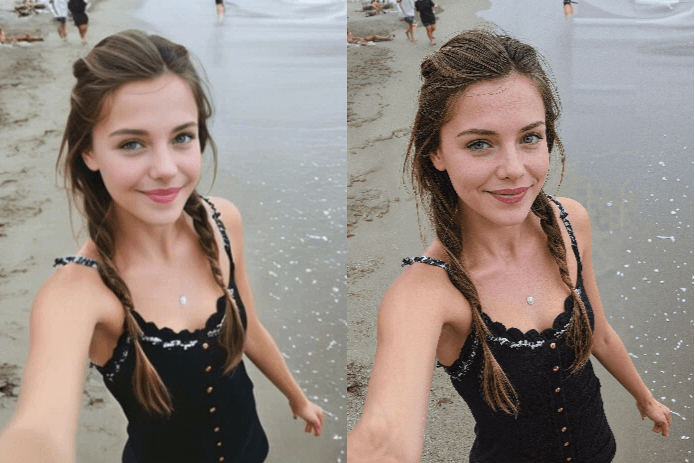
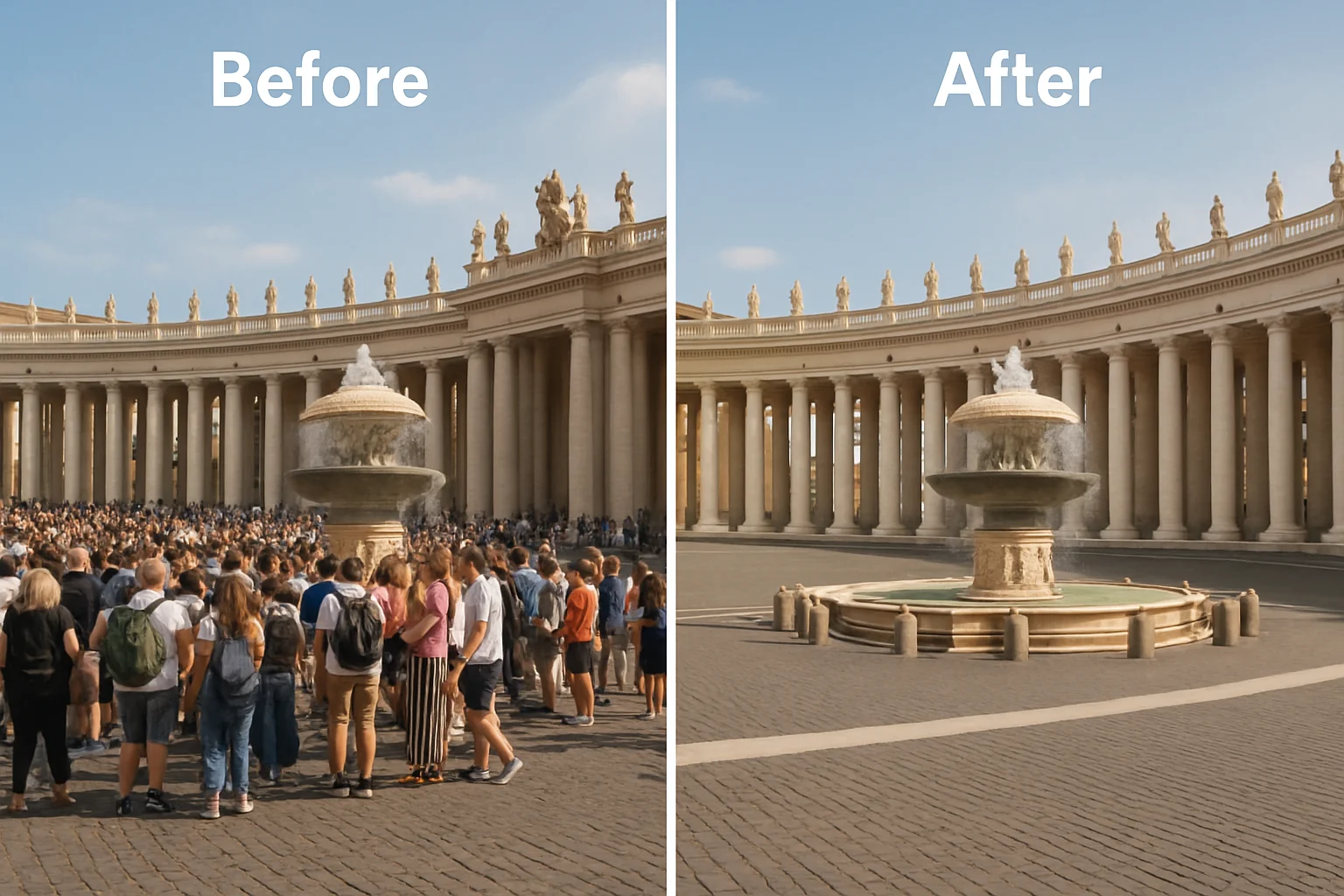
Banana AI Magic Tools is a collection of online AI image tools for photo editing, image enhancement, creative transformation, and visual asset creation. It helps you choose a focused workflow based on the result you want.

You can start using Banana AI Magic Tools online for free. Some advanced workflows, models, or higher-volume tasks may require credits depending on the processing type and account status.

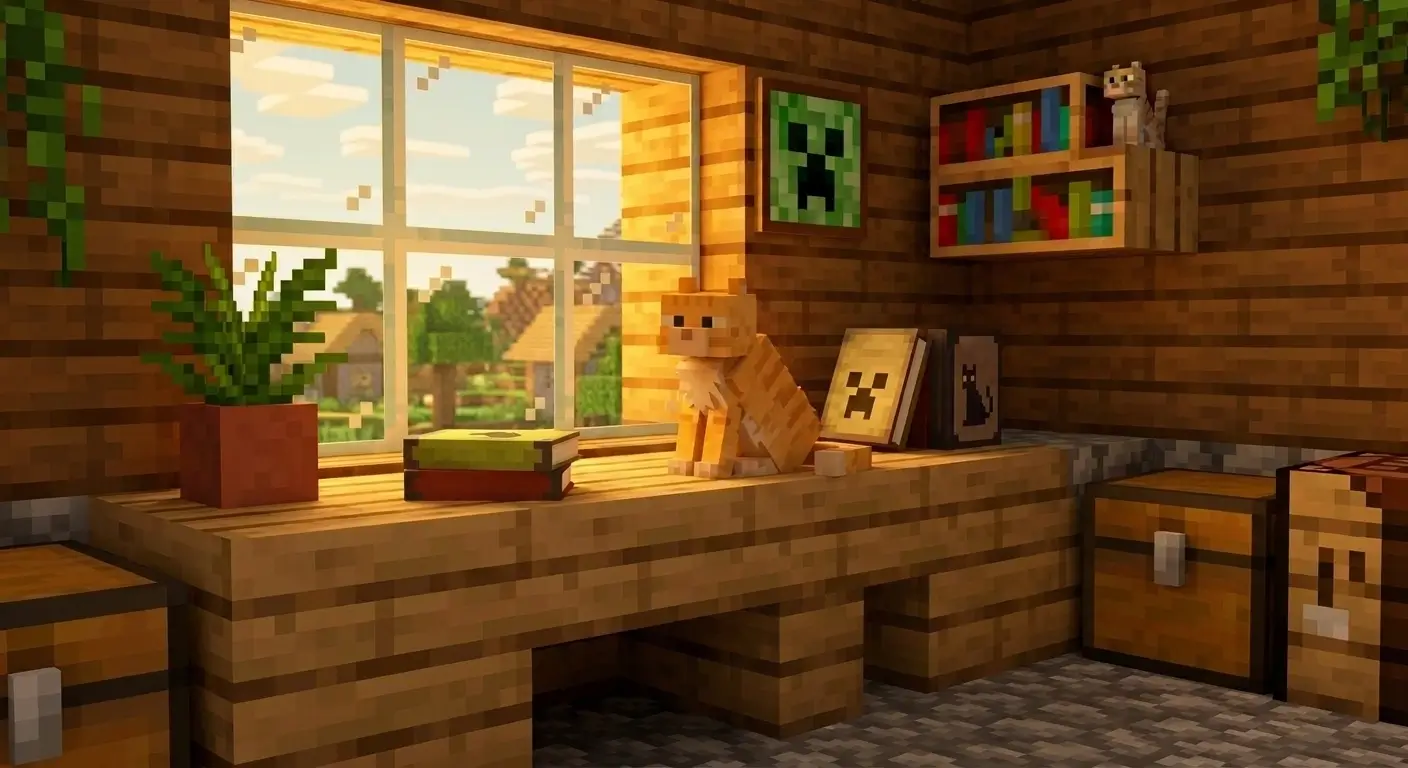
Magic Tools includes AI tools for background removal, image upscaling, object removal, image combining, clothes changing, photo-to-sketch conversion, manga translation, Minecraft skin generation, 3D camera control, and hairstyle analysis.

Start with the result you need. Choose a cleanup tool for removing backgrounds or objects, an enhancement tool for improving image quality, a portrait tool for fashion or hairstyle ideas, or a creative tool for stylized and specialized results.

Yes. You can complete one edit first and then continue with another tool. For example, you can remove a background, upscale the image, combine it with another image, or apply a creative style in a later step.

Yes. Magic Tools can help prepare product images by removing backgrounds, cleaning up unwanted objects, improving resolution, combining references, and creating cleaner visuals for listings, ads, and landing pages.

No. Magic Tools is organized by clear image tasks instead of complex editing menus, so you can choose the tool that matches your goal and start editing without professional design experience.

Yes. Banana AI Magic Tools is designed for desktop and mobile use, so you can browse tools, upload photos, choose a workflow, and create AI-edited images from different devices.
Start with Banana AI Magic Tools

Ready to edit, enhance, or transform your image?