 NEW
NEWInverted Filter Online
Mirror your face photo online and compare your selfie from the opposite view.
Image
Click to upload an image
PNG, JPG, JPEG, or WEBP (max 10MB)
Aspect Ratio
2 credits per generation
Your generated images will appear here
More Magic Tools
More AI Image Tools for Your Next Edit
Try another Banana AI Magic Tool when your image needs cleanup, enhancement, style changes, or a different creative direction.
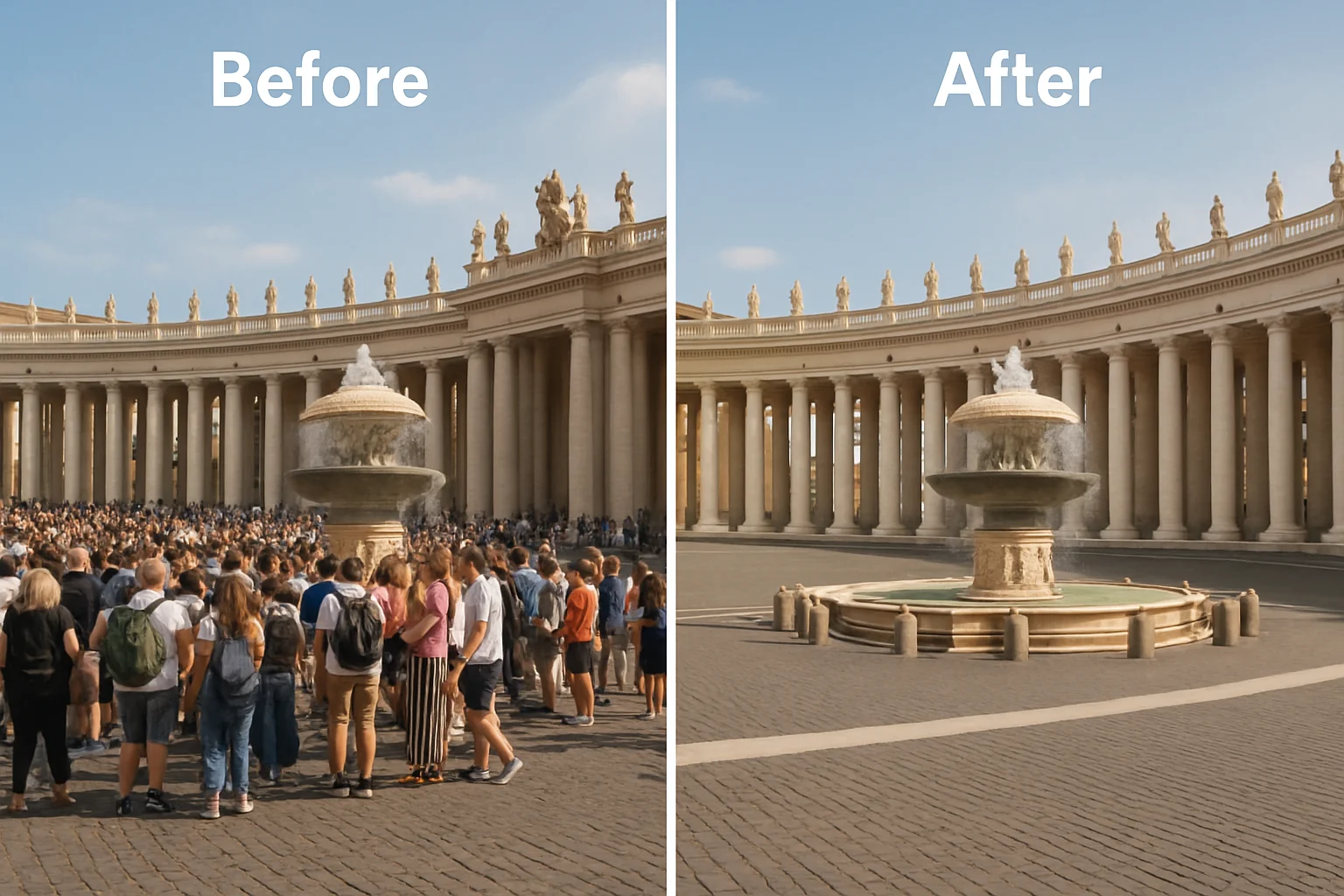
Core Capabilities
Inverted Filter for Natural Face Mirror Results
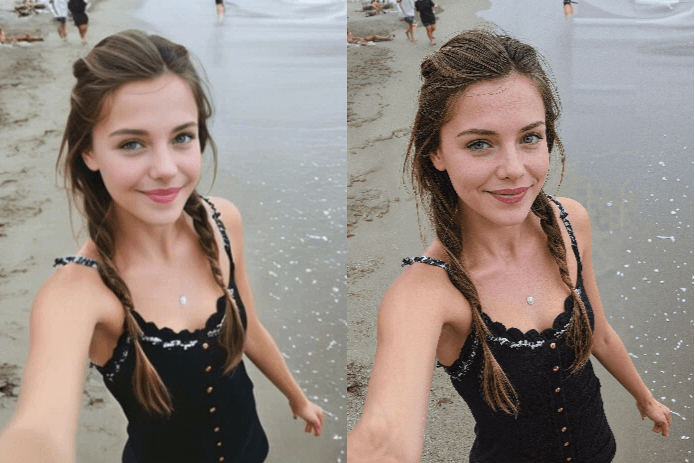
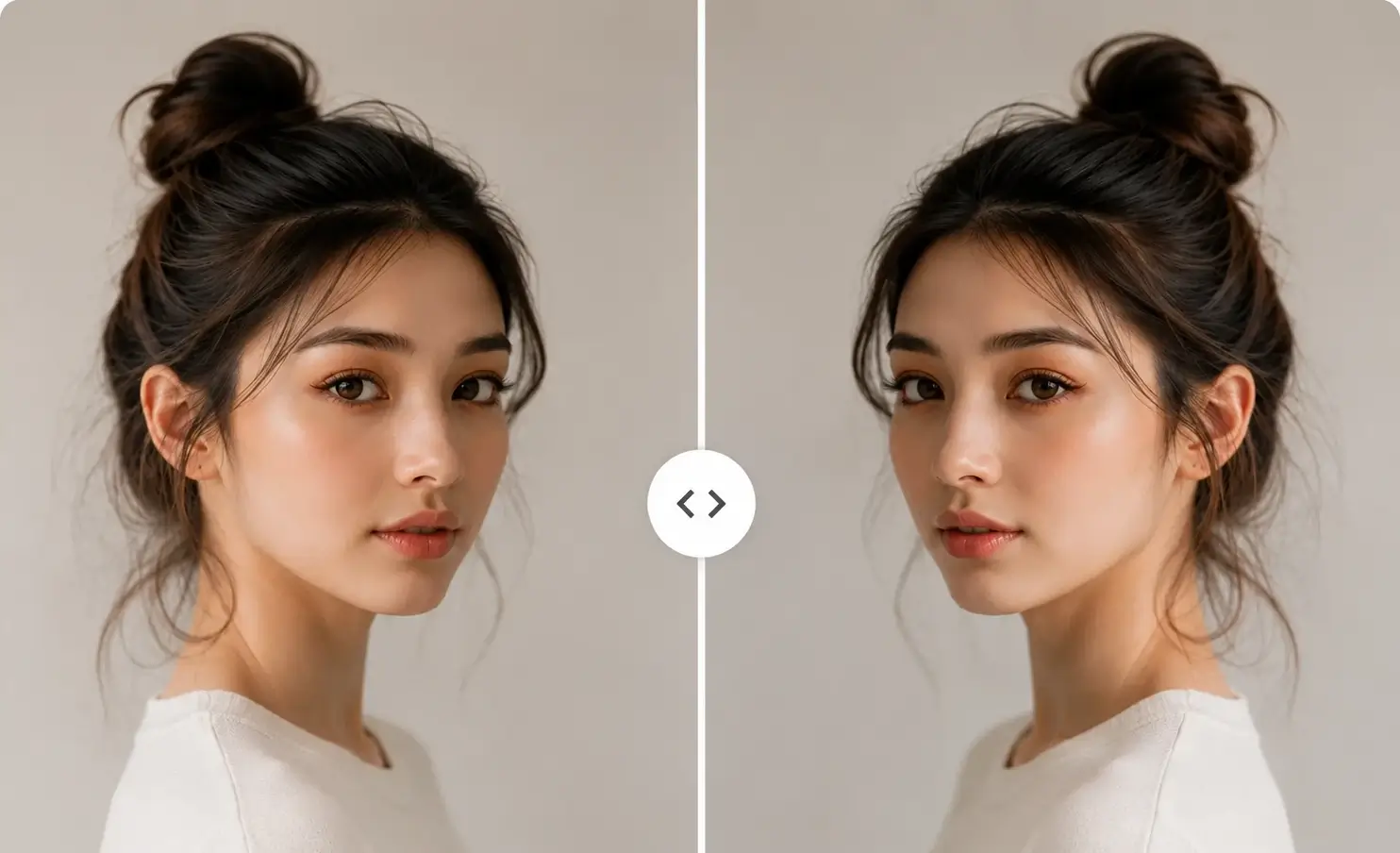
Inverted Filter focuses on the face mirror version of the inverted filter. It flips portraits left to right while preserving natural color, texture, lighting, and facial detail.
Selfie Mirror Checks with Inverted Filter
Inverted Filter creates a left-to-right mirror version of your selfie while keeping the original face, expression, and colors. It helps you compare your usual photo view with an inverted face filter result before posting or sharing.
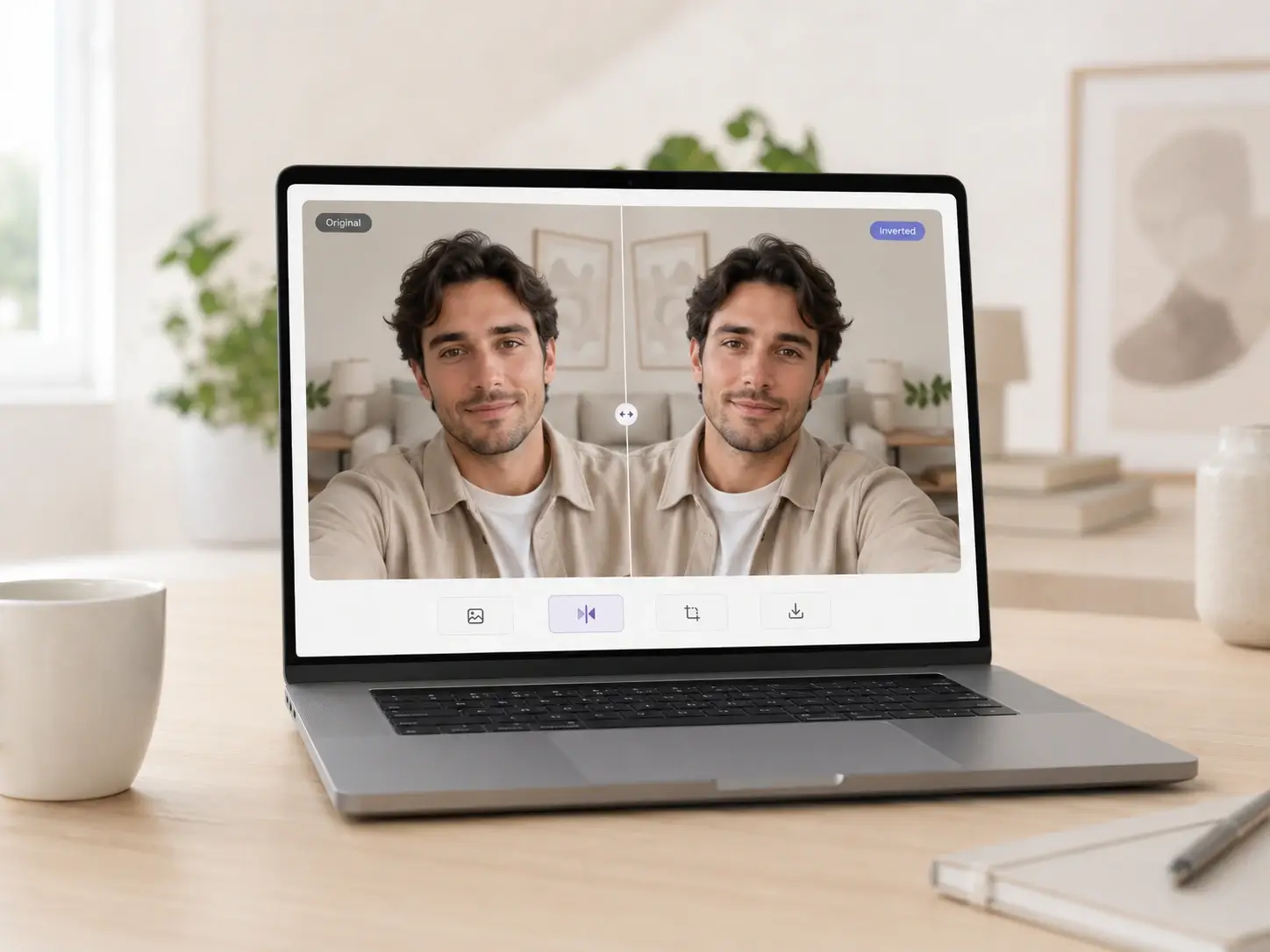
Mirror Face Photos Online Without Software
Create a mirror face photo directly in the browser without Photoshop or a mobile editing app. Add a portrait, apply the inverted filter, preview the result, and download the image online.
Preserve Natural Face Details and Photo Quality
Inverted Filter keeps the original facial details, expression, lighting, skin tone, and photo texture while creating a mirrored face result. The output stays natural and close to the original portrait.
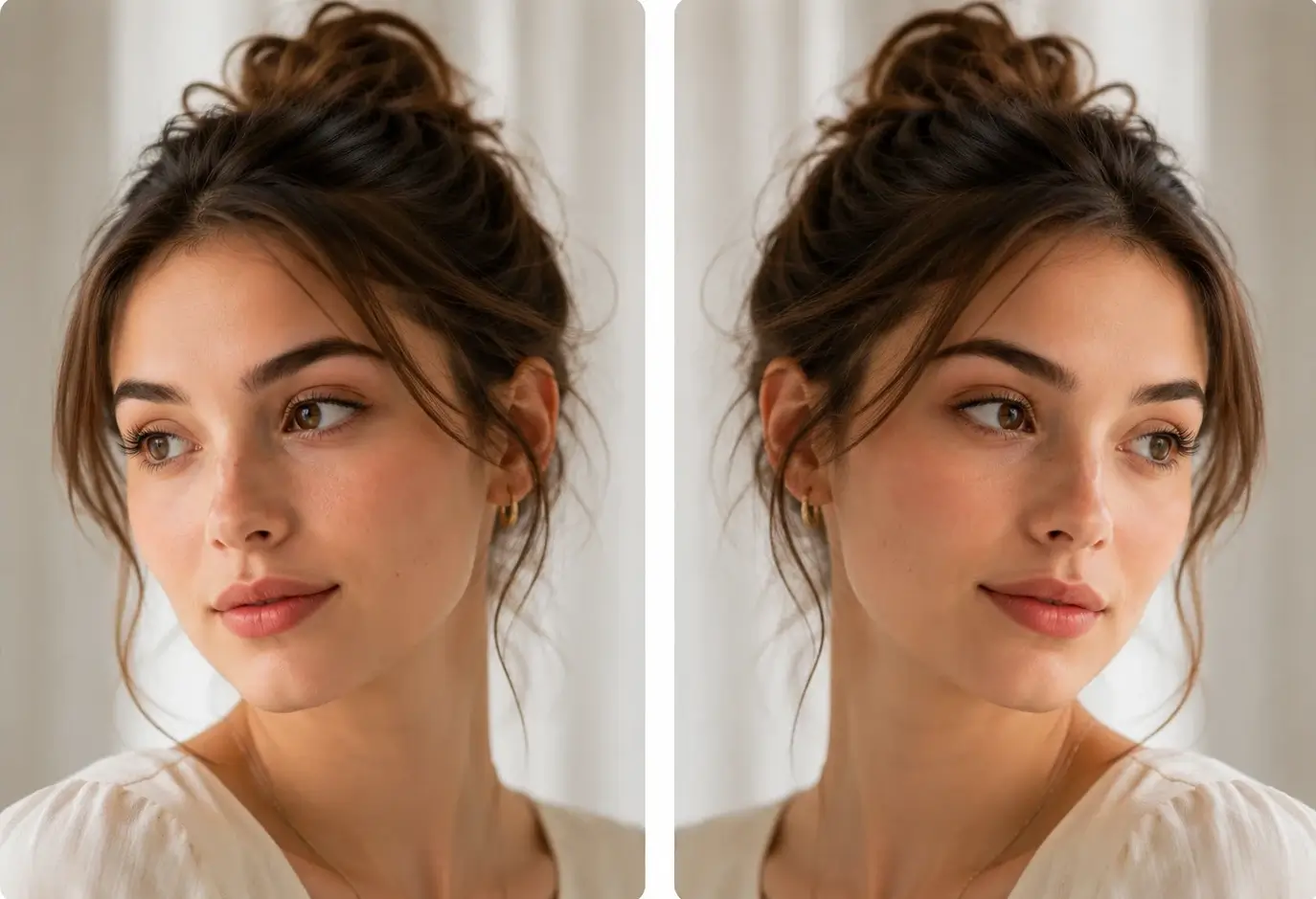
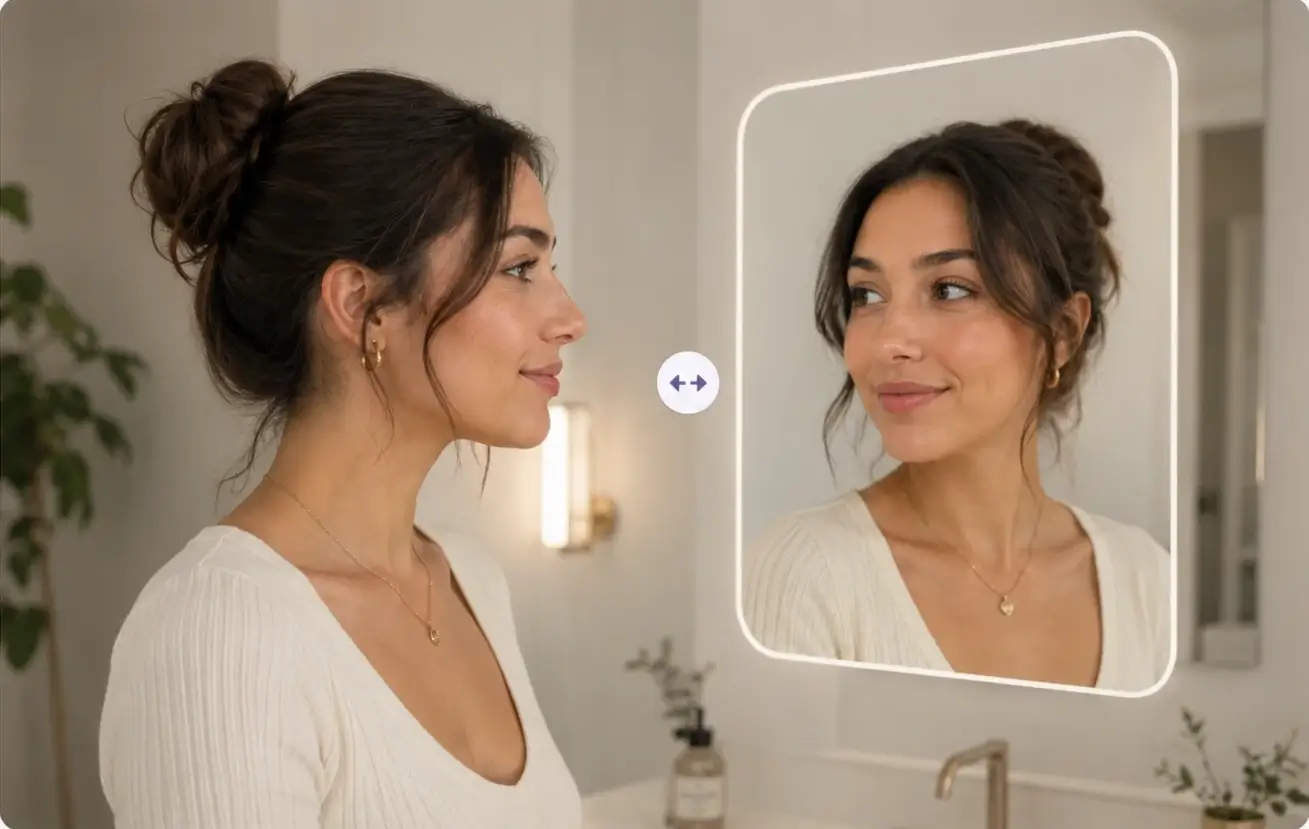
Compare Your Face from the Opposite View
A mirrored face photo can help you see a portrait from a different direction than your usual mirror view. Inverted Filter gives creators and everyday users a simple way to compare face direction, framing, and expression.
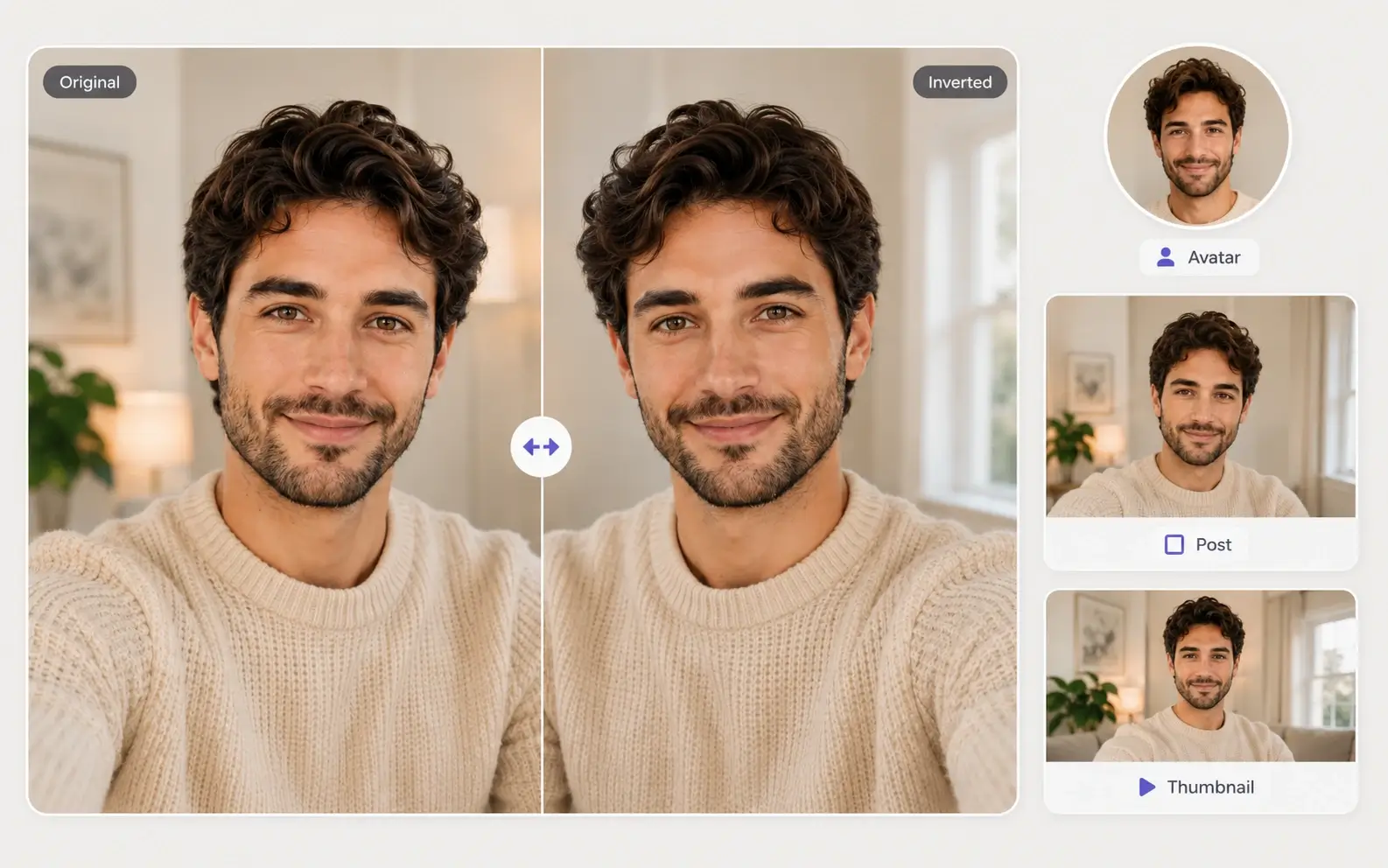
Mirror Face Images for Avatars and Social Posts
Use the mirrored result for profile photo checks, selfie comparisons, reaction thumbnails, short video assets, and social media edits. The result stays natural enough for practical portrait and creator workflows.
Step-by-Step Guide
How to Use Inverted Filter Online
Create an inverted face photo in a few simple steps. Add a selfie or portrait, apply the mirror effect, preview the result, and download your image.
1
Add Your Face Photo
Start with a selfie, profile picture, or portrait you want to mirror. Clear front-facing photos with balanced lighting usually work best.
2
Keep the Default Mirror Effect
Use the default inverted face filter setting for a clean mirror result. You can add optional details only if you want to preserve a specific crop, background, or portrait style.
3
Apply the Inverted Filter
Generate the mirrored face result online. The tool flips the portrait left to right while preserving the original colors, lighting, expression, and identity.
4
Preview and Download
Check the original and inverted face result, then download the mirrored image. Use it for selfie comparisons, profile photos, thumbnails, or social posts.
Use Cases
Where You Can Use Inverted Filter
Inverted Filter helps selfie users, creators, and portrait editors compare mirror face views for profile photos, social posts, thumbnails, and quick visual checks.
Selfie Mirror Comparison
Use Inverted Filter to compare how a selfie looks when flipped left to right. It helps you see your face from the opposite view before posting or sharing.
Profile Photo Preview
Mirror a headshot or avatar before publishing it online. The inverted face filter helps you notice expression, hair direction, framing, and overall balance from a fresh perspective.
Social Media and Short Video Posts
Create mirror face images for TikTok-style comparisons, Instagram posts, reaction content, and short-form video assets without opening editing software.
Thumbnail Layout Testing
Flip portrait images for video covers, reaction thumbnails, and creator graphics. A mirrored variation can help you decide which face direction works better with titles and layouts.
Face Direction and Symmetry Checks
Use the inverted filter to study how a portrait feels when the face direction changes. It is useful for quick visual checks, but it should not be treated as a medical or biometric analysis tool.
Mobile Browser Editing
Create an inverted face image directly from a phone or desktop browser. The online workflow avoids app installs and lets you download the mirrored result when it is ready.
Popular ways to mirror face photos
How People Use Inverted Filter
Explore common ways to use Inverted Filter for selfie checks, profile photo previews, creator assets, and portrait comparison.
SM
Selfie Mirror Check
Use Case
Compare a selfie from the opposite view before posting. The inverted filter makes it easy to see how your face direction, expression, and framing change when mirrored.
PP
Profile Photo Preview
Use Case
Mirror a headshot or avatar before using it online. This helps you review face direction, hair placement, and overall balance from a fresh perspective.
CT
Creator Thumbnail Test
Use Case
Flip portrait images for video covers and reaction thumbnails. A mirrored version can help you choose the direction that fits better with titles, captions, and layout elements.
SM
Social Media Face Flip
Use Case
Create a TikTok-style inverted face result for social posts, selfie comparisons, and short-form content without using Photoshop or a separate mobile app.
CM
Color-Safe Mirror Edit
Use Case
Use the inverted filter when you want a mirror face result, not a negative photo effect. The edit keeps the original colors, lighting, and identity while flipping the portrait.
QP
Quick Portrait Review
Use Case
Preview how a portrait feels when the face direction changes. It is useful for quick visual checks before choosing a profile image, post cover, or creator asset.
Help & Support
Frequently Asked Questions About Inverted Filter
Learn how the inverted filter works, how it differs from color inversion, and how to create a natural mirror face photo online.
Create a Mirror Face Photo